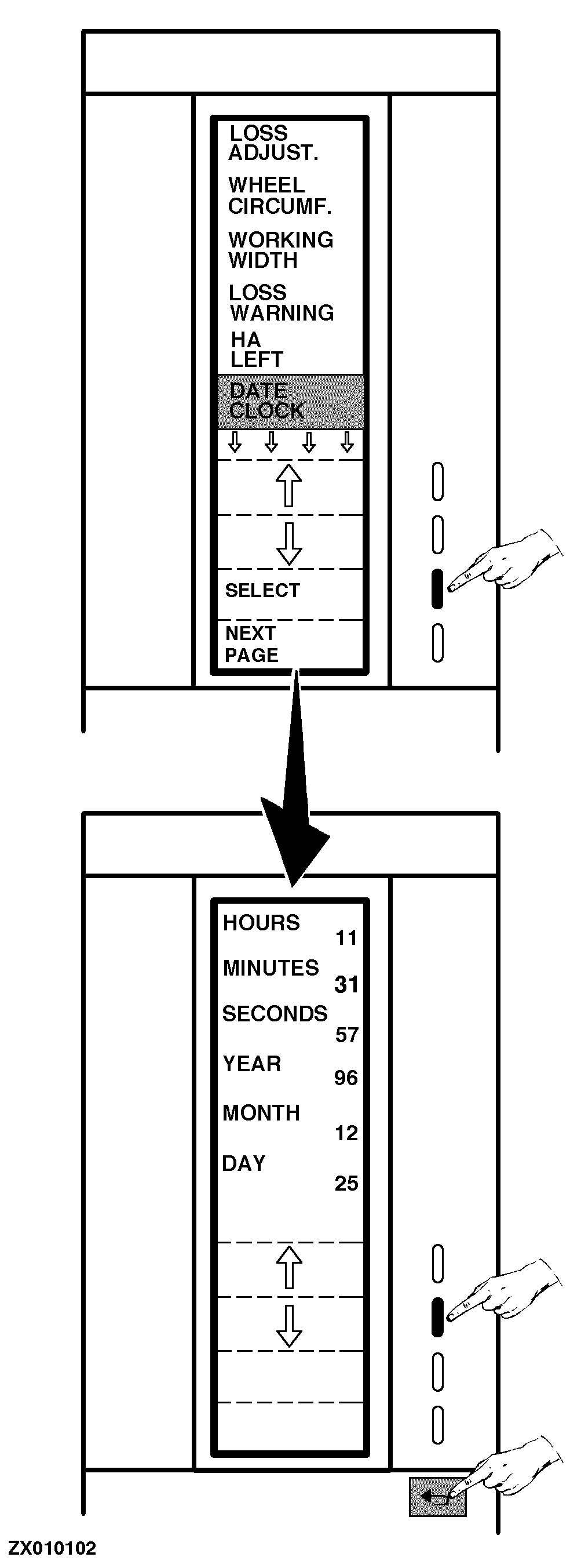
Adjusting Date/ClockHere you can encode the time and the date. Proceed as follows: Switch ON monitor (see "Switching On Combine Harvester Computer" in this Section) or go to the "Main Menu", then select "Encode" function. Select the "Date Clock" function, as shown. A new page is displayed: Press "Arrow" keys to select time setting that requires to be modified. Use numeric keys to enter new values. Press "Return" key to return to the previous function or to the main menu. |
|
ZX,OMSLC007308 -19-25NOV96-1/1 |