Lateral Tilt
|
|

|
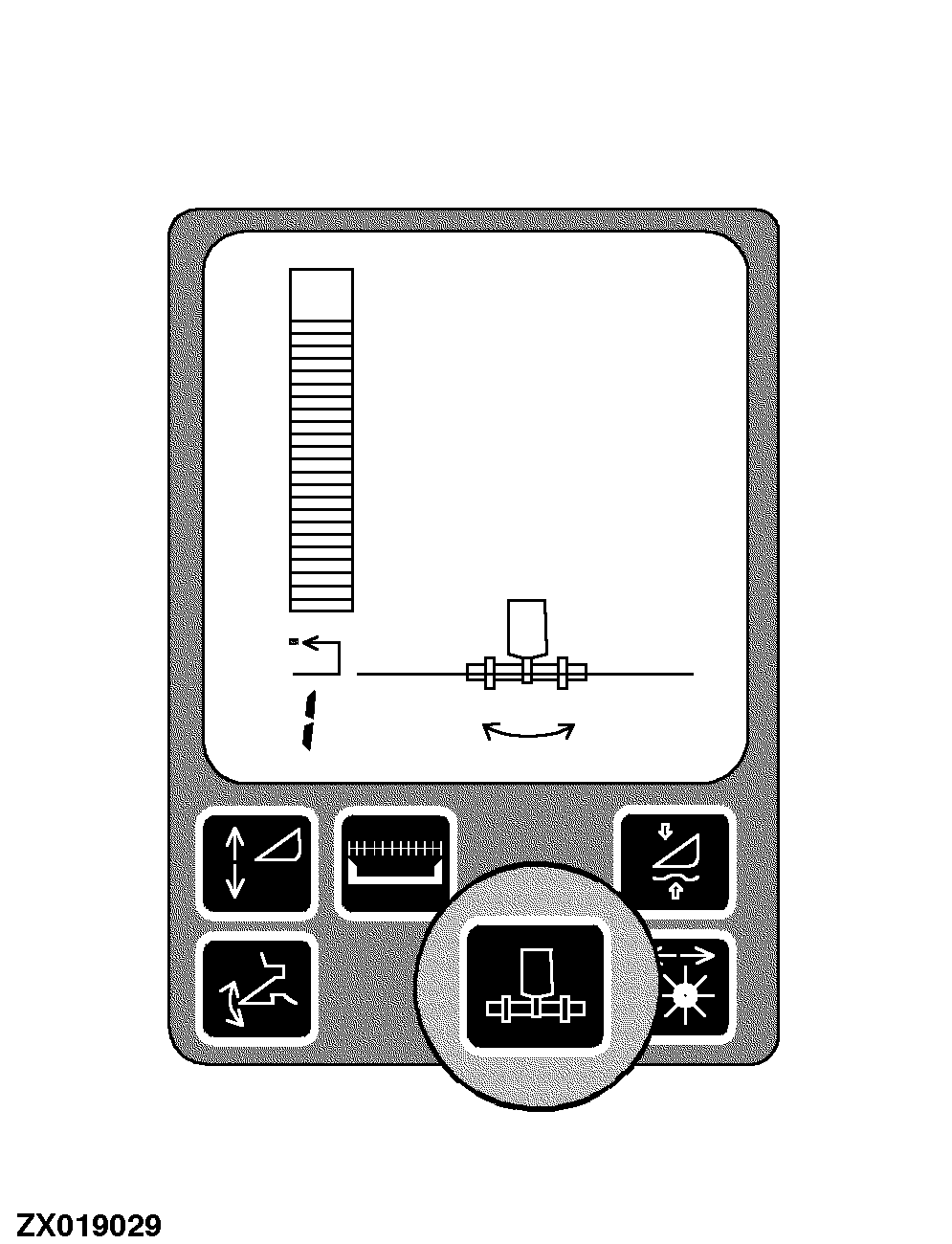
Lateral Tilt maintains the horizontal header position relative to the ground. It uses sensors to determine height at each end of the header. Lateral Tilt tilts the header +/- 4 degrees to equalize the distances to the ground at each end of the header. If the combine is equipped with Header Height Control, they work together to maintain the closest position of the cutterbar to the ground. The system must be calibrated for each header that is used with the combine, see Section Calibration Procedures. |
If the Resume to Cut and Header Height Control systems are disabled, Lateral Tilt will still operate. If the Lateral Tilt system is disabled, Resume to Cut and Header Height Control will still operate. Operation: 1.
A properly equipped header is connected to the combine
|
AG,OUZXMAY,147 -29-15FEB00-1/2 |
|
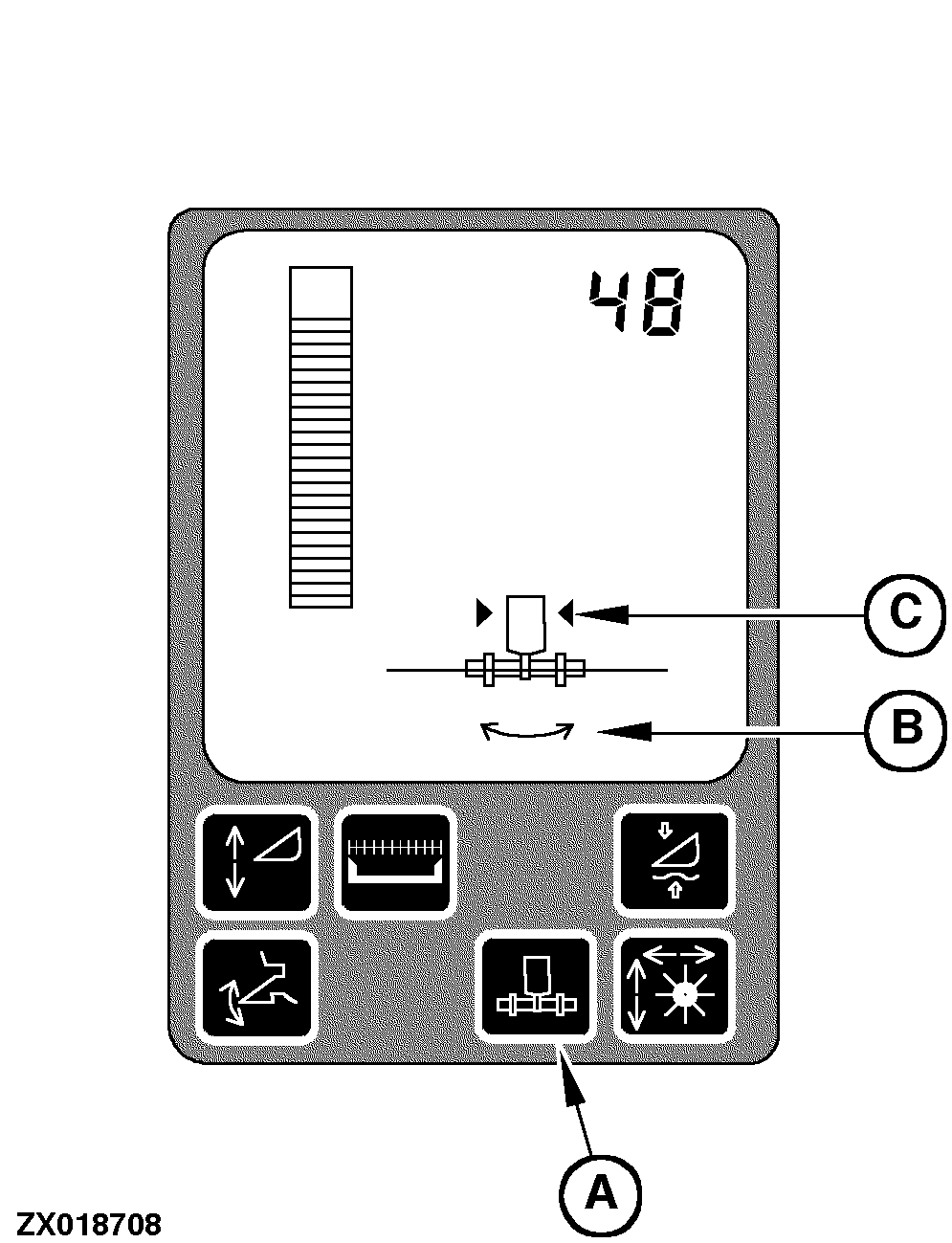
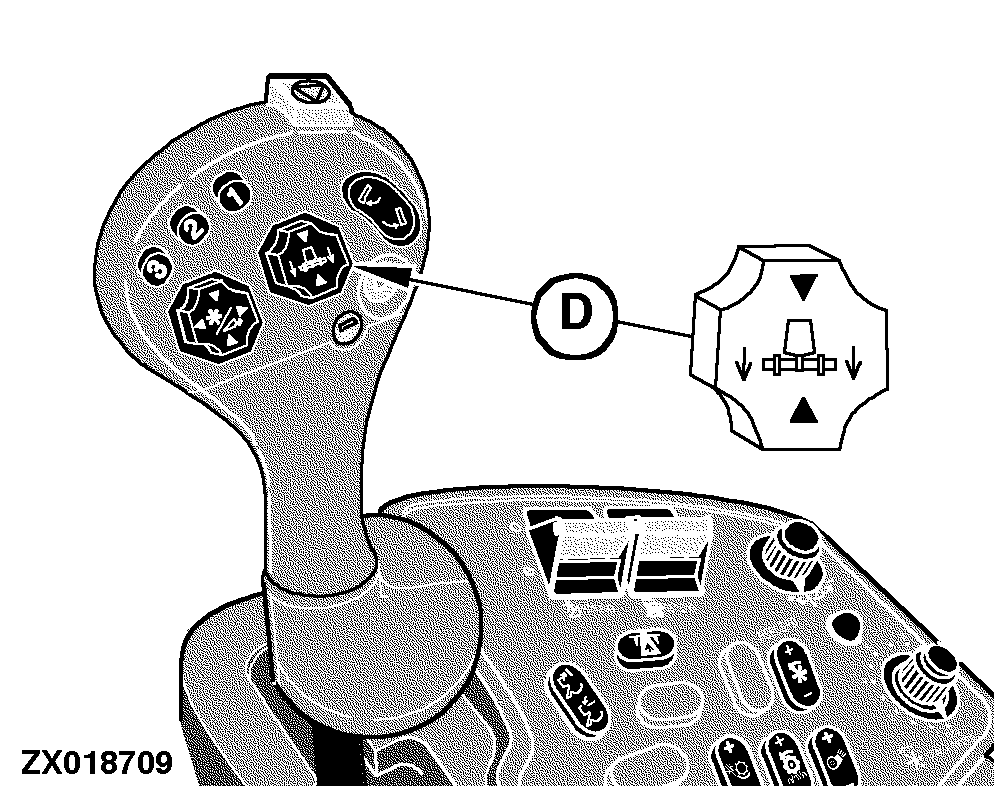
The Lateral Tilt system is enabled by pressing switch (A) on the corner post display unit. The Lateral Tilt symbol (B) will appear on the display. Arrows (C) on each side of the symbol indicate that the system is active. Pressing the manual tilt switch (D) or header raise/lower switch will turn off Automatic Lateral Tilt system. Press the right side of the switch to tilt header to the right. Press the left side of the switch to tilt header to the left. Pressing any of the activation buttons will re-activate the system. The Lateral Tilt system can be disabled by pressing switch (A). If activated with Header Height Sensing, Lateral Tilt will deactivate at the same time as the Header Height Sensing system.
|
|
AG,OUZXMAY,147 -29-15FEB00-2/2 |