Area Counter Enable Calibration
To enable area counter.
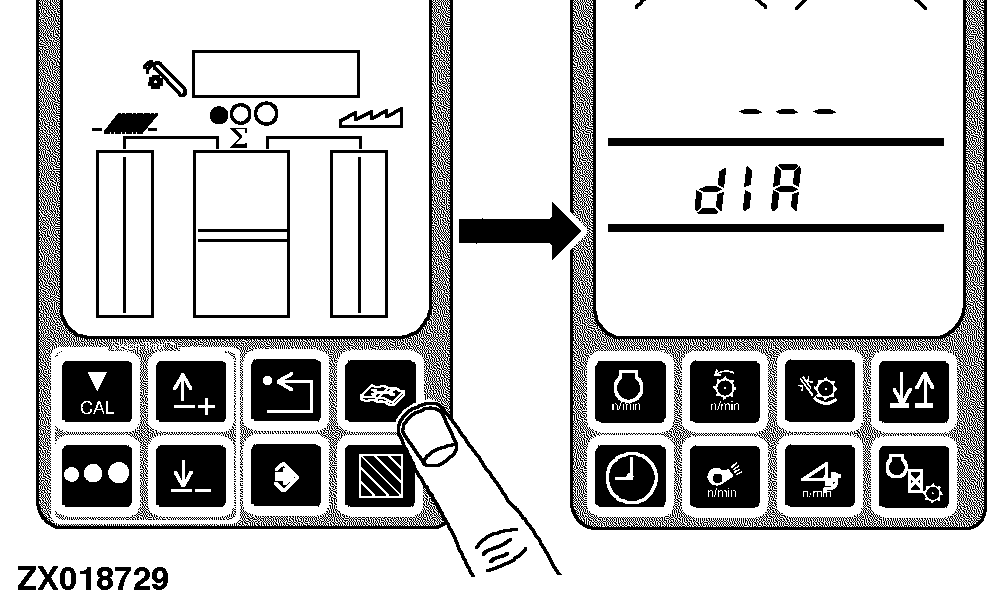
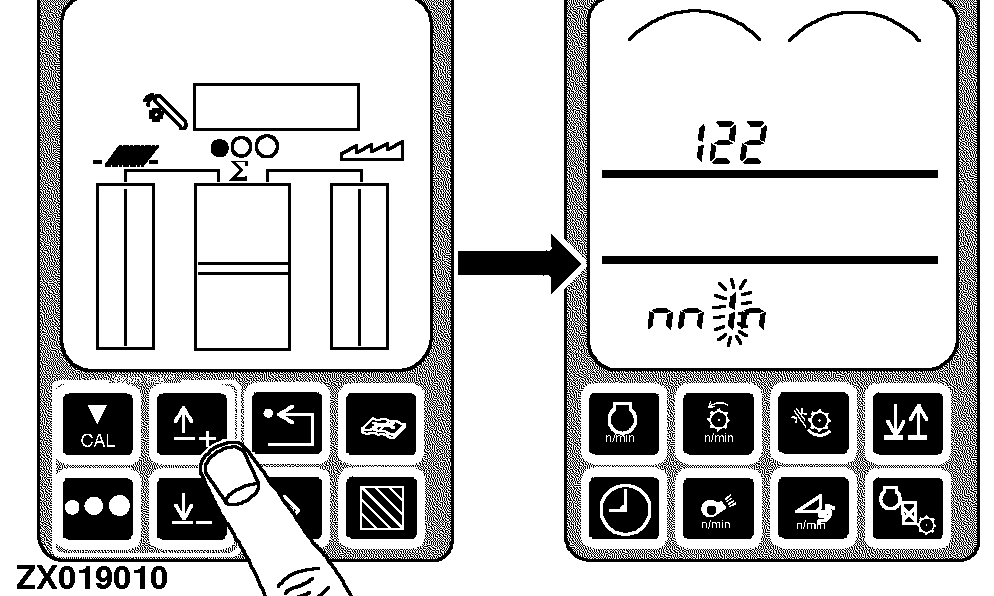
Press the diagnostic switch. dIA will appear on the triple display tachometer.
|
|
|
|
AG,OUZXMAY,220 -19-13NOV99-1/6
|
|
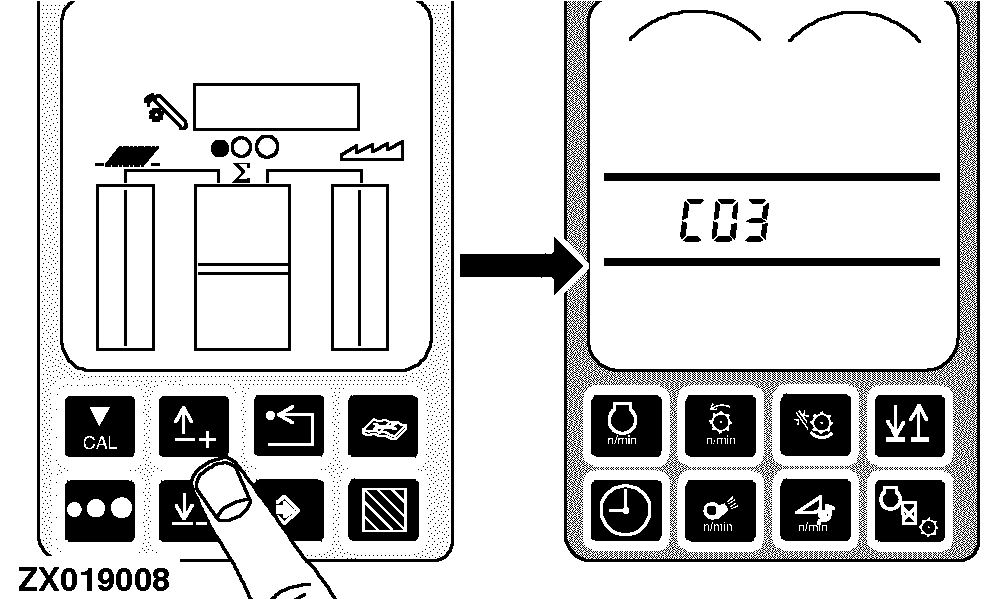
Press the up or down arrow switch until C03 appears on the tachometer.
|
|
|
|
AG,OUZXMAY,220 -19-13NOV99-2/6
|
|
|
AG,OUZXMAY,220 -19-13NOV99-3/6
|
|
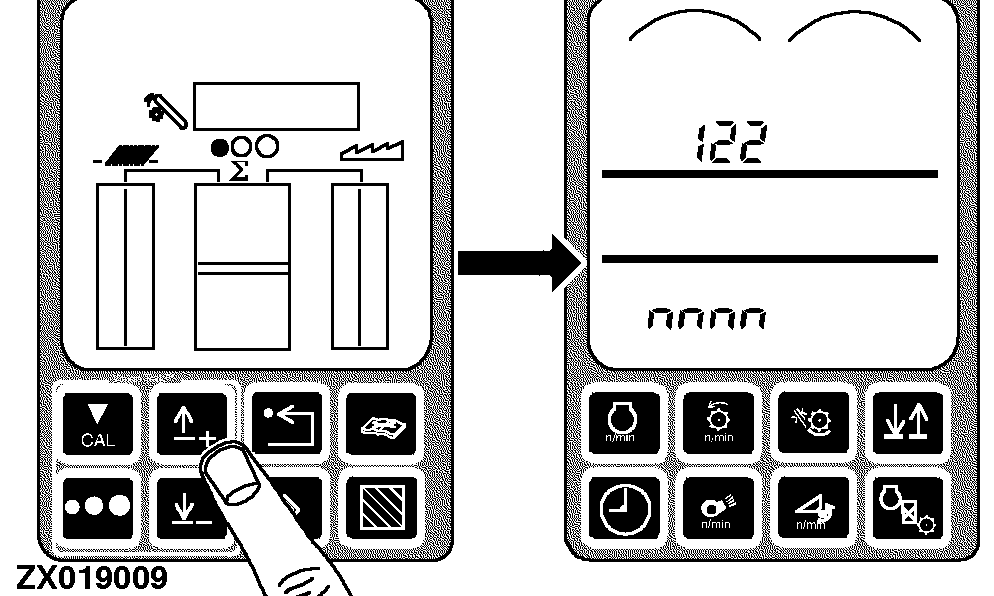
Press the up or down arrow switch until 122 appears on the tachometer.
|
|
|
|
AG,OUZXMAY,220 -19-13NOV99-4/6
|
|
|
AG,OUZXMAY,220 -19-13NOV99-5/6
|
|
Input the desired value:
-
The first digit will flash
-
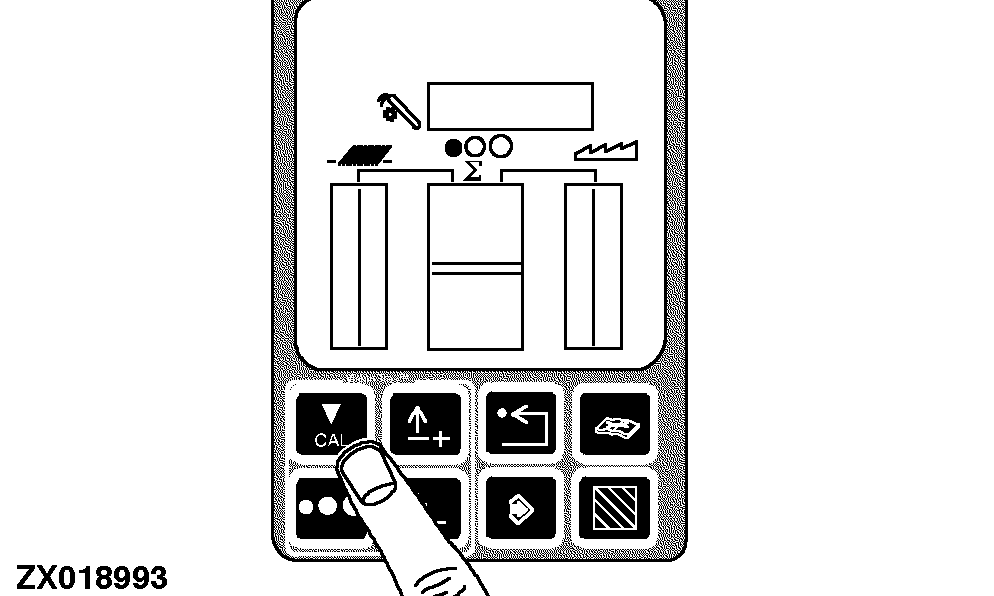
Press the calibration switch
-
The second digit will flash
-
Press the calibration switch
-
The third digit will flash
-
Press the up or down arrow switch until a 1 appears on the tachometer
-
Press the calibration switch
-
The fourth digit will flash
-
Press the calibration switch
-
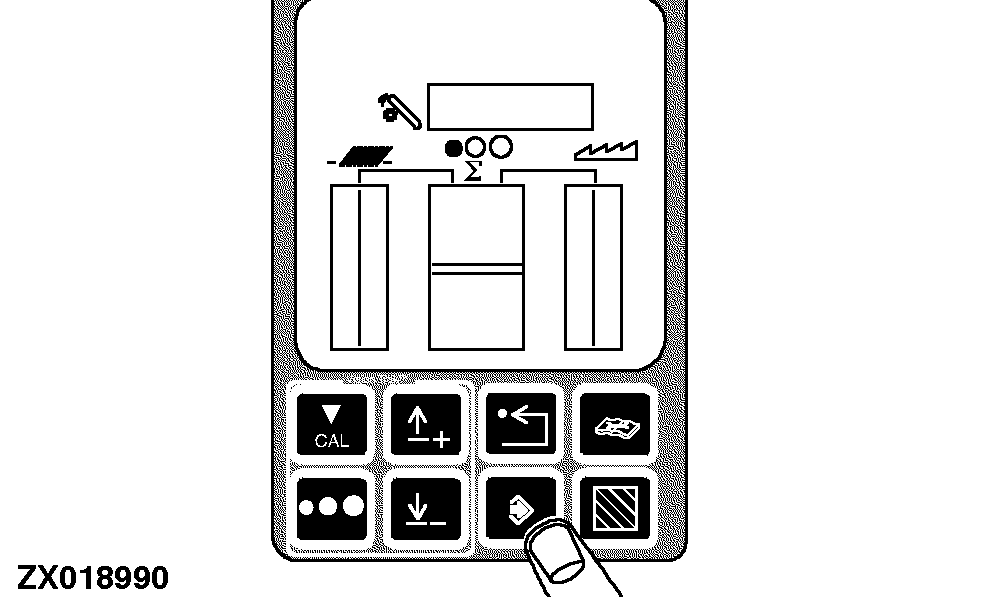
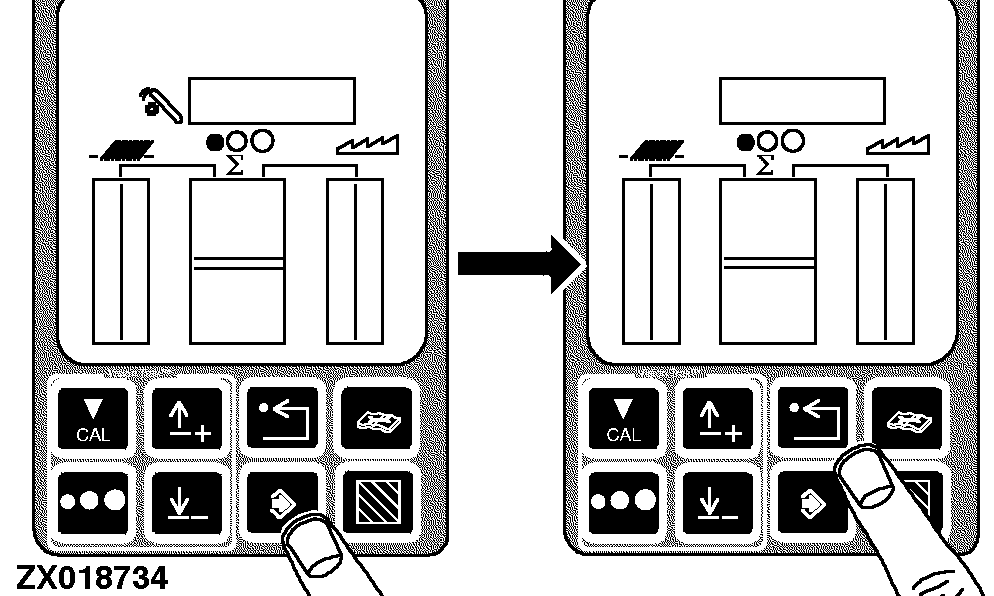
Press enter switch to enter the new value into memory
Return to normal operation:
-
Press the back arrow switch on the VisionTrak monitor twice to return to normal operation
-
Turn the key switch OFF
-
The next time the machine is started, this calibration information will be used by the combine
|
|
|
|
AG,OUZXMAY,220 -19-13NOV99-6/6
|
|