Retrieving Diagnostic Trouble Codes
Prepare Combine:
-
Turn the key switch to the run position.
|
|
|
|
AG,OUZXMAY,225 -19-18FEB00-1/10
|
|
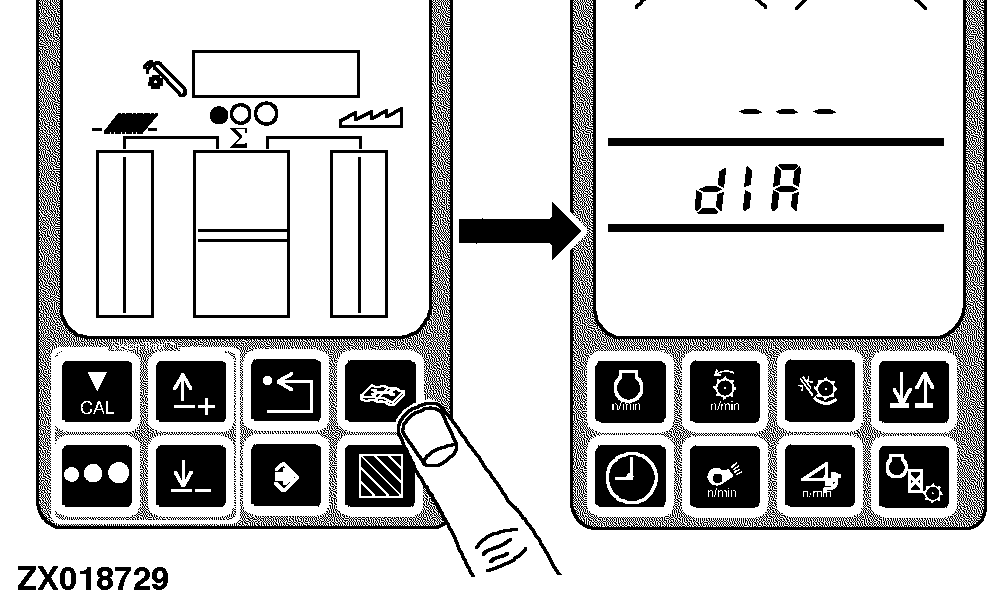
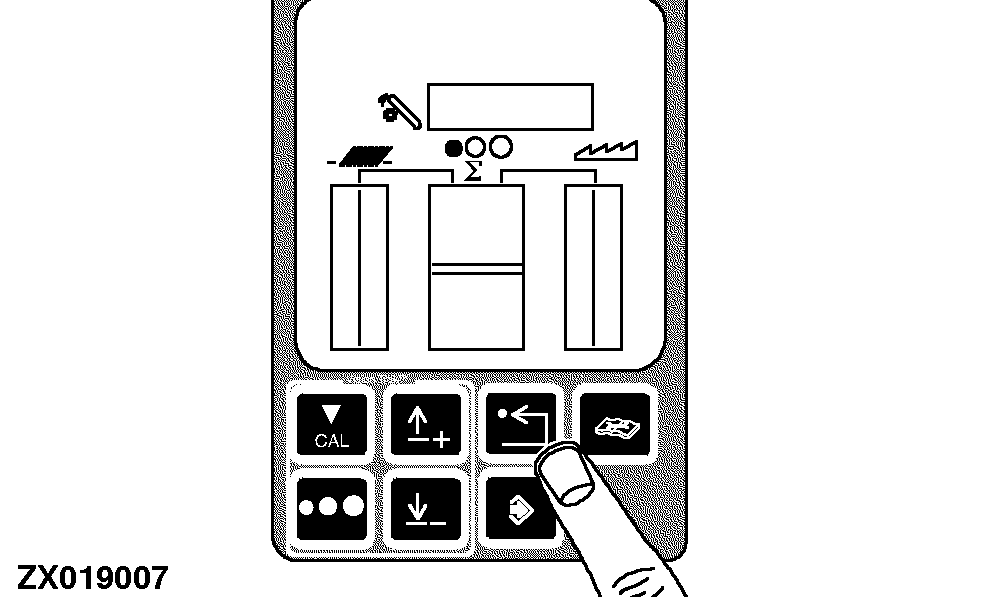
Press the diagnostic switch. dIA will appear on the triple display tachometer.
|
|
|
|
AG,OUZXMAY,225 -19-18FEB00-2/10
|
|
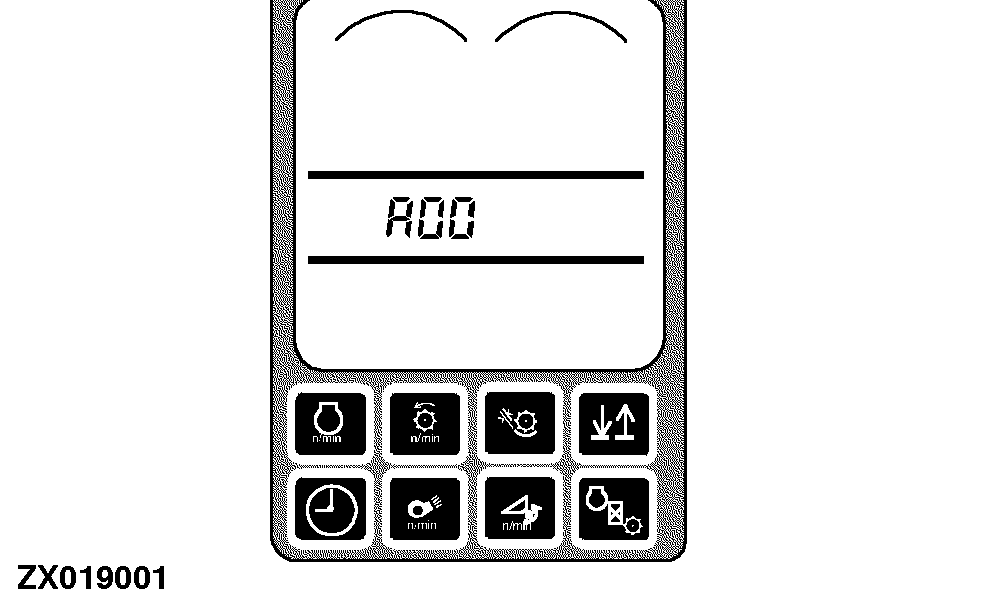
Press the up or down arrow switch to obtain the desired address. For example A00 appears on the tachometer.
|
|
|
|
AG,OUZXMAY,225 -19-18FEB00-3/10
|
|
|
AG,OUZXMAY,225 -19-18FEB00-4/10
|
|
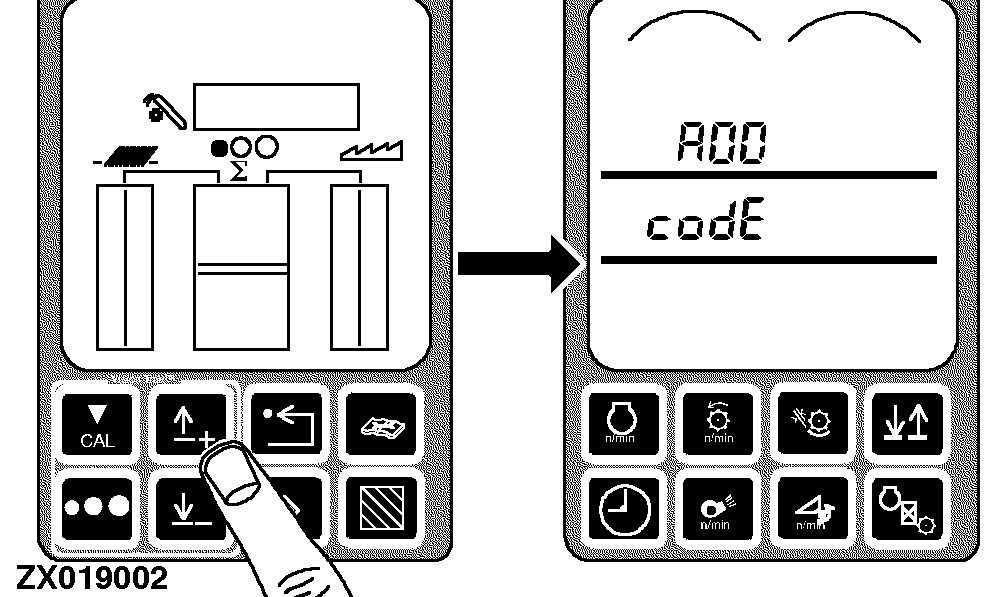
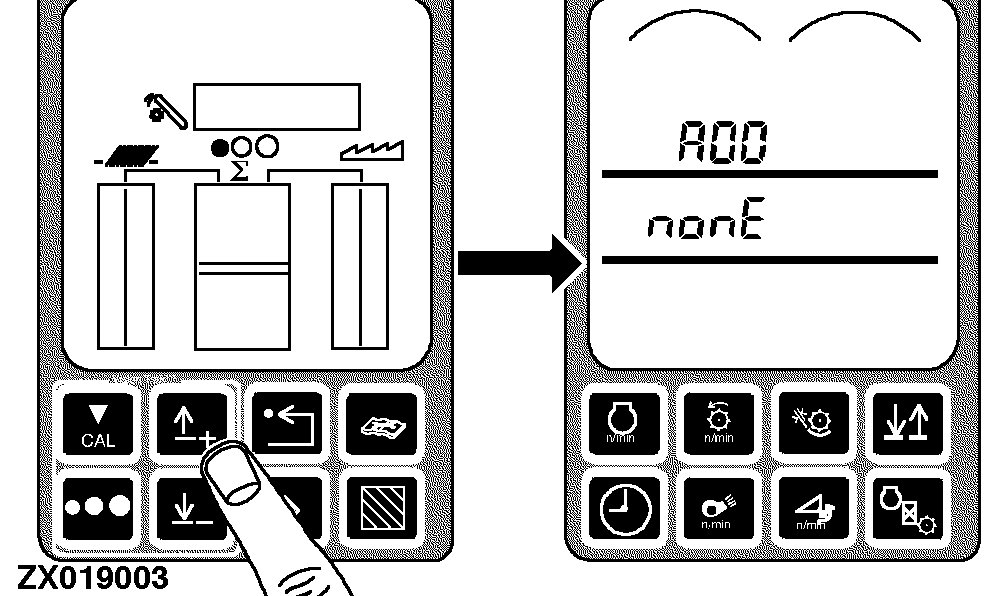
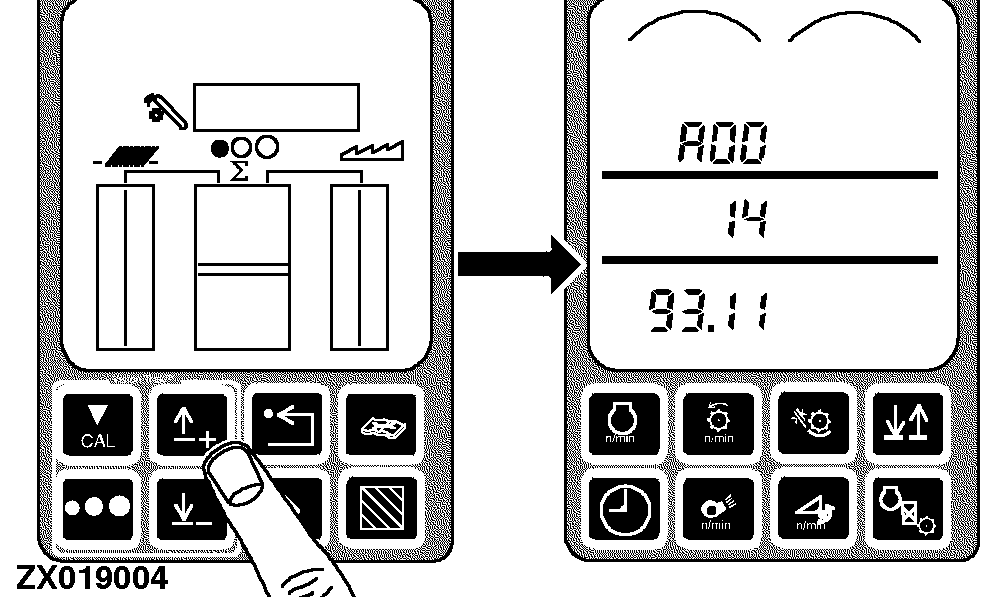
Press the up arrow switch once. If diagnostic trouble codes are available A00 and codE will appear on tachometer.
If no DTC is available A00 and nonE will appear on tachometer.
|
|
|
|
AG,OUZXMAY,225 -19-18FEB00-5/10
|
|
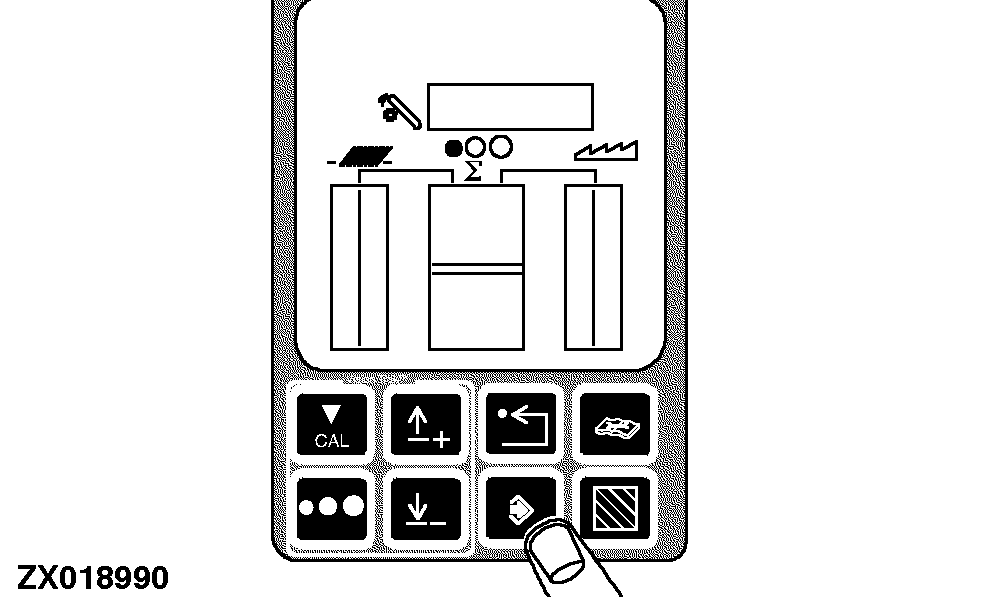
To read and record diagnostic trouble codes press the enter switch.
|
|
|
|
AG,OUZXMAY,225 -19-18FEB00-6/10
|
|
Press the up or down arrow switch to scroll through the diagnostic trouble codes.
-
Record each control unit name
-
Record each suspected parameter number
-
Record each failure mode identifier
|
|
|
|
AG,OUZXMAY,225 -19-18FEB00-7/10
|
|
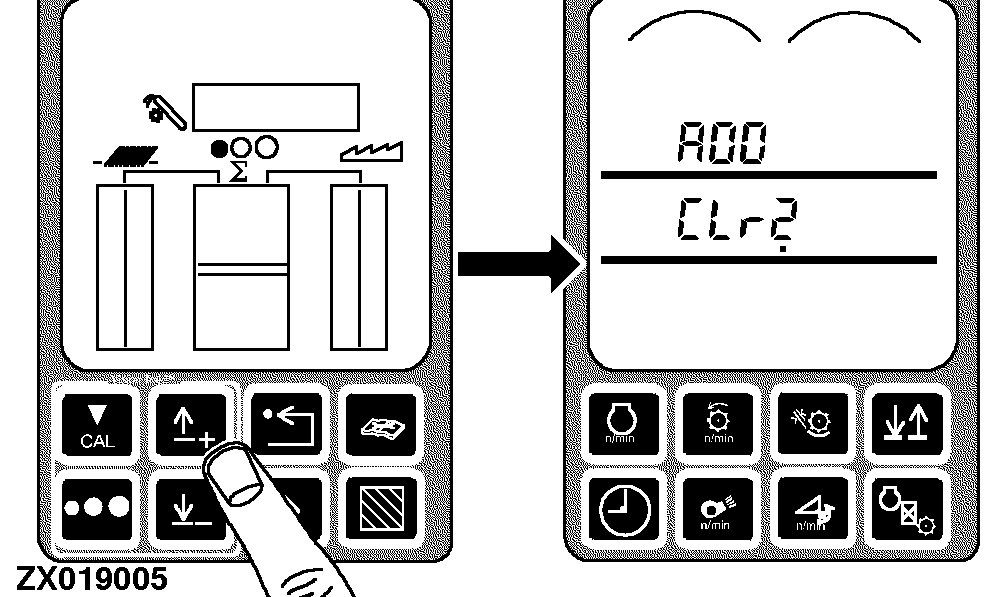
After all codes have been displayed, there is an option to clear these codes.
Scroll to end of code list until CLr? is displayed.
|
|
|
|
AG,OUZXMAY,225 -19-18FEB00-8/10
|
|
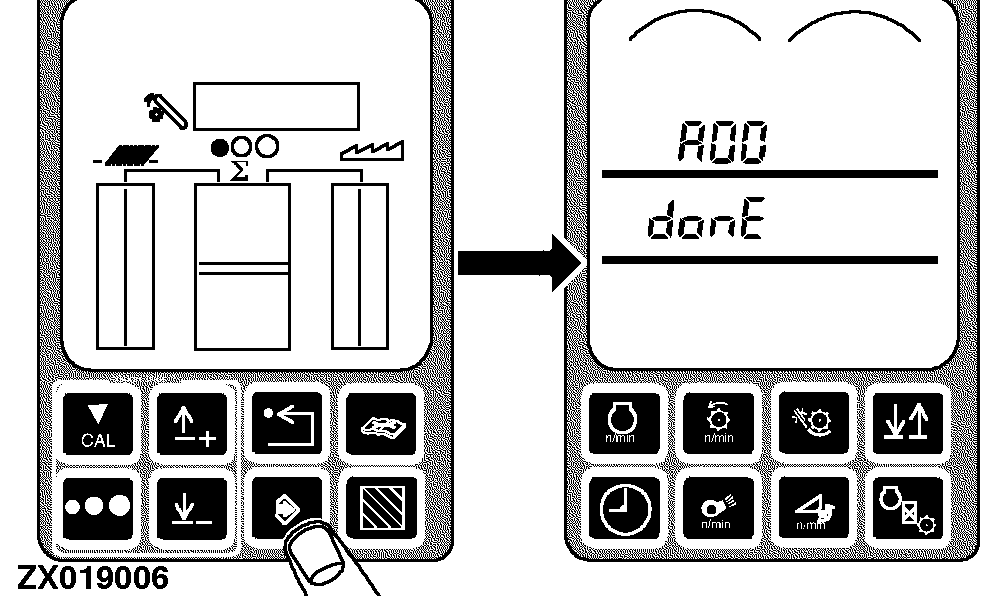
Press the enter switch to clear codes. A00 and donE will appear on tachometer.
|
|
|
|
AG,OUZXMAY,225 -19-18FEB00-9/10
|
|
NOTE:
Priority 1 codes cannot be cleared until the problem is solved.
Press back arrow switch three times to return to normal operation.
|
|
|
|
AG,OUZXMAY,225 -19-18FEB00-10/10
|
|