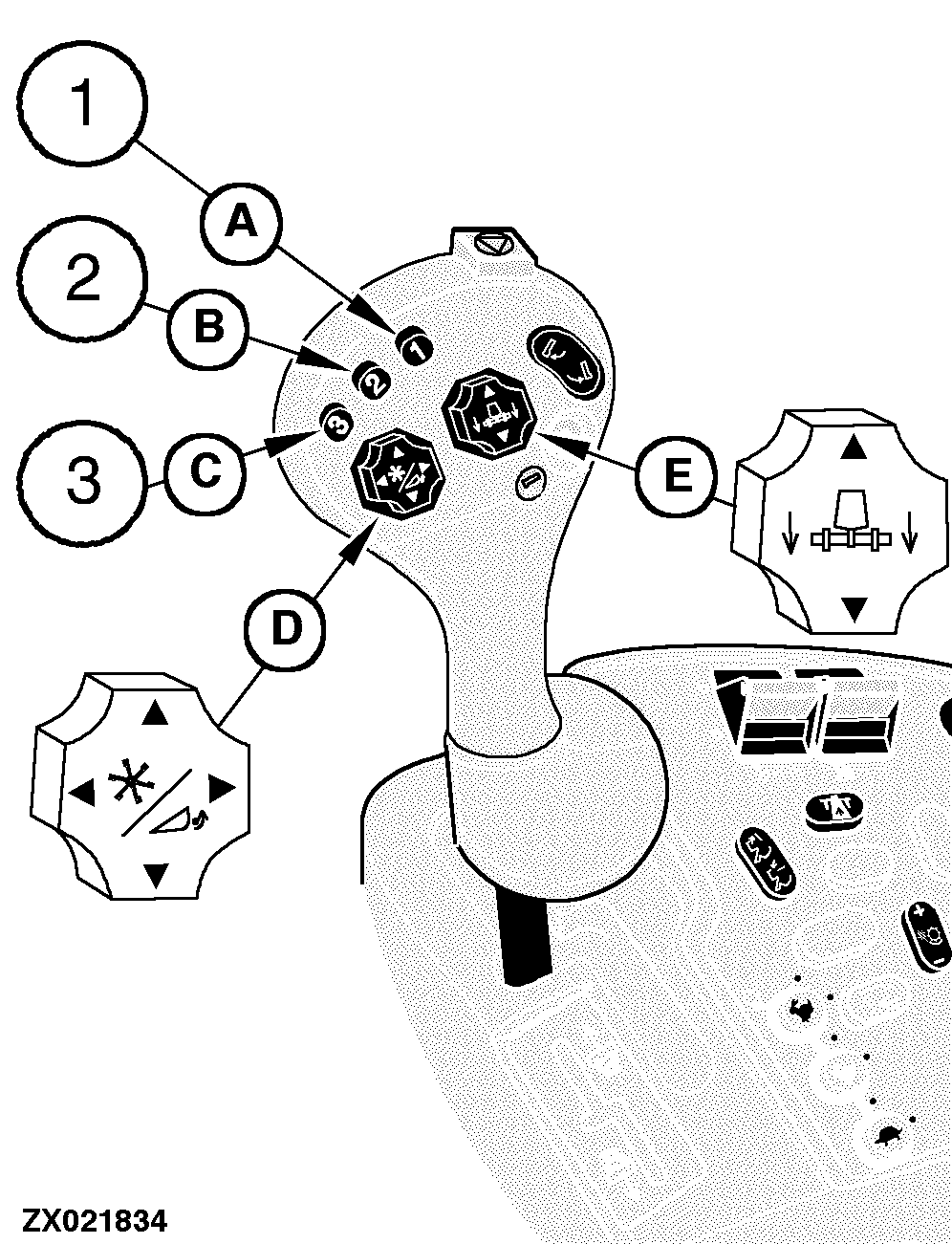
Activation Buttons (Black)When pressing any of the buttons (A), (B) or (C), the following functions can be performed:
The electronic control system will move the header back to preselected positions. NOTE: All header positions obtained by pressing buttons (A), (B) or (C) may be overcome by pressing switches (D) or (E). The activation buttons can be activated only when: 1.
A properly equipped header is connected to the combine.
The system is activated by pressing the header activation buttons in the multi-function lever. The header control system will then take control and move the header to the selected position. Additionally for each activation button a reel position can be stored. Recommendation for activation button allocation:
|
|
OUZXMAG,000076B -19-05SEP00-1/1 |