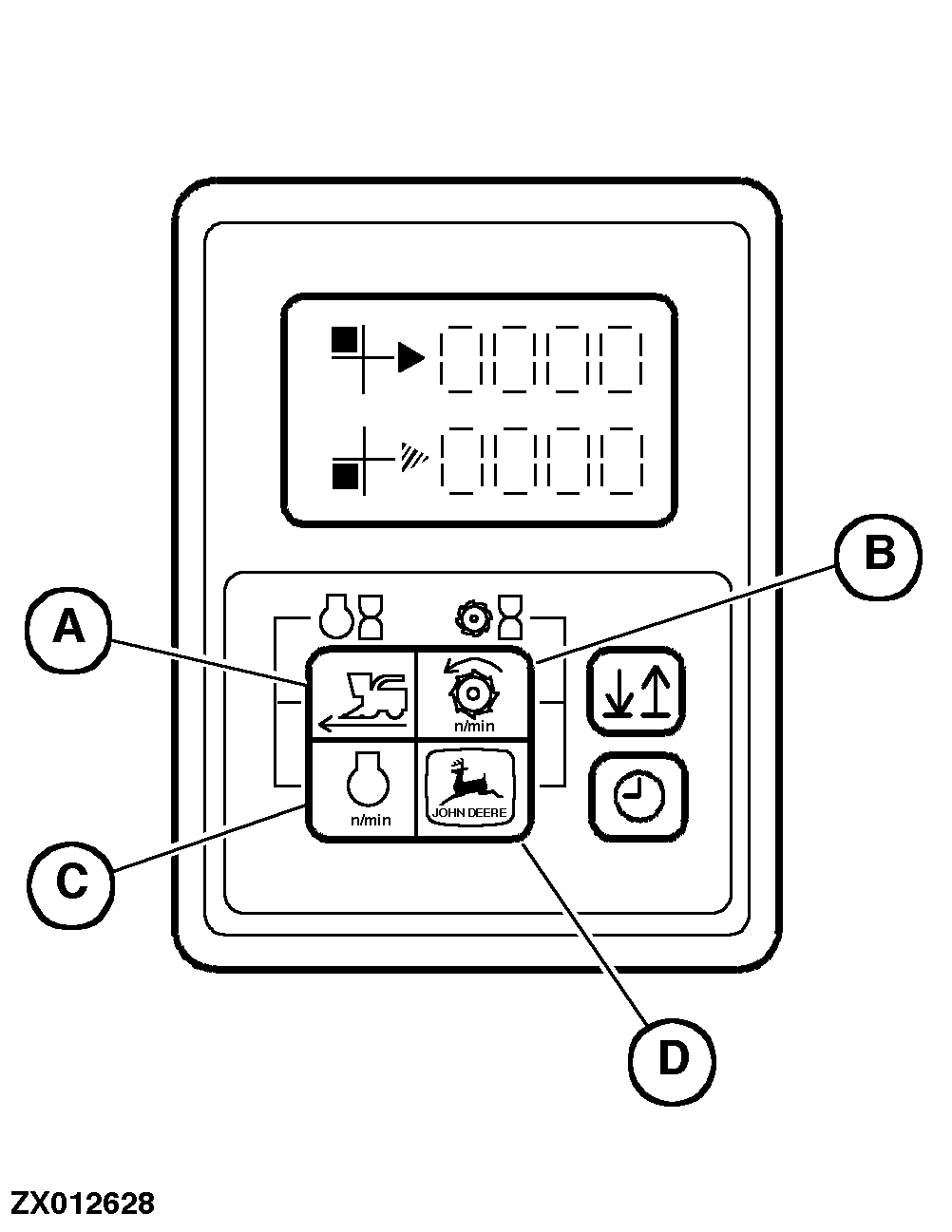
Input of Specific Machine DataIMPORTANT: Each time different size drive wheels are installed or tire radius changes due to wear, the INFO-TRAK ™ onitor must be calibrated accordingly. Activate Input Status Press key combination (A + B) and simultaneously turn starter switch from position (0) to position (I). Software version appears in the display, then the position indicator will move to upper left-hand position.
Data Input Data Storage Press key combination (B + D). At the same time the position indicator will move to another field (upper right-hand, lower right-hand, lower left-hand field). De-activate Input Status After input and storage of all data, turn starter switch to position (0). |
|
|
INFO-TRAK is a trademark of Deere & Company. | ZX,OMSPFH004807 -19-01NOV97-1/1 |