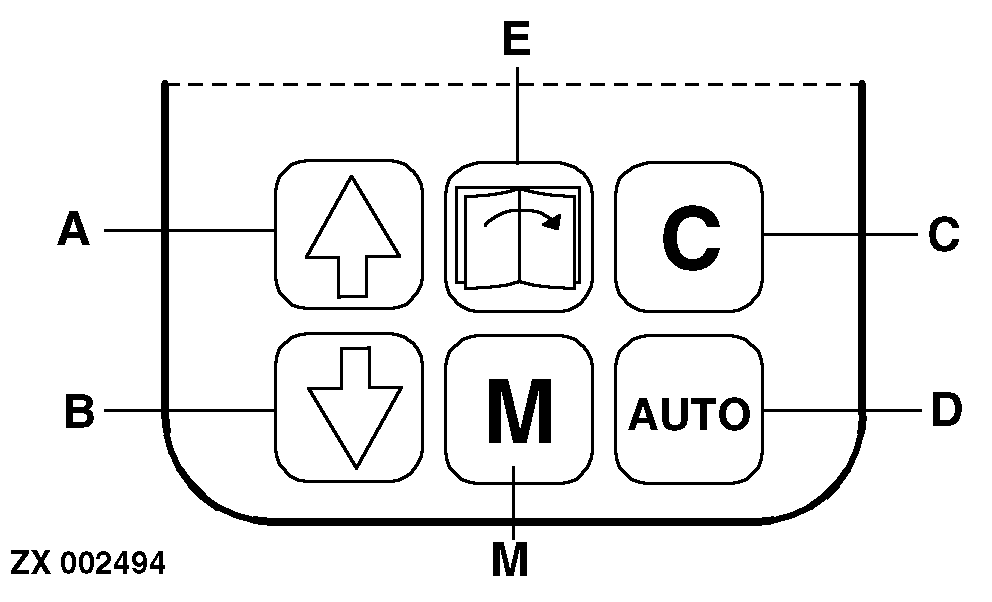
Control Keys
A-Up
B-Down
C-Clear, Calibrate, Cancel
D-Not used
E-Not used
M-Modify, Memory
|
|
|
|
ZX,OMSPFH008864 -19-01NOV97-1/4
|
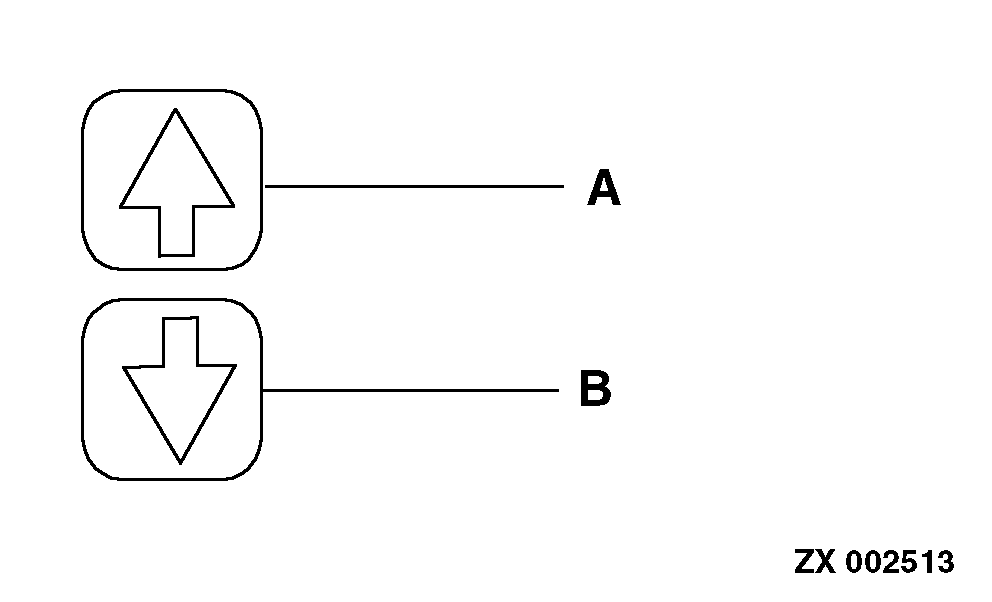
Keys A and B
These keys are used to run through the various functions of the area counter. If "Modify" mode is activated by pressing key (M), displayed values may be increased or decreased at given increments by pressing these keys.
|
|
|
|
ZX,OMSPFH008864 -19-01NOV97-2/4
|
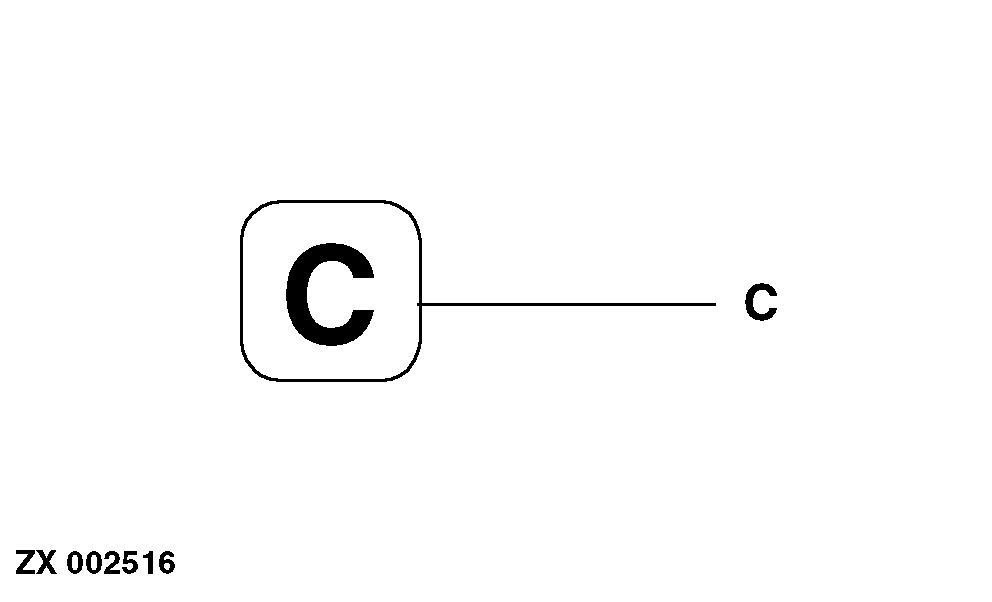
Key C
This key is used to set area counter displays to "zero".
This key is also used to leave the "Modify" mode and for input of partial header width.
|
|
|
|
ZX,OMSPFH008864 -19-01NOV97-3/4
|
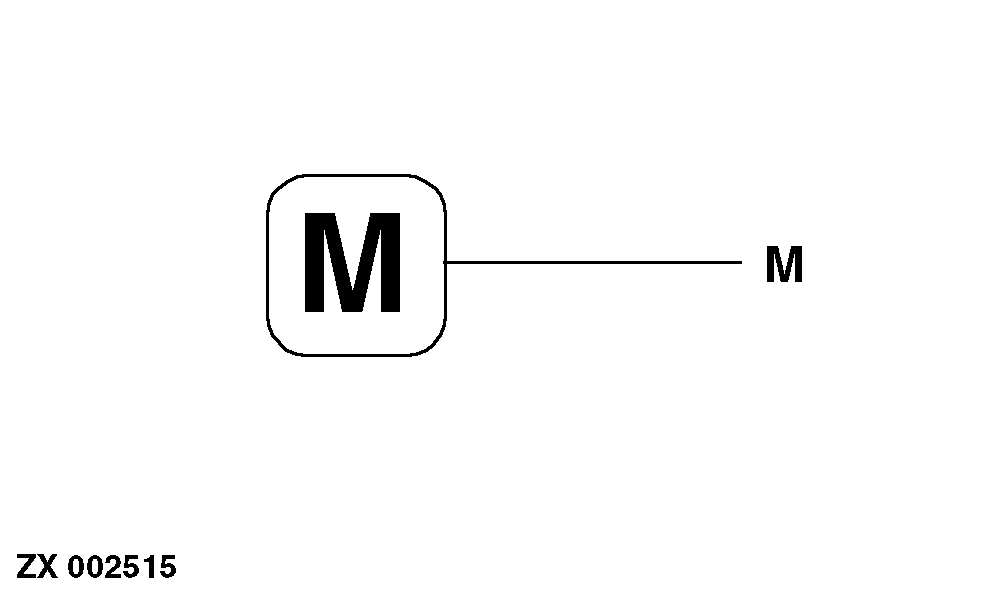
Key M
If a certain setting (e.g. header width) is to be changed, select the corresponding function and press key (M). Now the setting can be changed using the "arrow" keys. The new setting is saved by pressing key (M) once again.
|
|
|
|
ZX,OMSPFH008864 -19-01NOV97-4/4
|
|