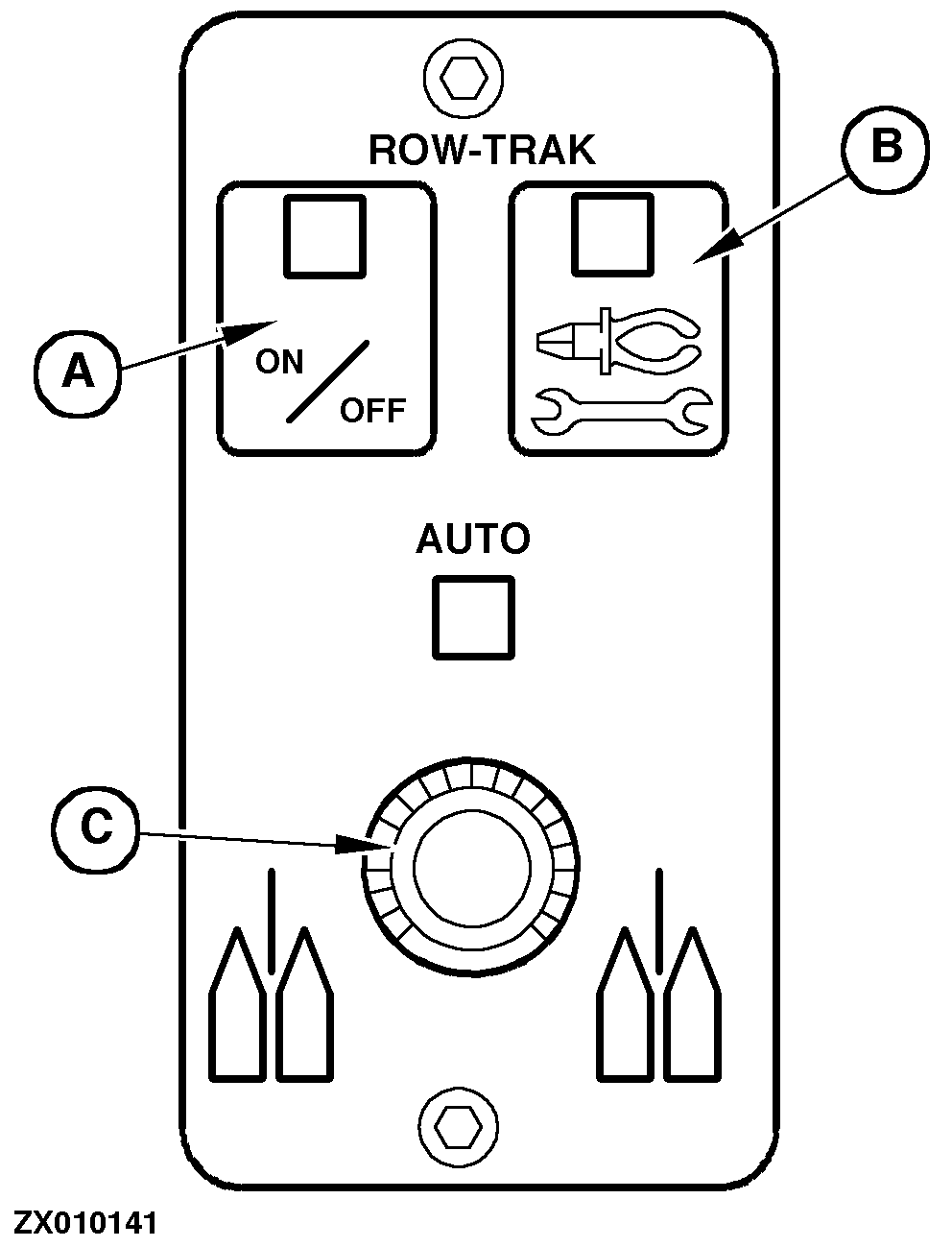
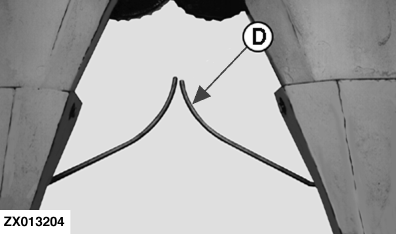
Calibrating the Left-Hand Feeler On Row-Dependent HeaderPress key (A) and at the same time start the engine. NOTE: Calibrate feelers with engine running. Select the calibration mode for the left feeler (D). Do this by holding down the calibrating key (B) and turning potentiometer (C) until the INFO-TRAK ™ monitor displays channel 5. Release calibrating key (B). For 2 seconds the currently stored neutral setting is indicated at the INFO-TRAK ™ monitor, followed by the value of the feeler at maximum outswing. Turn the potentiometer all the way to the left. This selects the feeler's neutral setting (any value between 120 and 135 may appear at the INFO-TRAK ™ monitor). Press key (A) briefly to store the neutral setting. "0" appears at the INFO-TRAK ™ monitor to confirm that the value has been stored. Push the left-hand header feeler all the way to the rear. At the same time, turn potentiometer (C) as far as it will go to the right. This selects the maximum outswing of the feeler (any value between 95 and 110 may appear at the INFO-TRAK ™ monitor). Press key (A) briefly to store the maximum outswing of the feeler. "0" appears at the INFO-TRAK ™ monitor to confirm that the value has been stored.
|
|
|
INFO-TRAK is a trademark of Deere & Company. | ZX,OMSPFH009683 -19-01NOV97-1/1 |