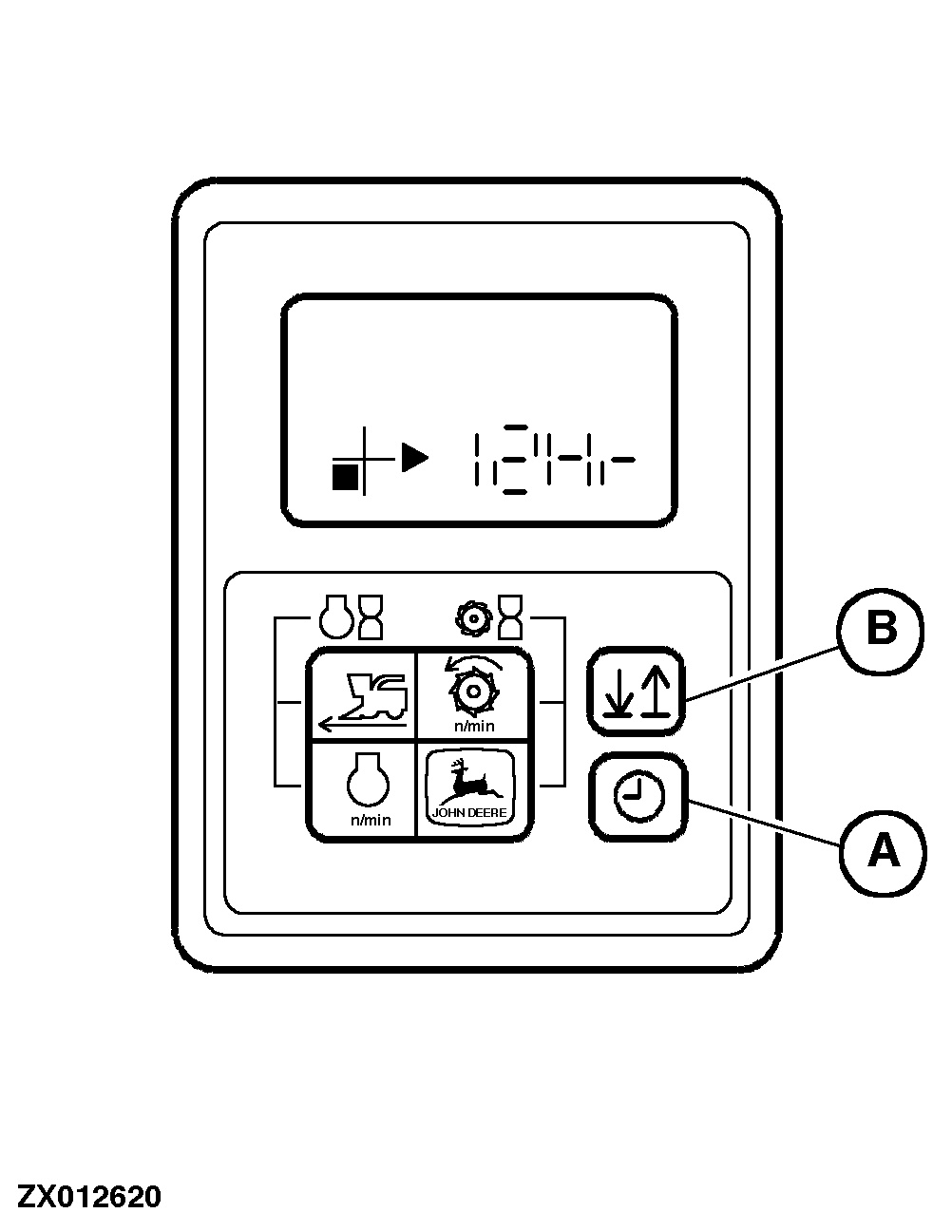
Setting and Displaying TimeMake sure that the starter switch is in "OFF" position. Press and hold clock key (A) while turning starter switch to position "I" (electronic circuits on). Now "12Hr" is displayed. If the key is pressed continuously, the display will change every three seconds ("12Hr" and "24Hr" are displayed alternately). This enables the operator to choose a 12-hour or 24-hour time format. Release the key as soon as the desired format is displayed. The clock display should now be '12'. Press key (B) to increase the number of hours. The longer the key is pressed, the faster the change of display. NOTE: The number of hours can only be increased. Decreasing the number of hours is not possible. If the display goes past the desired number of hours, keep pressing the key until the desired number of hours reappears. As soon as the display approaches the desired number of hours, release the key and press it again to reduce the frequency at which the figures change. As soon as the desired number of hours is displayed, press key (A) and release it again. Now the minutes are displayed in addition to the hours. Again press key (B) as described previously to increase the number of minutes. Once the minutes have been set as desired, press key (A). Now the clock is set. NOTE: The digital clock must be reset if the battery was disconnected. |
|
ZX,OMUSFH007820 -19-01NOV97-1/1 |