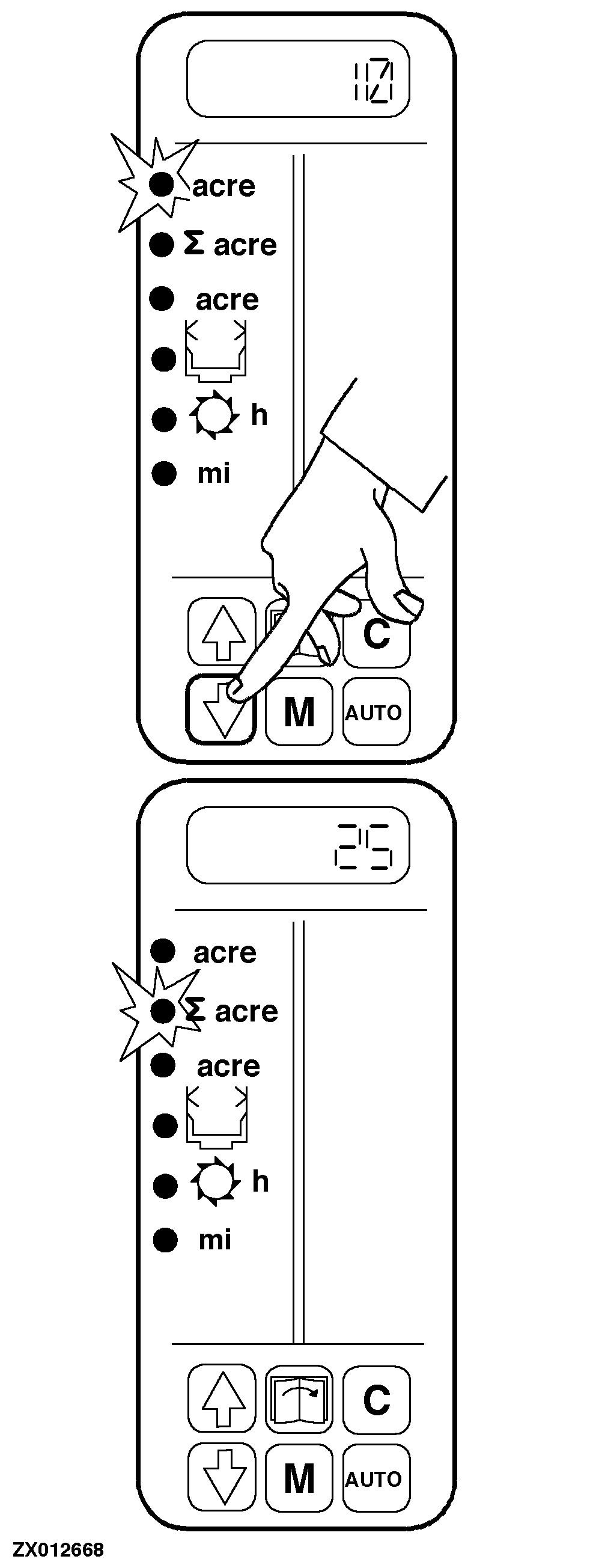
Selecting Area Counter FunctionsTurn starter switch to position (I). The area counter will switch to "area per day" function.
Use "arrow" keys (UP/DOWN) to select area counter functions: LED of the selected function will light up and the corresponding value is displayed. |
|
ZX,OMUSFH009491 -19-01NOV97-1/1 |