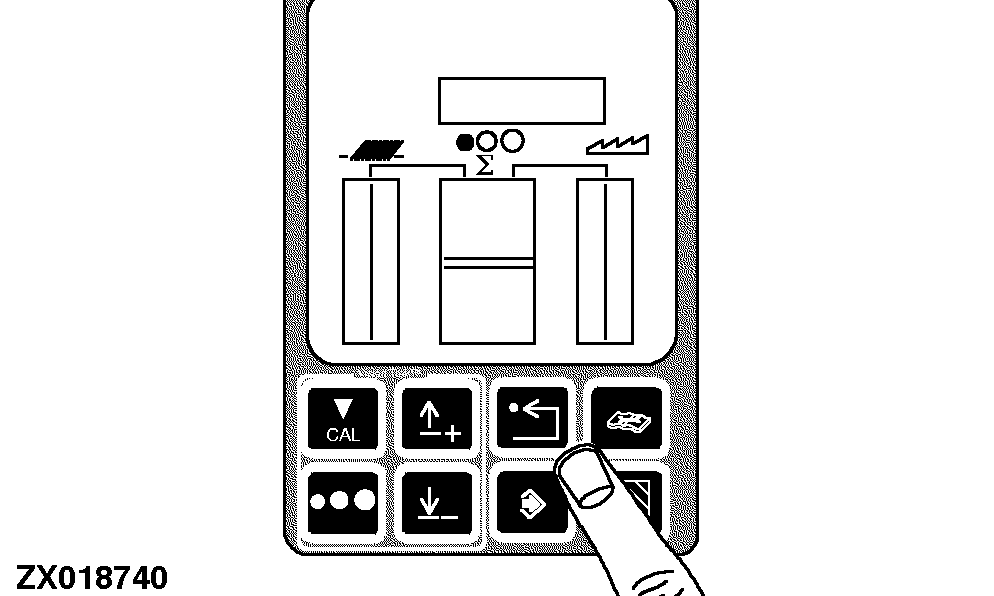
Header Width Calibration
NOTE:
On corn heads the display format is number of rows on the second line and row spacing on the third line. Row spacing units are mm for the metric system and inches for the English system. On cutting platforms the format is header width on the third line. Units are meters for the metric system and feet for the English system.
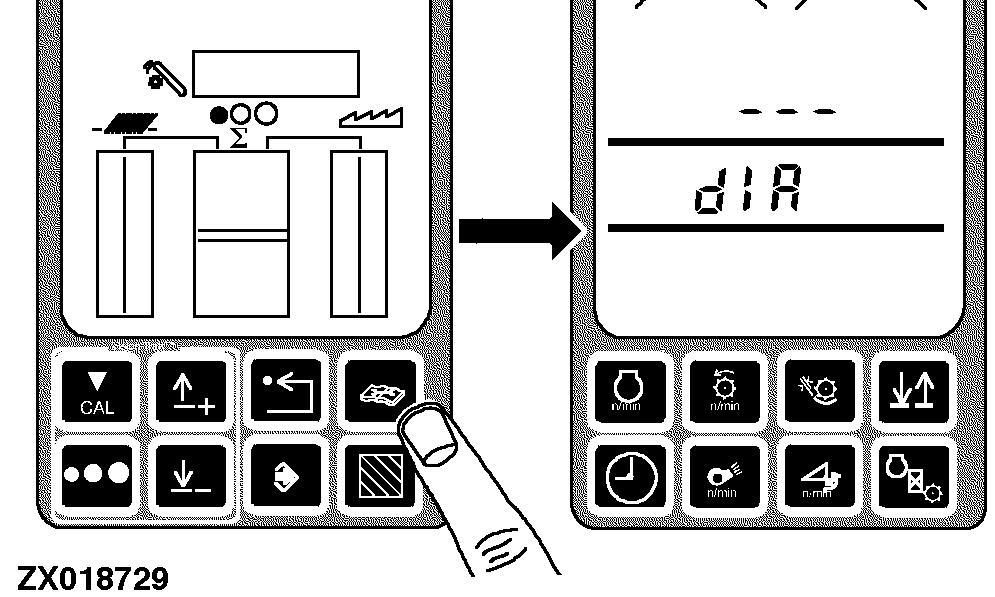
Press the diagnostic switch. dIA will appear on the triple display tachometer.
|
|
|
|
OUO6075,0000286 -19-08DEC00-1/6
|
|
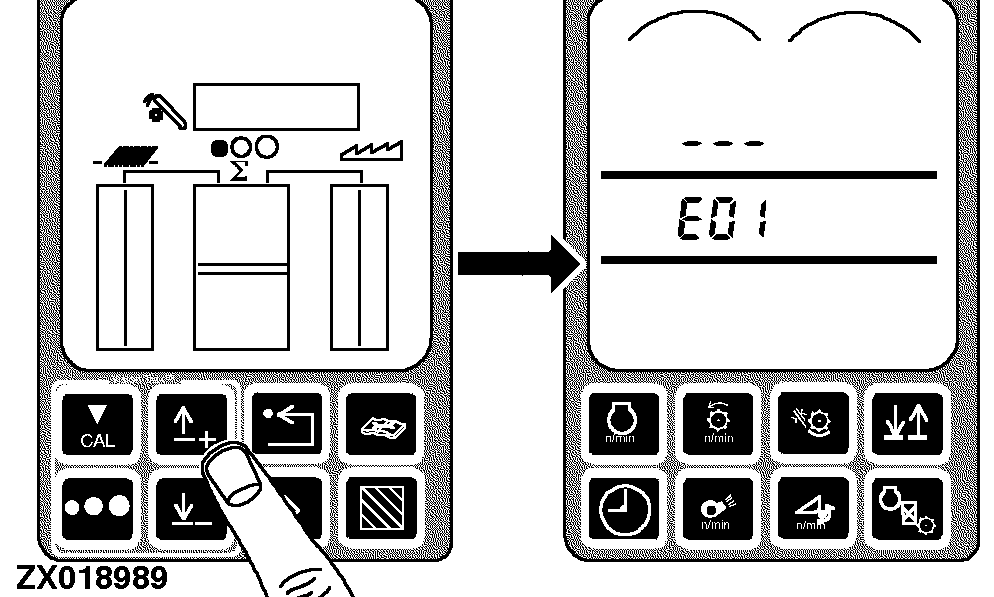
Press the up or down arrow switch until E01 appears on the tachometer.
|
|
|
|
OUO6075,0000286 -19-08DEC00-2/6
|
|
|
OUO6075,0000286 -19-08DEC00-3/6
|
|
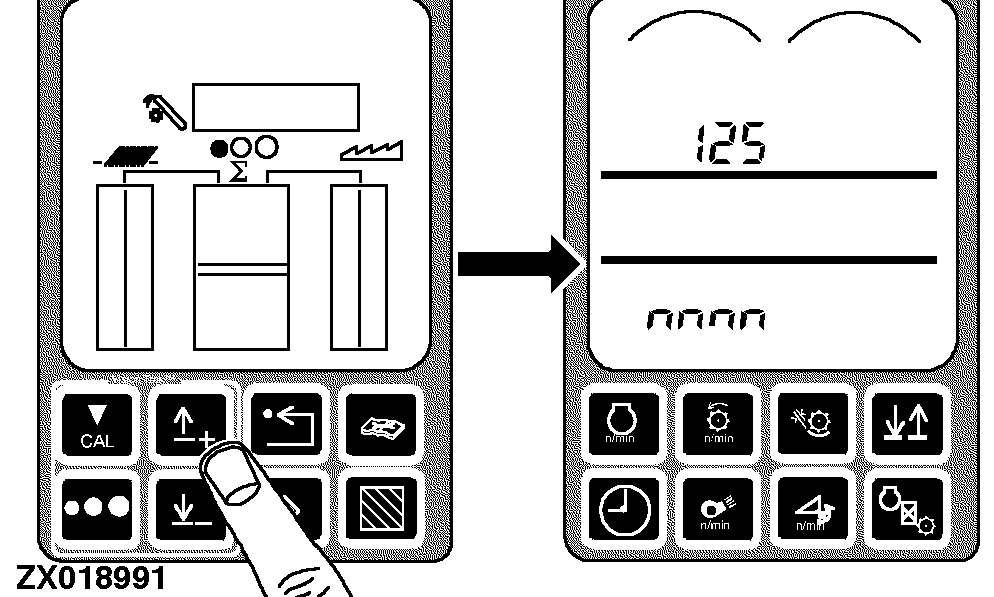
Press the up or down arrow switch until 125 appears on the tachometer.
|
|
|
|
OUO6075,0000286 -19-08DEC00-4/6
|
|
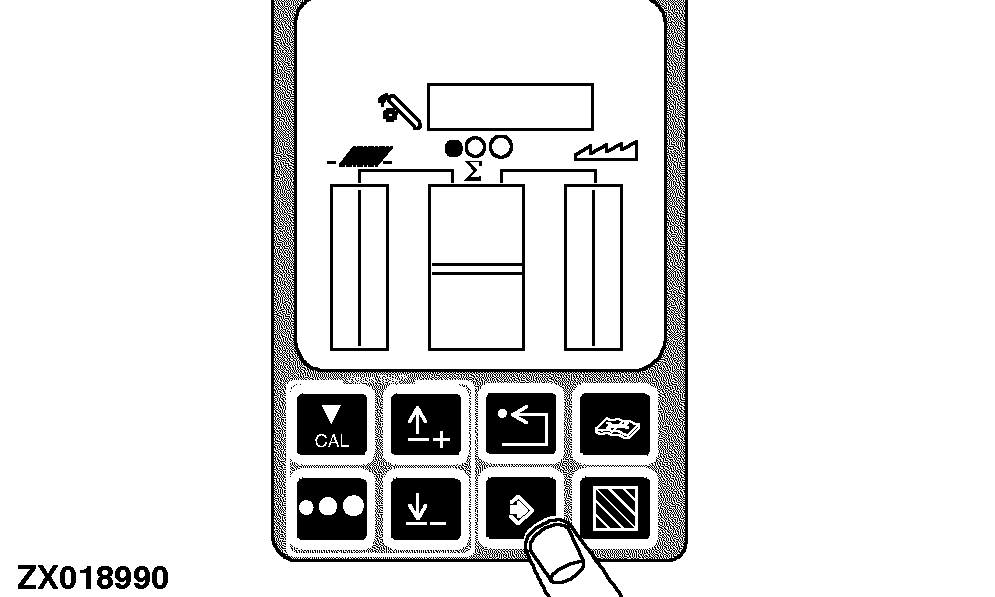
Press the enter switch.
Input the desired value:
-
The first available number of the value will flash (on middle or lower line depending on header type)
-
Input for cutting platforms - meters for the metric system and feet for the English system
-
Input for corn head spacing - mm for the metric system and inches for the English system
-
Input for corn head - number of rows
-
Press the up arrow and down arrow switches on the display to increase or decrease the value of the flashing digit
-
When the desired value is flashing, press the calibrate button to move to the next digit
-
Continue changing the value, one digit at a time until the desired value is shown on the tachometer
-
Press enter switch to enter the new value into memory
|
|
|
|
OUO6075,0000286 -19-08DEC00-5/6
|
|
Return to normal operation:
-
Press the back arrow switch on the VISIONTRAK monitor twice to return to normal operation
-
Turn the key switch OFF
-
The next time the machine is started, this calibration information will be used by the combine
|
|
|
|
OUO6075,0000286 -19-08DEC00-6/6
|
|