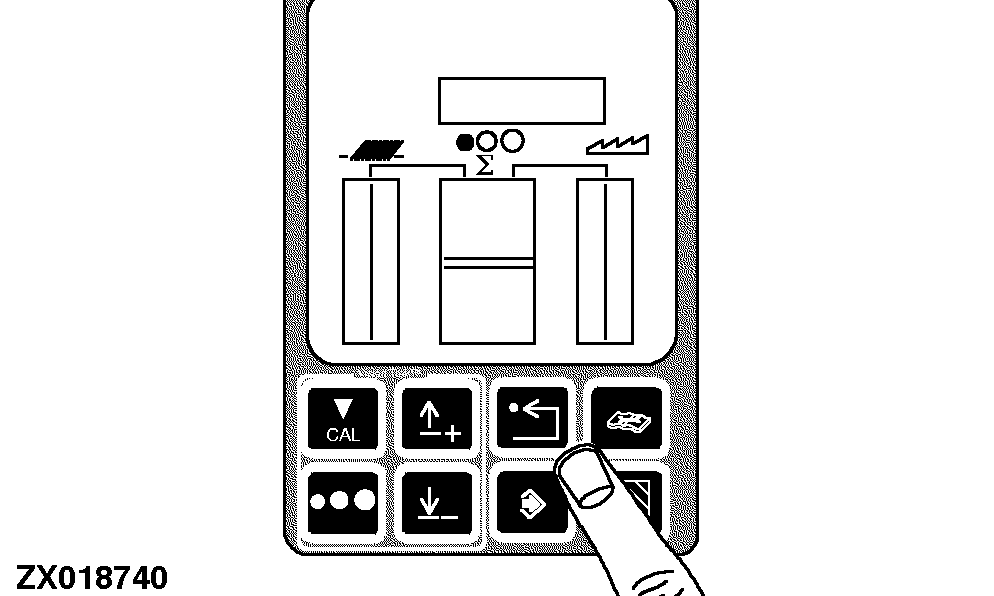
Machine Setting Procedure
There are several machine settings that are programmed using the Cornerpost Diagnostic System. They are set at the factory for normal usage, but can be adjusted by the operator.
Prepare the combine for calibration:
Turn the key switch to the run position.
|
|
|
|
OUZXMAG,00018A6 -19-10OCT02-1/8
|
|
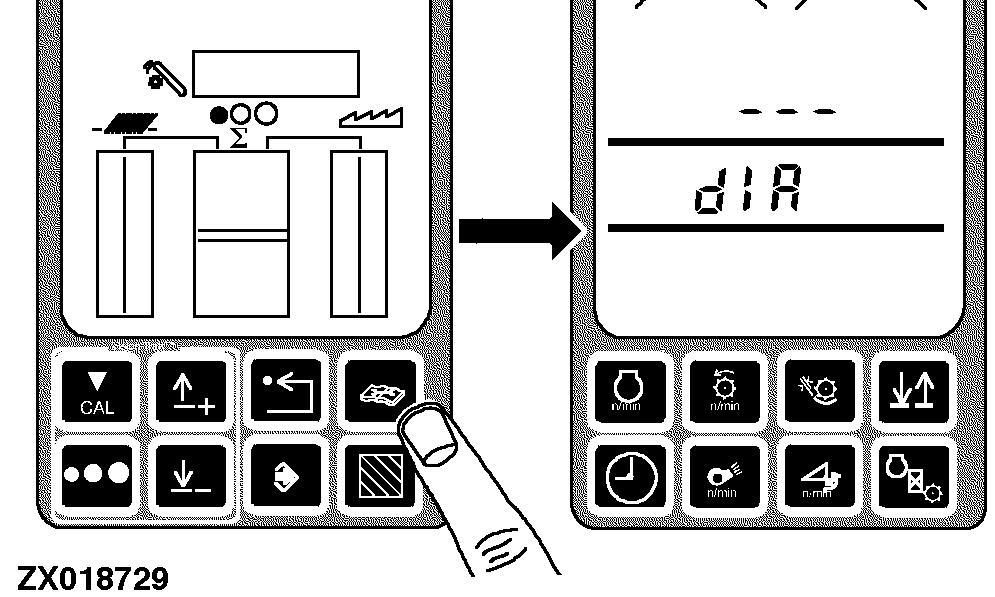
Press the diagnostic switch. dIA will appear on the triple display tachometer.
|
|
|
|
OUZXMAG,00018A6 -19-10OCT02-2/8
|
|
Press the up or down arrow switch until the desired Control Unit Number (C03 shown) appears on the tachometer.
Control Unit Number:
-
ALL - All Control Units
-
A00 - Engine Control Unit
-
C00 - Armrest Control Unit
-
C03 - Cornerpost Control Unit
-
E00 - Tailings Control Unit
-
E01 - Header Control Unit
-
E02 - Right Control Unit
-
E03 - Left Control Unit
-
E04 - Left Control Unit 2
|
|
|
|
OUZXMAG,00018A6 -19-10OCT02-3/8
|
|
|
OUZXMAG,00018A6 -19-10OCT02-4/8
|
|
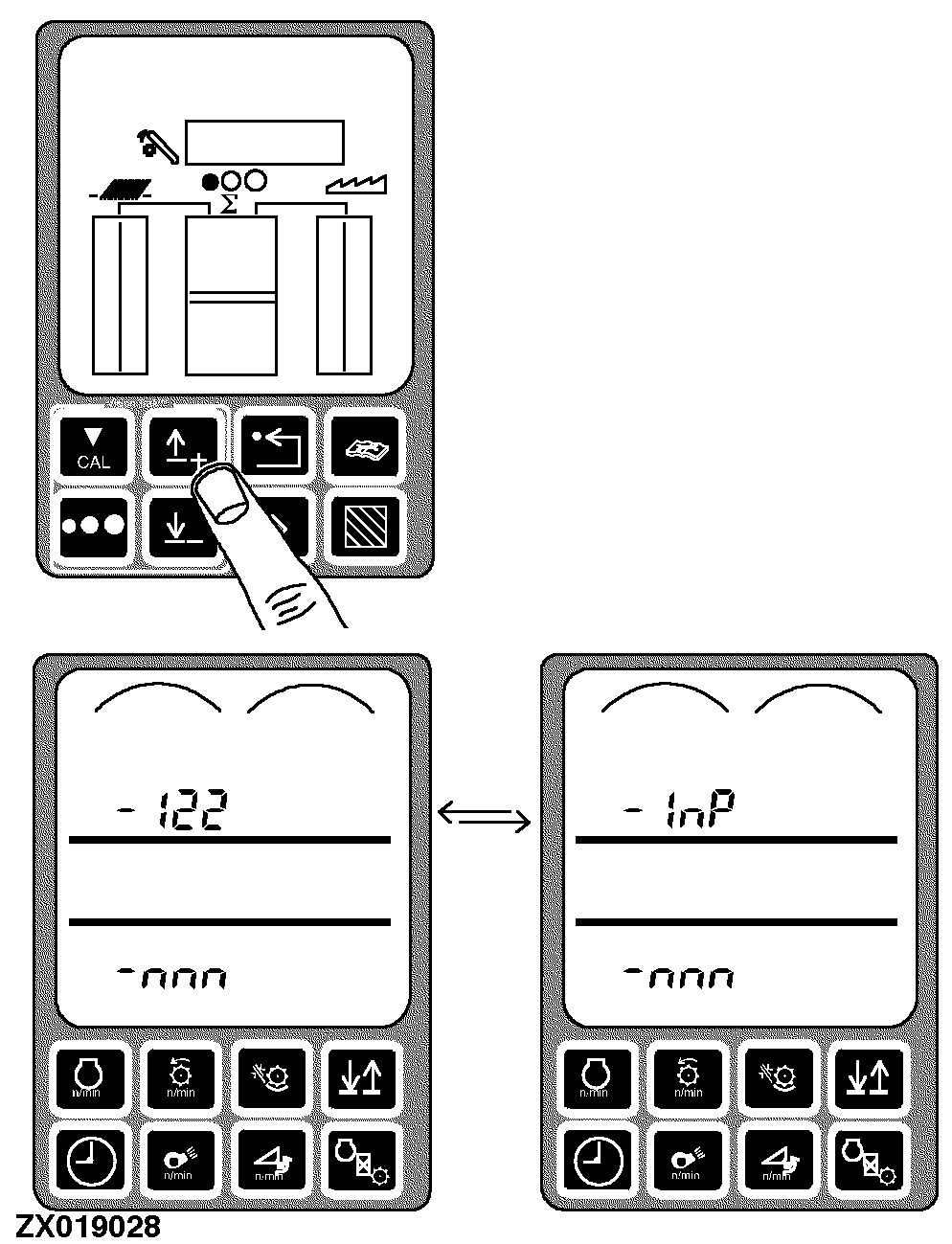
Press the up or down arrow switch until the desired address (122 shown) appears on the tachometer.
The upper line will show the address alternating with "InP". This indicates that this address is one where numbers can be input.
|
|
|
|
OUZXMAG,00018A6 -19-10OCT02-5/8
|
|
|
OUZXMAG,00018A6 -19-10OCT02-6/8
|
|
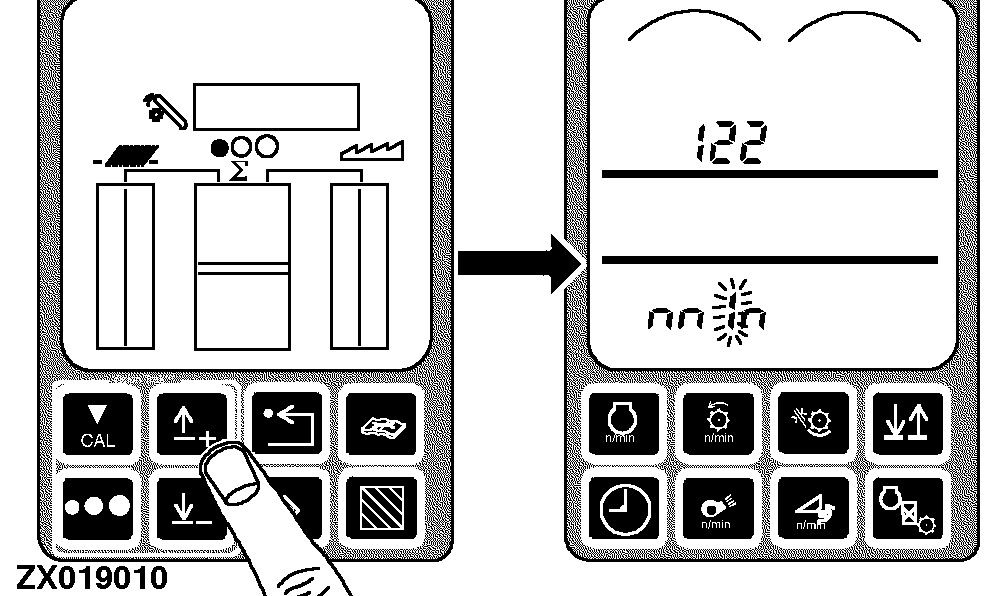
Input the desired value:
-
The first number of the value shown in the lower line will flash
-
Press the up or down arrow switch to increase or decrease the value of the flashing digit
-
When the desired value is flashing, press the calibrate switch to move to the next digit
-
Continue changing the value, one digit at a time until the desired value is shown on the lower line on tachometer
-
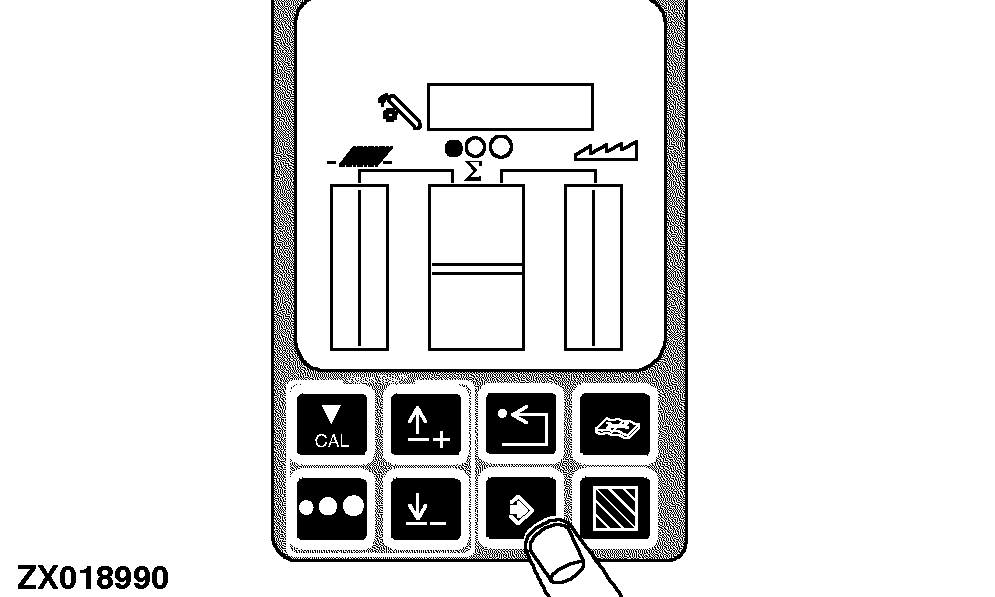
Press enter switch to enter the new value into memory
|
|
|
|
OUZXMAG,00018A6 -19-10OCT02-7/8
|
|
NOTE:
The possible diagnostic addresses for all Control Units are shown in the following tables:
A00 - Engine Control Unit
C00 - Armrest Control Unit
C03 - Cornerpost Control Unit
E00 - Tailings Control Unit
E01 - Header Control Unit
E02 - Right Control Unit
E03 - Left Control Unit
E04 - Left Control Unit 2
Return to normal operation:
-
Press the back arrow switch on the VisionTrak™ monitor twice to return to normal operation
-
Turn the key switch OFF
-
The next time the machine is started, this calibration information will be used by the combine
|
|
|
|
OUZXMAG,00018A6 -19-10OCT02-8/8
|
|