Machine Harvesting Threshold Calibration
The area counter is switched off, if the header is raised above a certain height.
Prepare Header For Calibration:
-
Make sure header harness is connected to combine harness.
|
|
|
|
OUZXMAG,0001922 -19-16OCT02-1/9
|
|
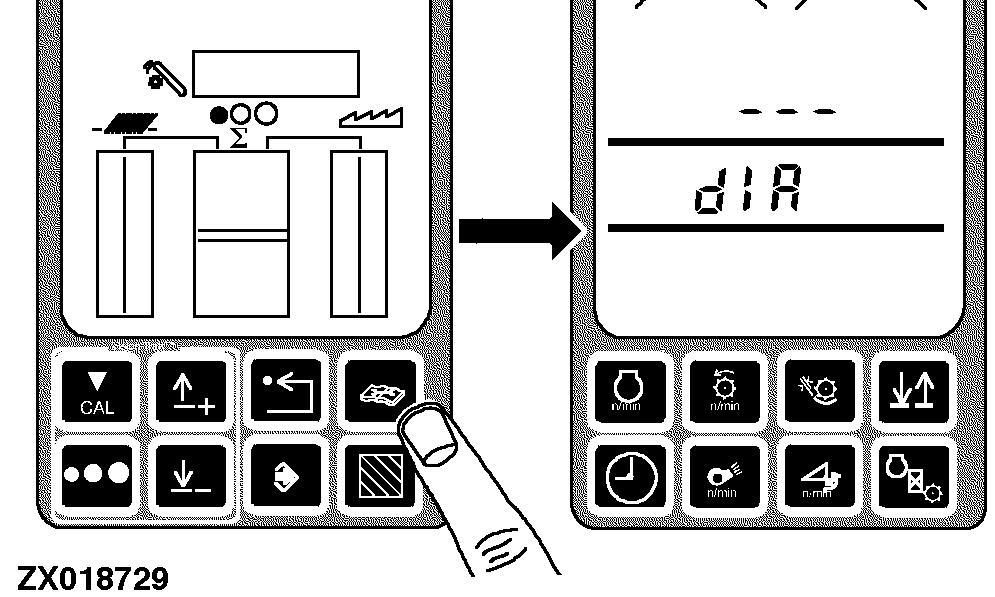
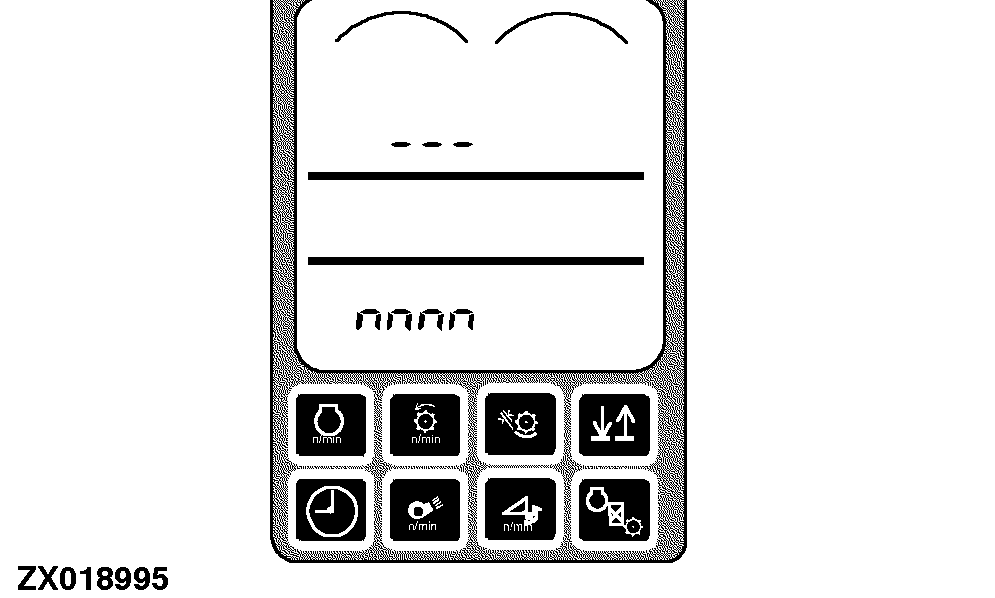
Press diagnostics switch. dIA will appear on the triple display tachometer.
|
|
|
|
OUZXMAG,0001922 -19-16OCT02-2/9
|
|
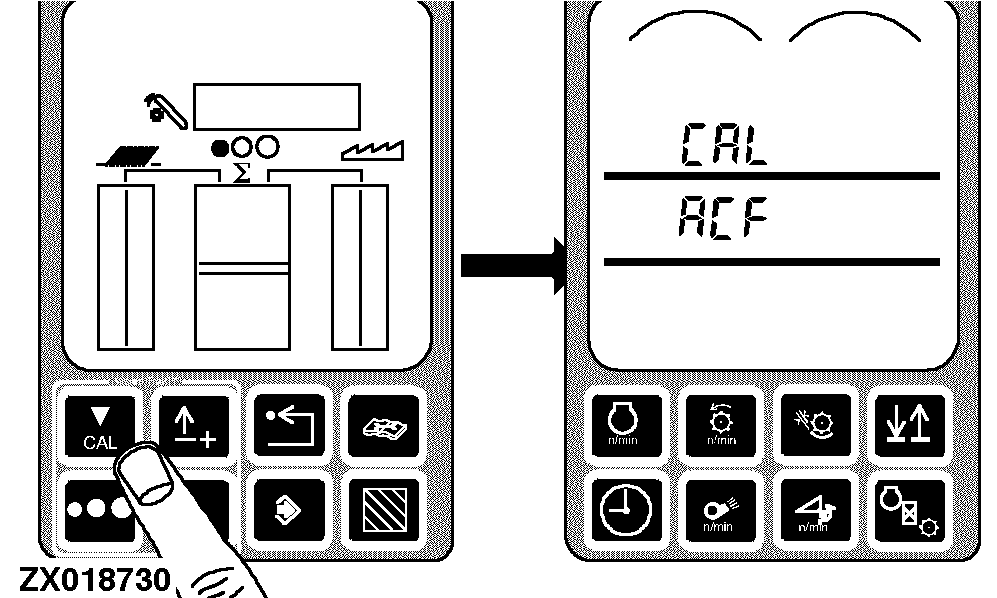
Press the calibration switch. CAL and ACF will appear on the tachometer.
|
|
|
|
OUZXMAG,0001922 -19-16OCT02-3/9
|
|
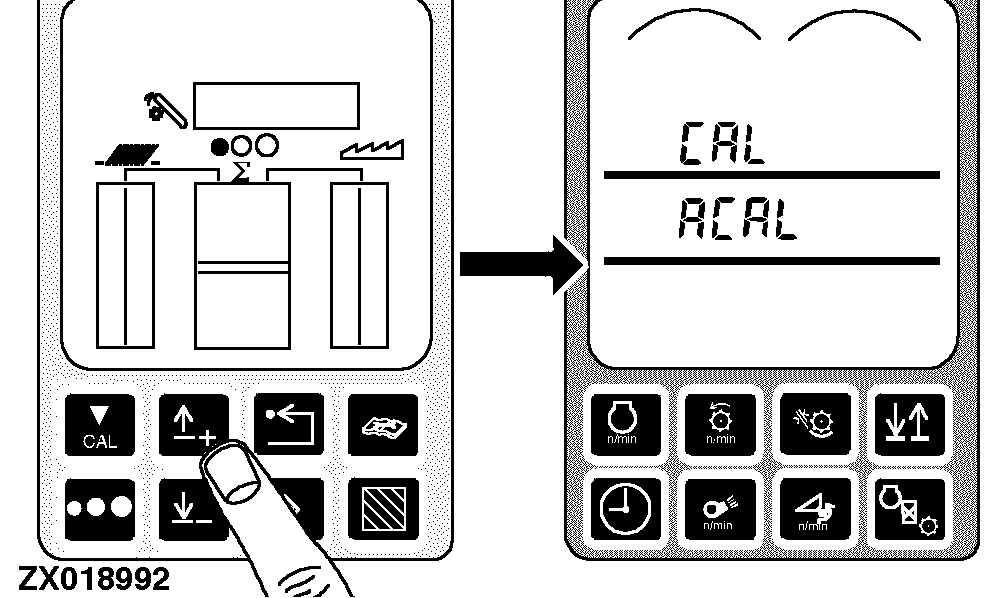
Press the arrow-up or arrow-down switch until CAL and ACAL appear on the tachometer.
|
|
|
|
OUZXMAG,0001922 -19-16OCT02-4/9
|
|
|
OUZXMAG,0001922 -19-16OCT02-5/9
|
|
Display will show current machine threshold.
|
|
|
|
OUZXMAG,0001922 -19-16OCT02-6/9
|
|
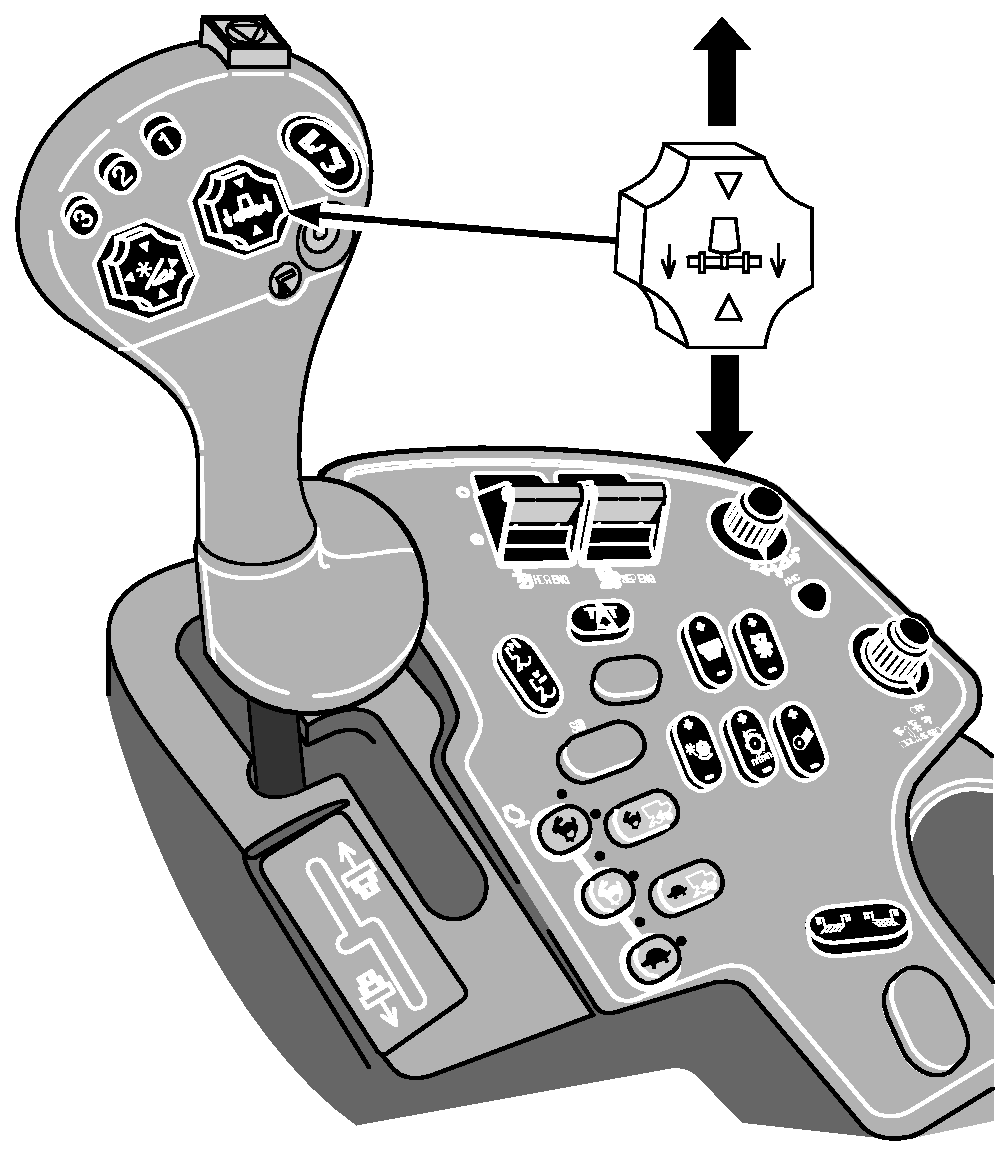
Raise or lower the header to the desired position for the "not harvesting" signal to be generated.
|
|
|
|
OUZXMAG,0001922 -19-16OCT02-7/9
|
|
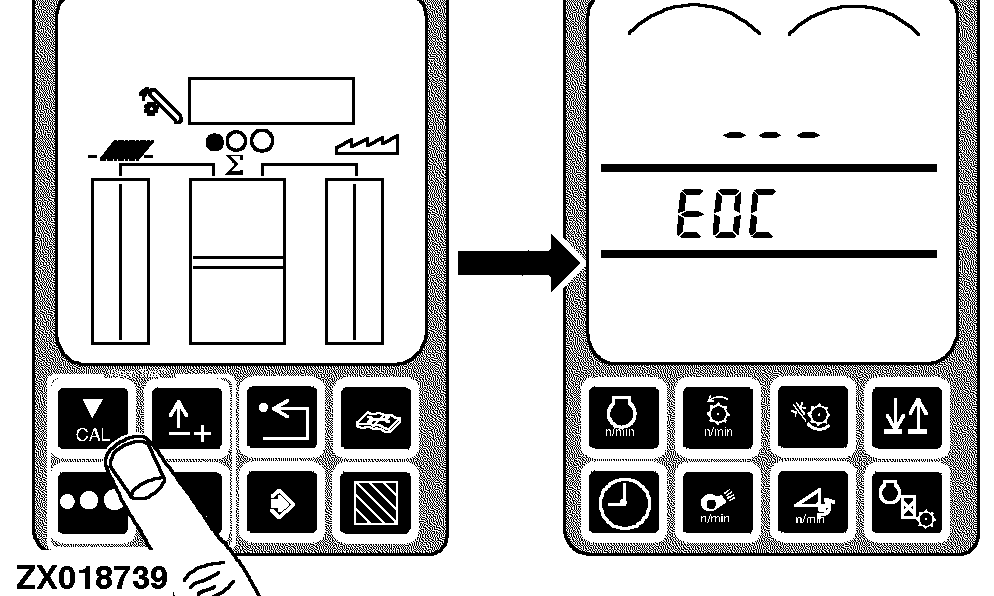
Press calibration switch to save the new position. New threshold will be displayed for 2 seconds, then EOC will be displayed. End of calibration (EOC) shows that the calibration was successful.
|
|
|
|
OUZXMAG,0001922 -19-16OCT02-8/9
|
|
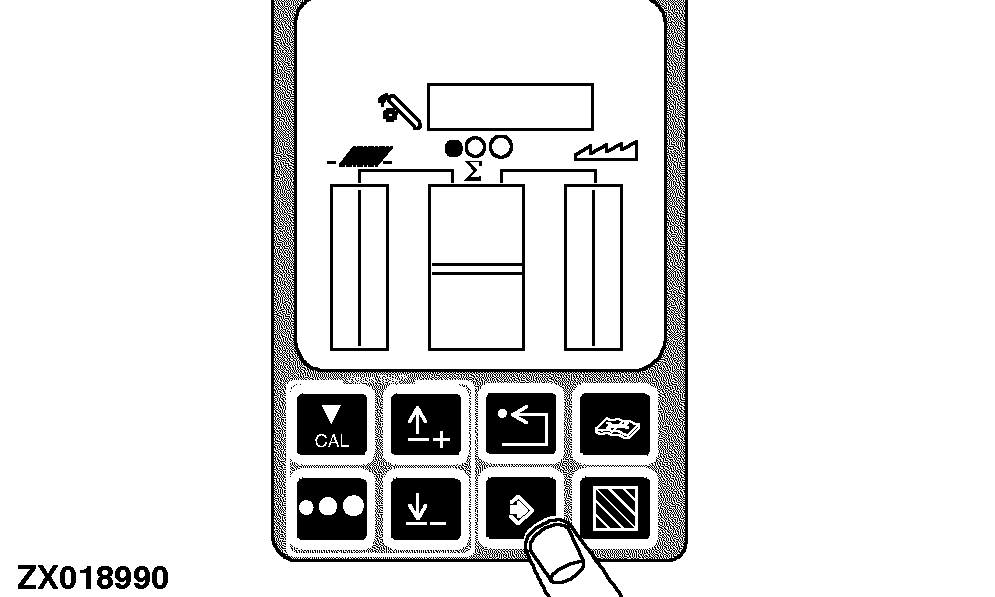
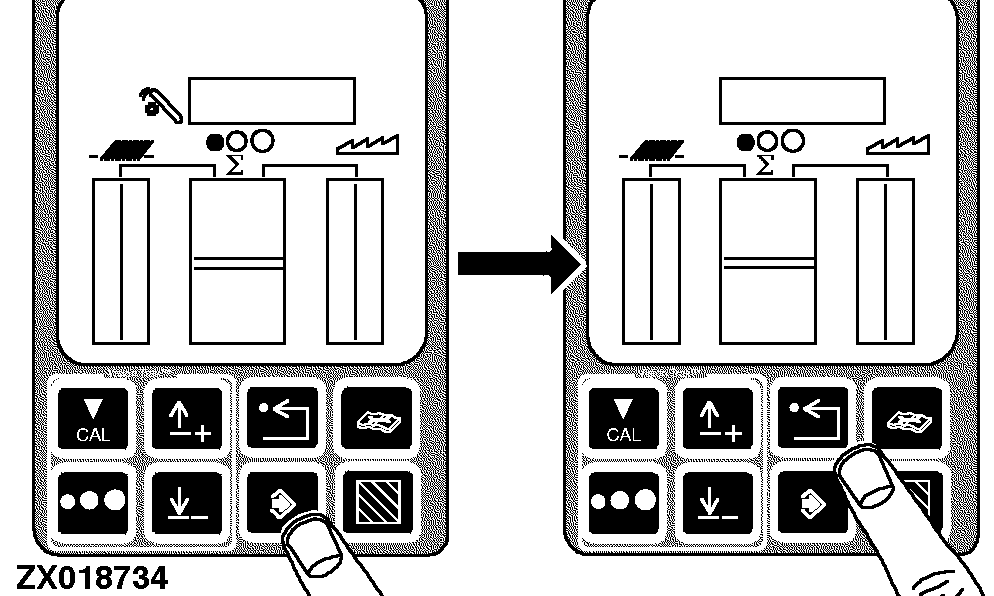
Press the enter switch twice to save the calibration values and return to normal operation or press the back arrow switch to abort the calibration (and not save values).
Press the back arrow switch to return to normal operation.
|
|
|
|
OUZXMAG,0001922 -19-16OCT02-9/9
|
|