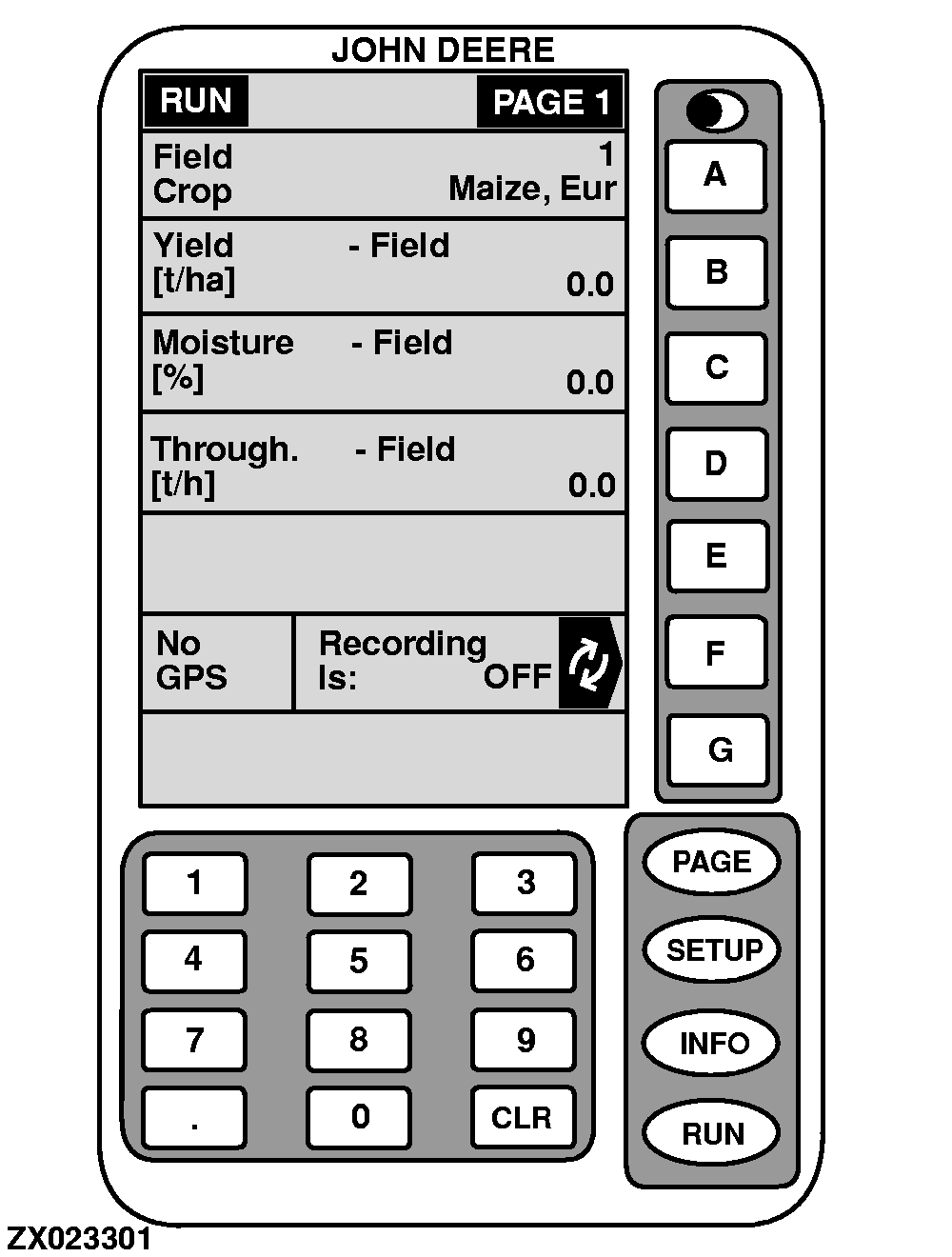
Run-Page 1The "RUN - PAGE 1" screen displays the following information as factory default:
|
|
OUZXMAG,000083D -19-02JAN01-1/3 |
|
NOTE: When recording, throughput is displayed as an instantaneous reading. When recording has stopped, throughput value represents field average. |
|
OUZXMAG,000083D -19-02JAN01-2/3 |
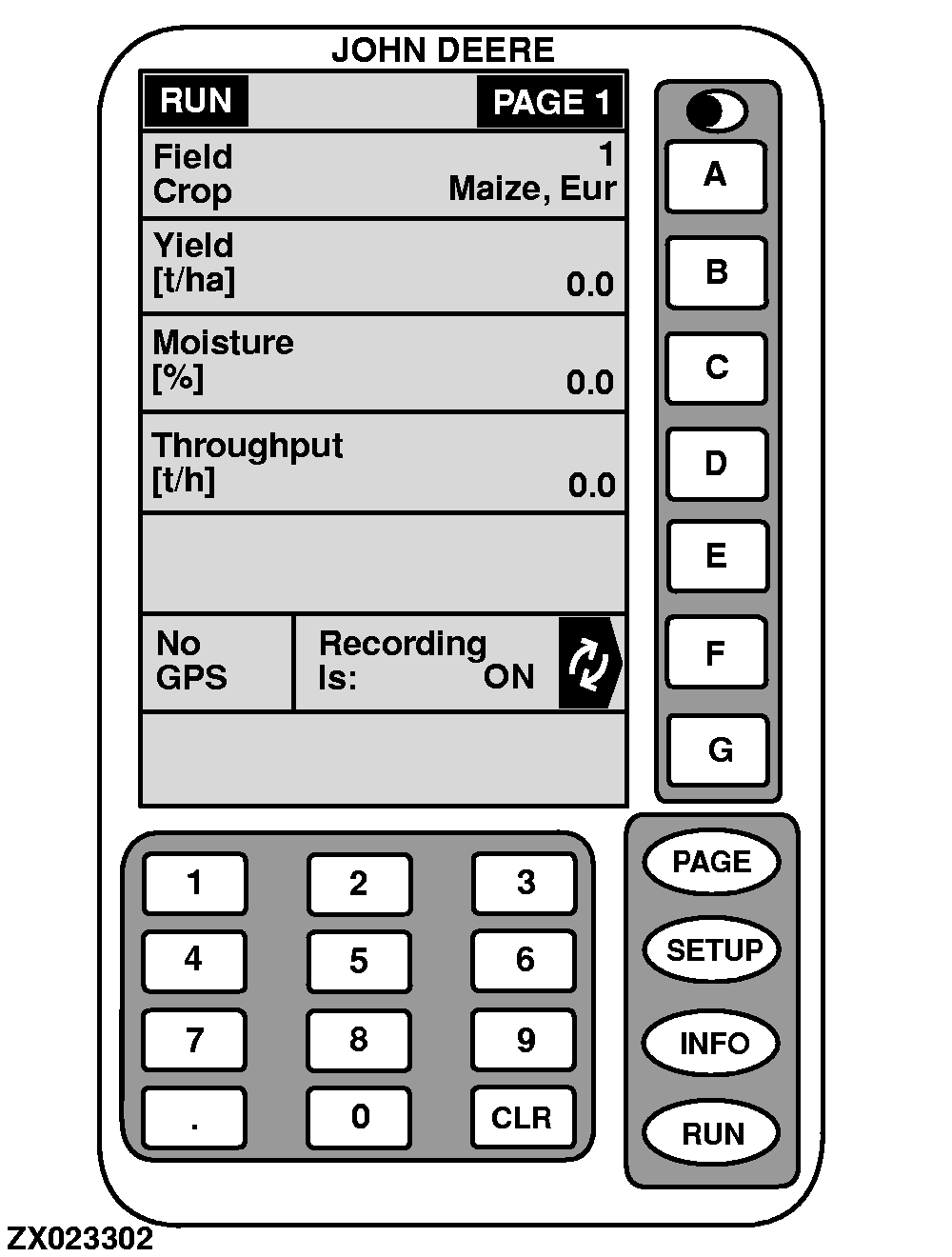
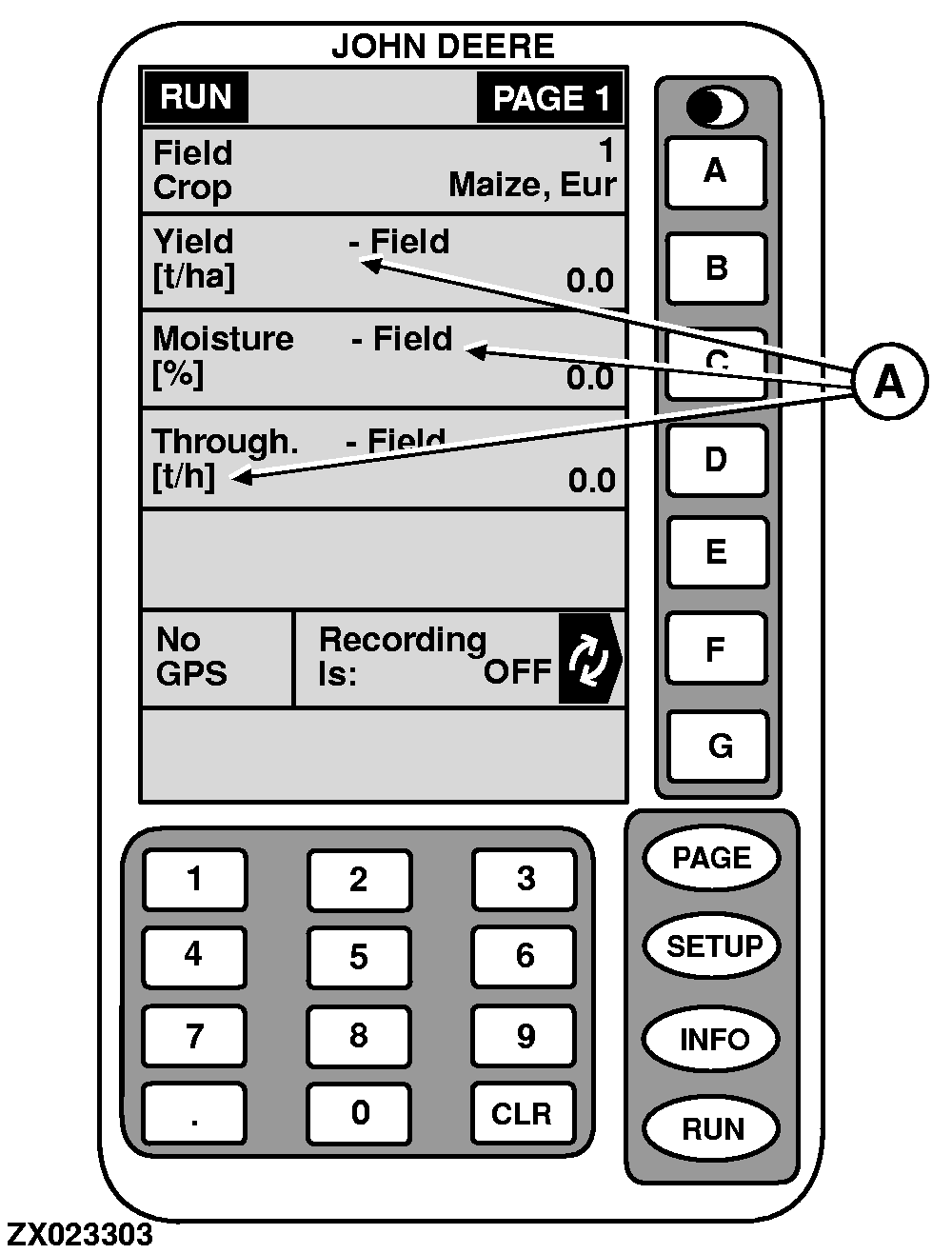
Shows data recording status. To start recording data, ALL of the following MUST occur: Main clutch engaged. Harvesting unit engaged. Header is down or material flows through feed rolls (see "Recording On/Off By:" under "SETUP-Machine Data" in this Section). To stop recording, ONE of the following must occur: Header raised or material flow stopped. Header disengaged. Key F pressed (to stop recording data manually). Recording can be manually stopped and restarted without raising the header or shutting off the harvesting unit (for example, when approaching areas such as headlands, end rows already harvested, waterways, etc., for which recording data is NOT desired). To stop recording manually, press key F . Display will change to RECORDING IS: OFF . NOTE: When recording has stopped, the word FIELD (A) will appear which indicates that the values are field averages. To resume recording data, press key F again. Display will change to RECORDING IS: ON . To change recording On/Off condition, see "Recording On/Off By:" under "SETUP-Machine Data" in this Section. |
|
OUZXMAG,000083D -19-02JAN01-3/3 |