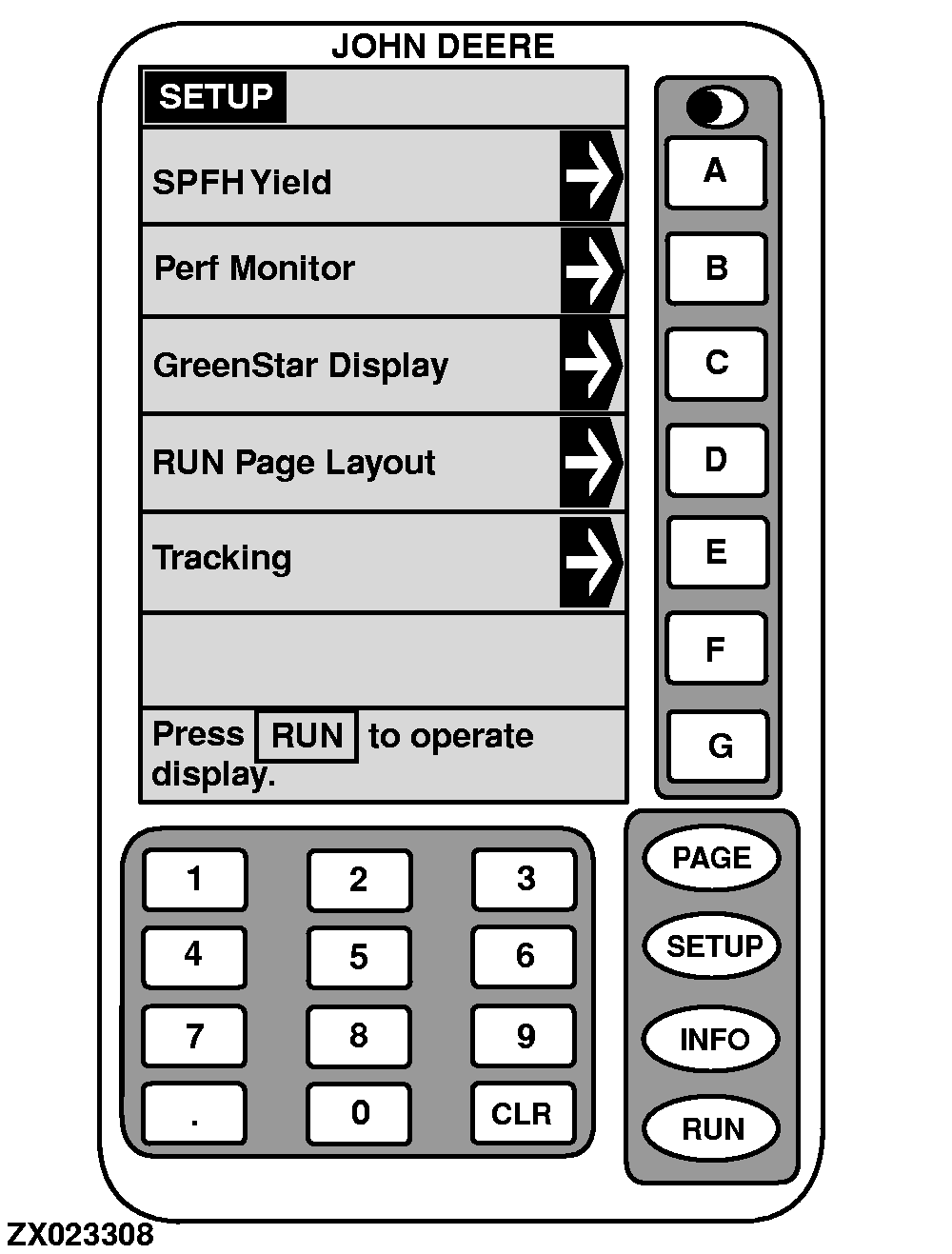
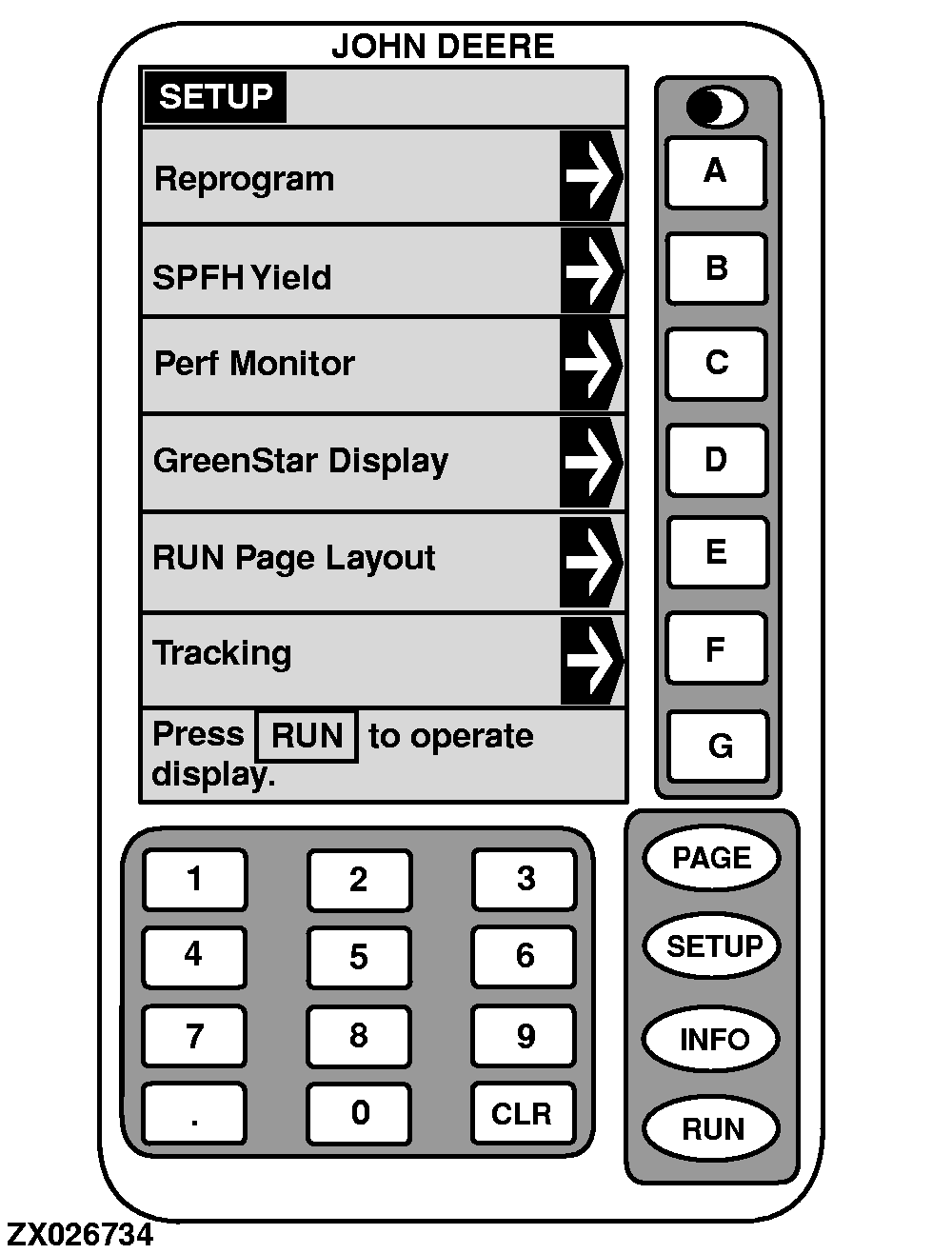
SetupThe SETUP mode is used to select screens for changing specific information. To select this mode, press SETUP key. First screen displayed will be SETUP. From SETUP screen, REPROGRAM 1 , SPFH YIELD , PERF MONITOR , GREENSTAR DISPLAY , RUN PAGE LAYOUT and TRACKING screens can be selected. IMPORTANT: The PERF MONITOR and TRACKING functions are NOT supported by the GreenStar Yield Monitor System. DO NOT turn these functions on. If turned on, Yield Monitor will not operate properly. Refer to the following pages for SETUP of each of these screens. |
|
OUZXMAG,0000840 -19-26SEP02-1/1 |