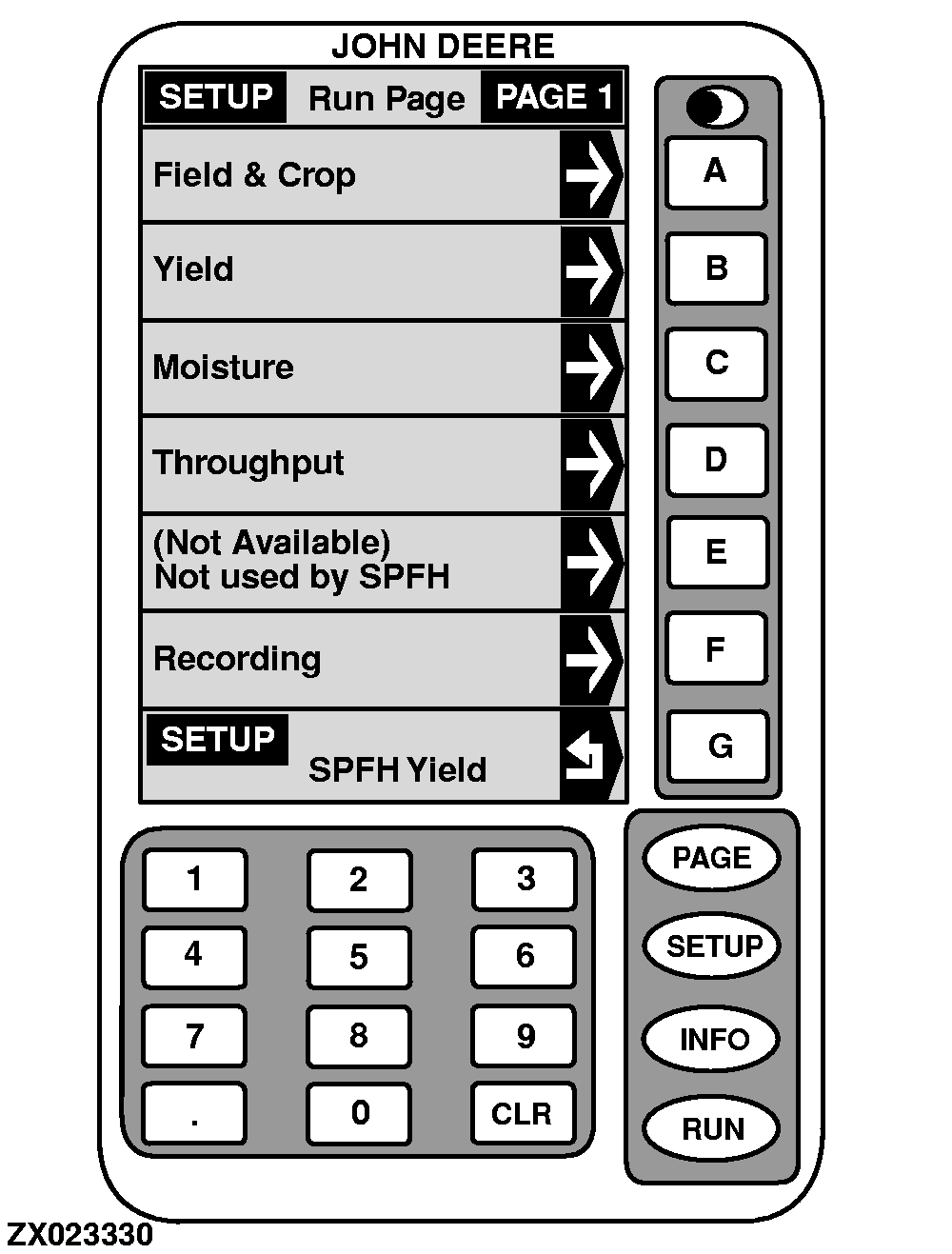
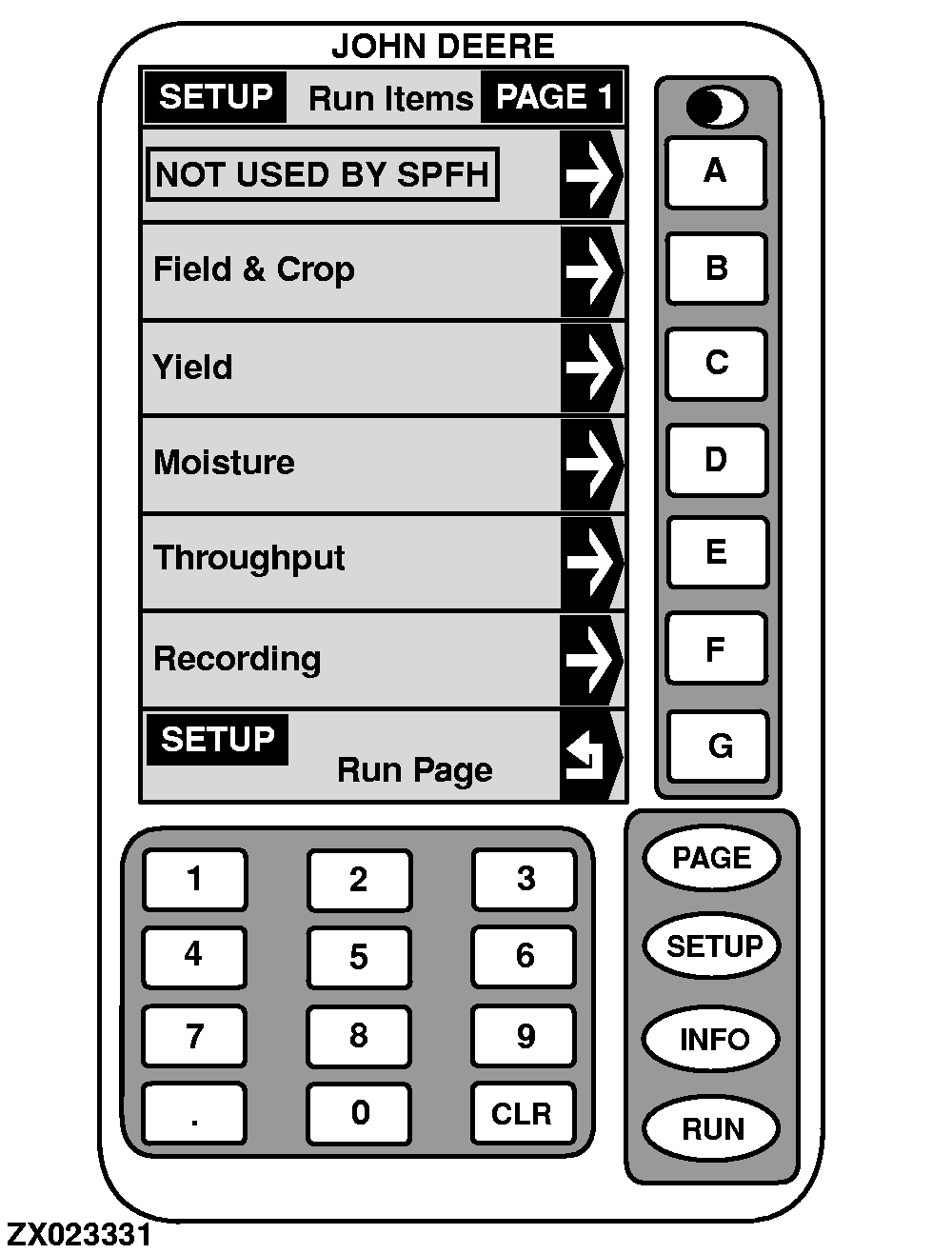
Setup-Run PagesThe definition and location of each cell displayed on "RUN-Page 1" or "RUN-Page 2" screens (see "Yield Monitor Run Functions" in this Section) can be customized. Proceed as follows: 1. On "SETUP - Run Page - PAGE 1" screen, press key next to the cell that must be customized. SETUP-RUN-ITEMS-PAGE 1 will appear. 2. Press key next to the desired cell definition. Active cell definition is shown in a box. Three pages of cell definition are available:
3. Press key G to return to "SETUP - Run Page". NOTE: Run page settings can be reset to factory settings (see "SETUP-Operation Data" in this Section). To save these settings as your personal standard, run standard page layout see "SETUP - Run Page Layout - Standard Layout" in this Section. |
|
OUZXMAG,0000847 -19-09JAN01-1/1 |