Setup-Display-Page 2
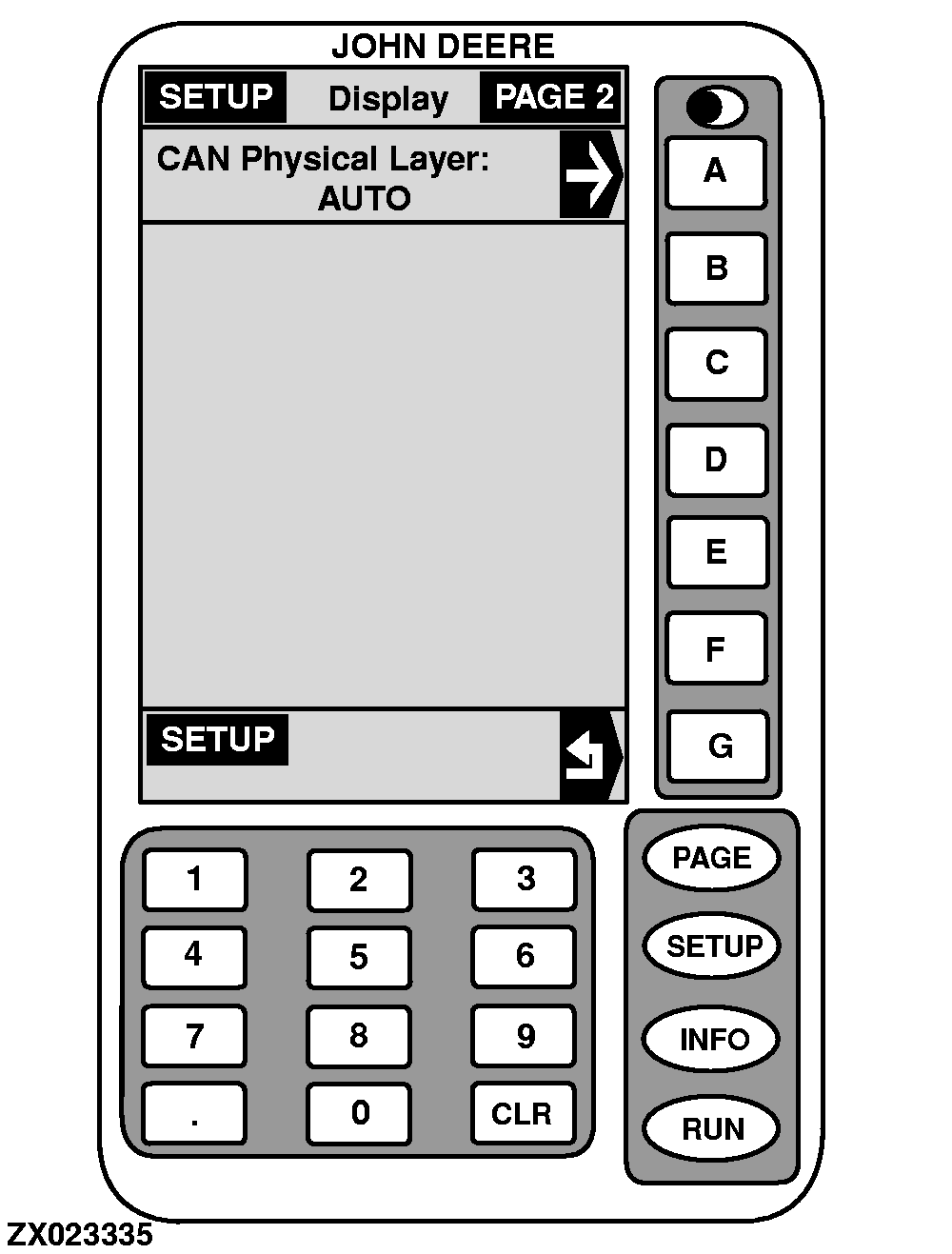
The "SETUP - Display - PAGE 2" screen displays the following information:
-
CAN LAYER
NOTE:
Can Layer-Auto is set as factory default.
This cell shows which CAN physical layer the moisture sensor is using. To change the layer, proceed as follows:
1.
On "SETUP - Display - PAGE 2" screen, press key
A
.
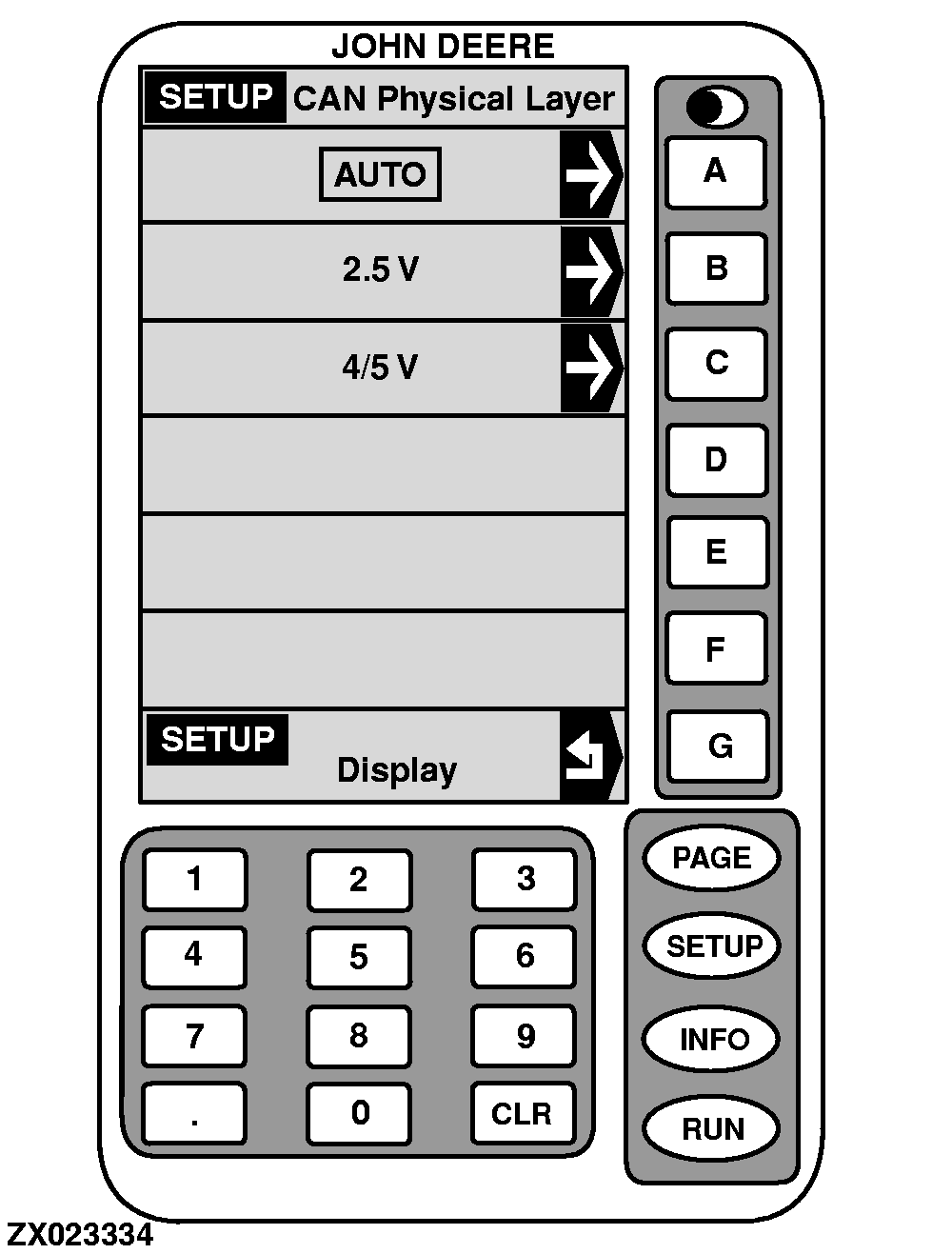
CAN PHYSICAL LAYER
will appear.
2.
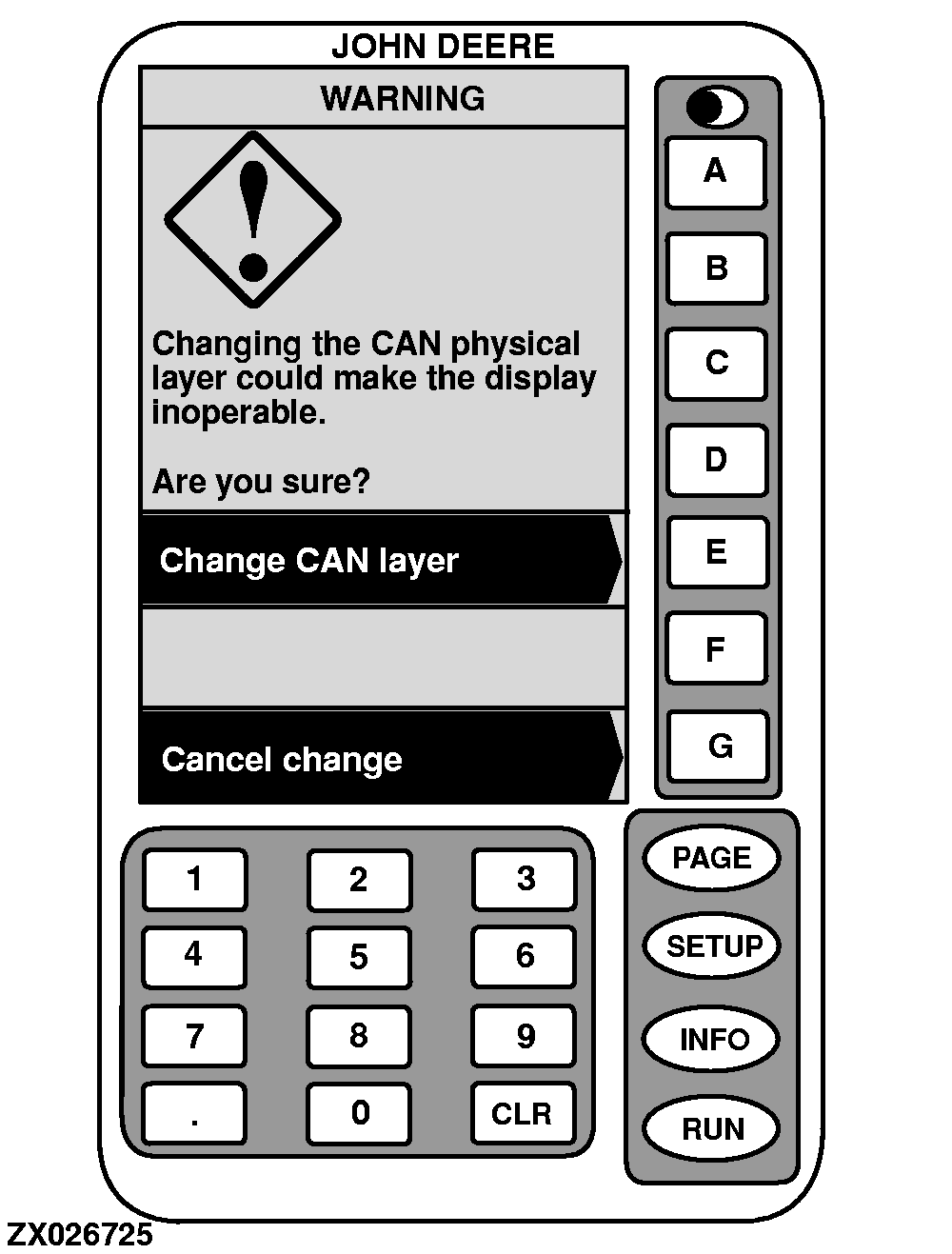
Press key next to the desired layer which will be shown in a box. Warning screen appears when changing CAN physical layer.
IMPORTANT:
It is best to leave this option set to AUTO. If incorrectly set, the display may not operate.
|