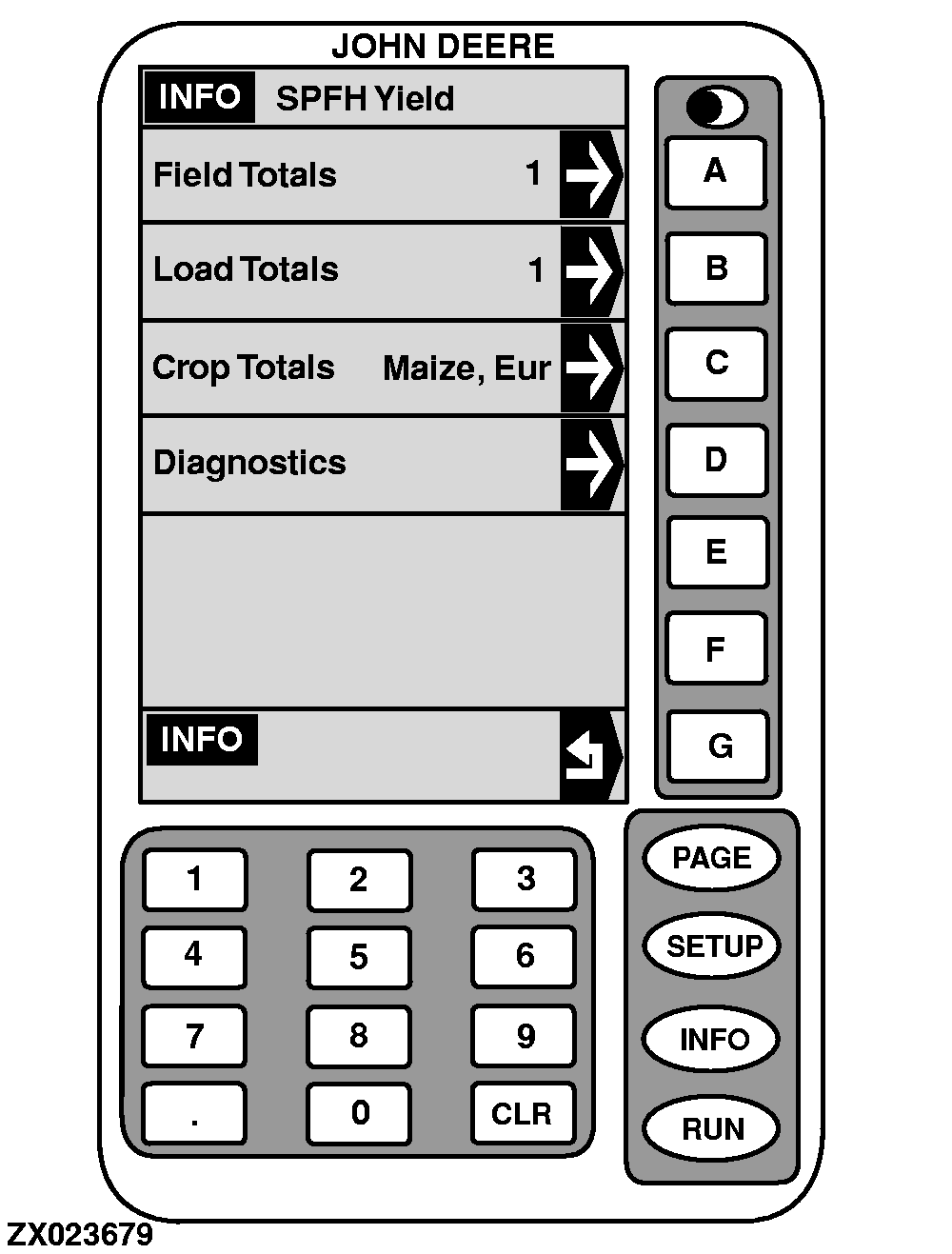
Info-SPFH Yield
This screen will allow the operator to go directly to any of the following screens by pressing the corresponding letter key to the right of display cell.
-
Field Totals
. Press key
A
to display totals of selected field (see "INFO - Field Totals (Without Printer Option)" or "INFO - Field Totals (With Printer Option) in this Section).
-
Load Totals
. Press key
B
to display totals of selected load (see "INFO - Load Totals (Without Printer Option)" or "INFO - Load Totals (With Printer Option)" in this Section).
-
Crop Totals
. Press key
C
to display totals of selected crop (see "INFO - Crop Totals (Without Printer Option" or "INFO - Crop Totals (With Printer Option)" in this Section).
-
Diagnostics
. Press key
D
to generate yield monitor system self-diagnostic information (see "INFO - Diagnostics" in this Section).
|
|