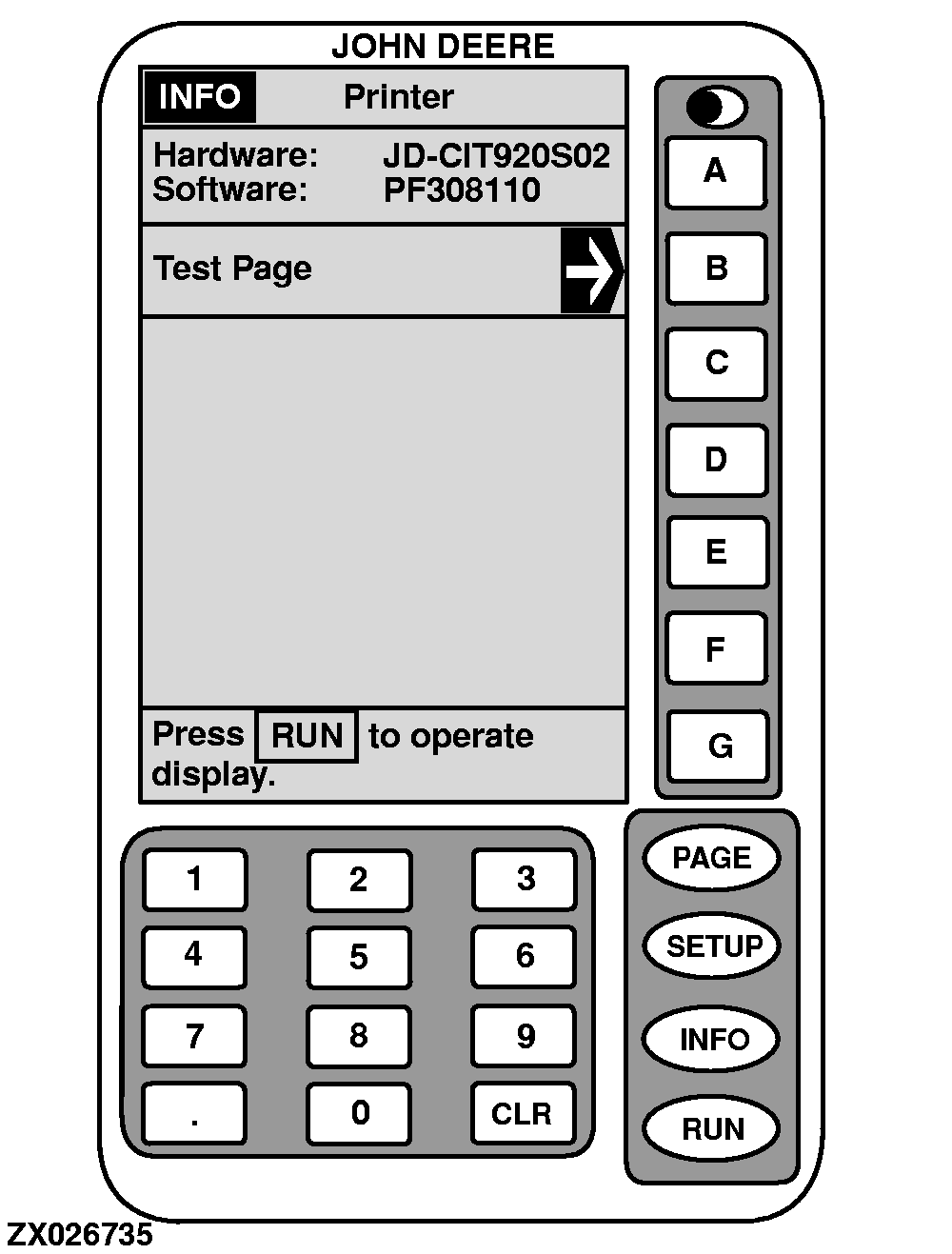
Info-PrinterThis screen displays hardware and software version of printer. From this screen, you can carry out a test of printer by pressing key B . This will print a test page. NOTE: Once print out is over, successively press on ejection button to sufficiently roll out paper so that it can be torn off far below the printed area. |
|
OUZXMAG,000112E -19-17AUG01-1/1 |