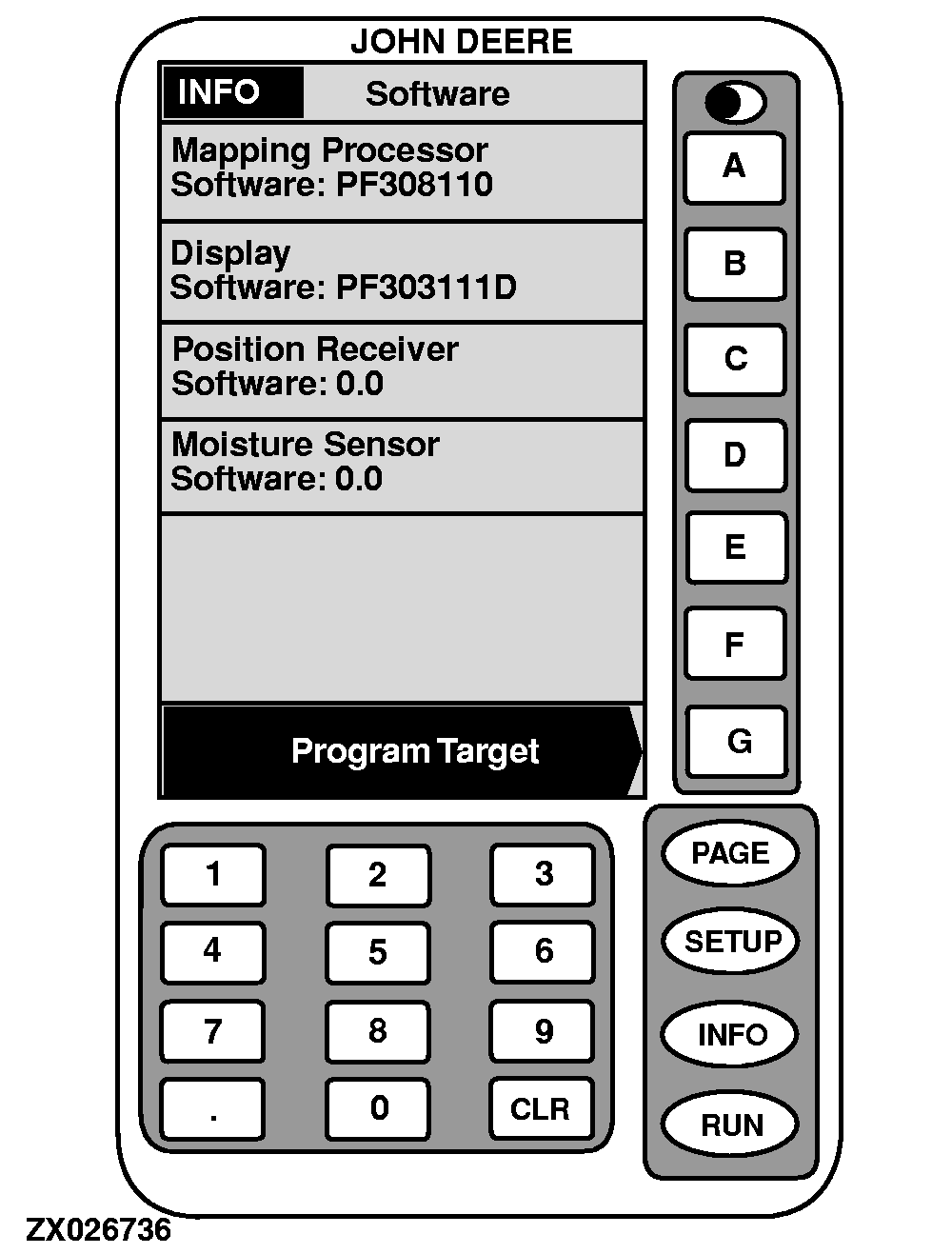
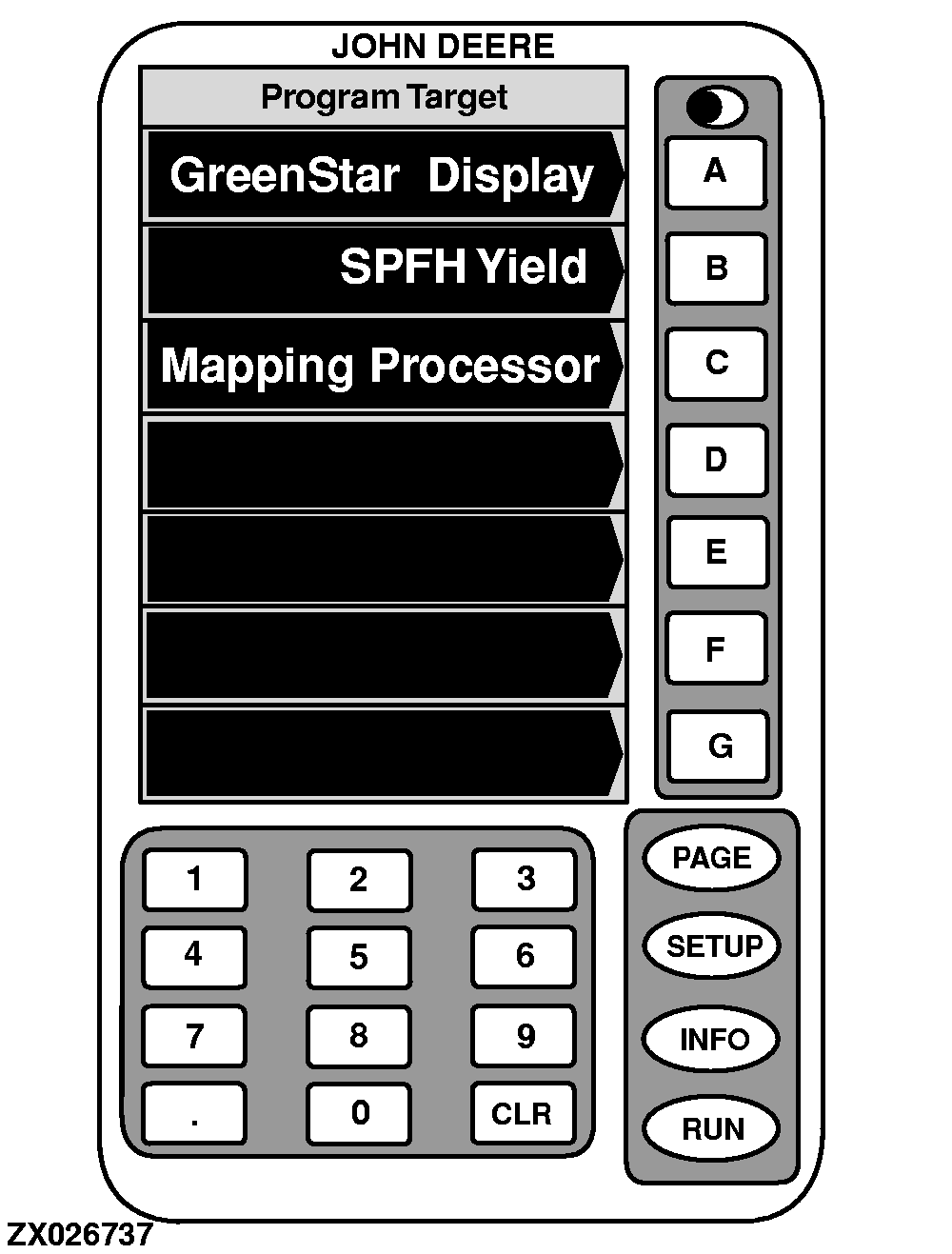
Info-ReprogramThis screen displays information about mapping processor, display, position receiver and moisture sensor software versions. If necessary, new software version can be loaded from this screen. Proceed as follows: 1. On "INFO - Software" press key G . Program Target will appear.2. Press key next to the desired component to load the relevant new software version. NOTE: At that time, system will check whether software is available on PC card. If no software is found, a warning message will be displayed. In this case, contact your John Deere dealer to update the PC card. 3. Wait until WARNING PROGRAMMING screen appears and follow directions on screen: - DO NOT REMOVE PC CARD - DO NOT REMOVE POWER 4. When programming is complete, the PROGRAMMING COMPLETE screen will appear. CYCLE POWER will be displayed in lower left corner. Turn ignition switch OFF. You may now start the harvester and proceed as usual. |
|
OUZXMAG,000112F -19-26SEP02-1/1 |