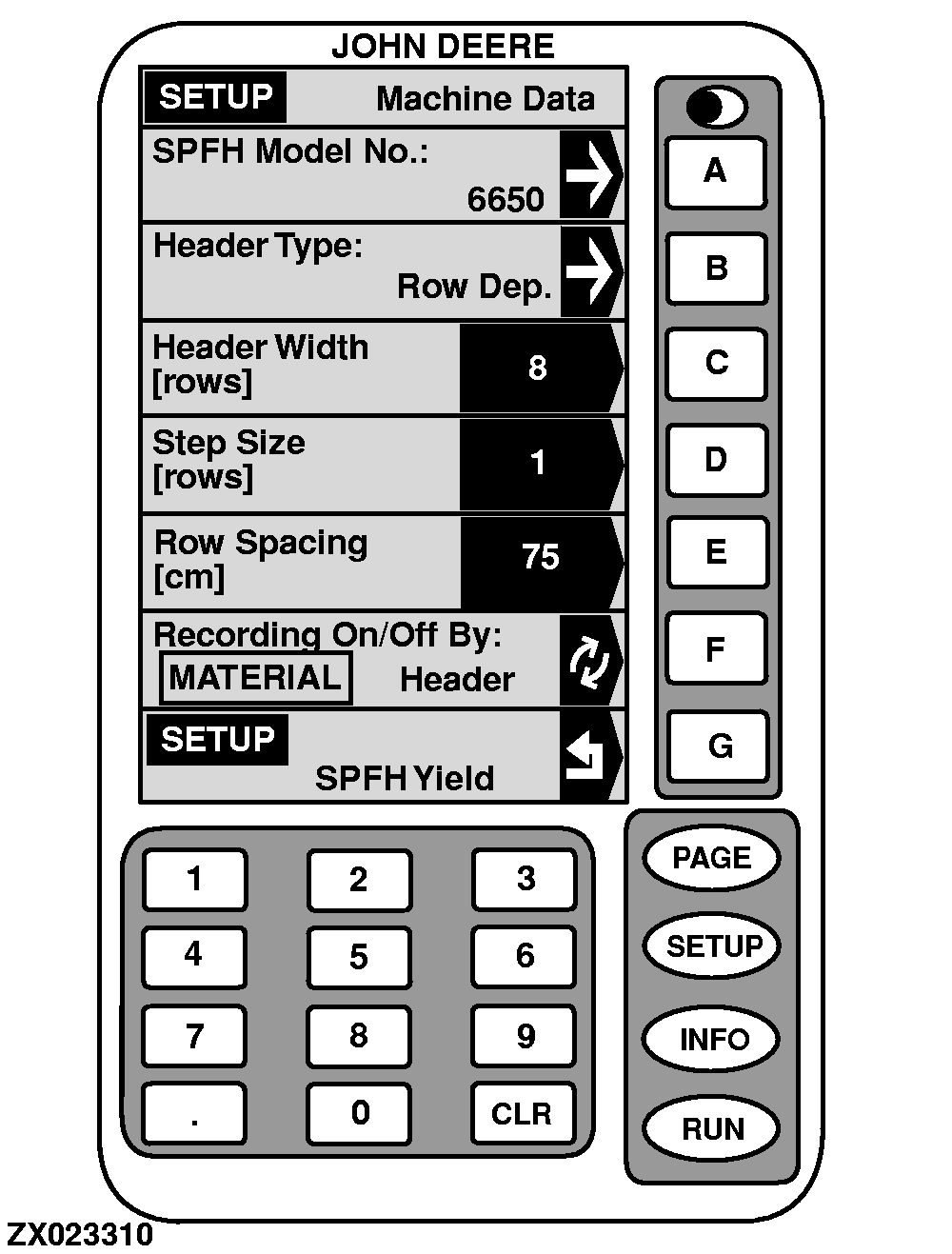
Setup-Machine DataThe "SETUP - Machine Data" screen is used to select parameters for the forage harvester/ header combination. To return to "SETUP - SPFH Yield", press key G .
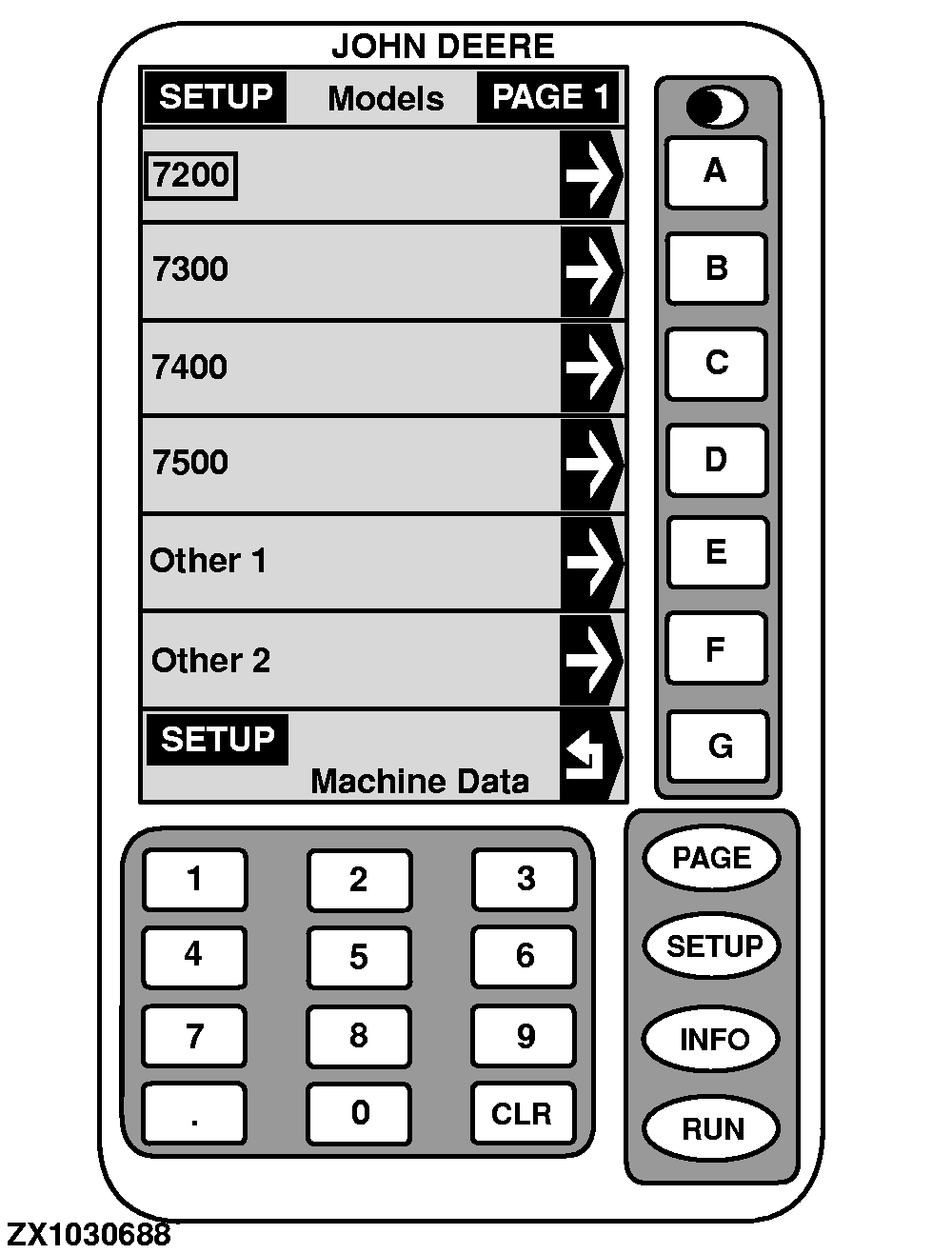
To select forage harvester model being used: NOTE: Model 7200 is set as factory default. 1. Press key A on "SETUP - Machine Data". SETUP -Models screen will appear.2. Active model is shown in a box as illustrated. Press letter key next to model desired. 3. To return to "SETUP - Machine Data", press key G . |
|
OUZXMAG,000184A -19-25SEP02-1/6 |
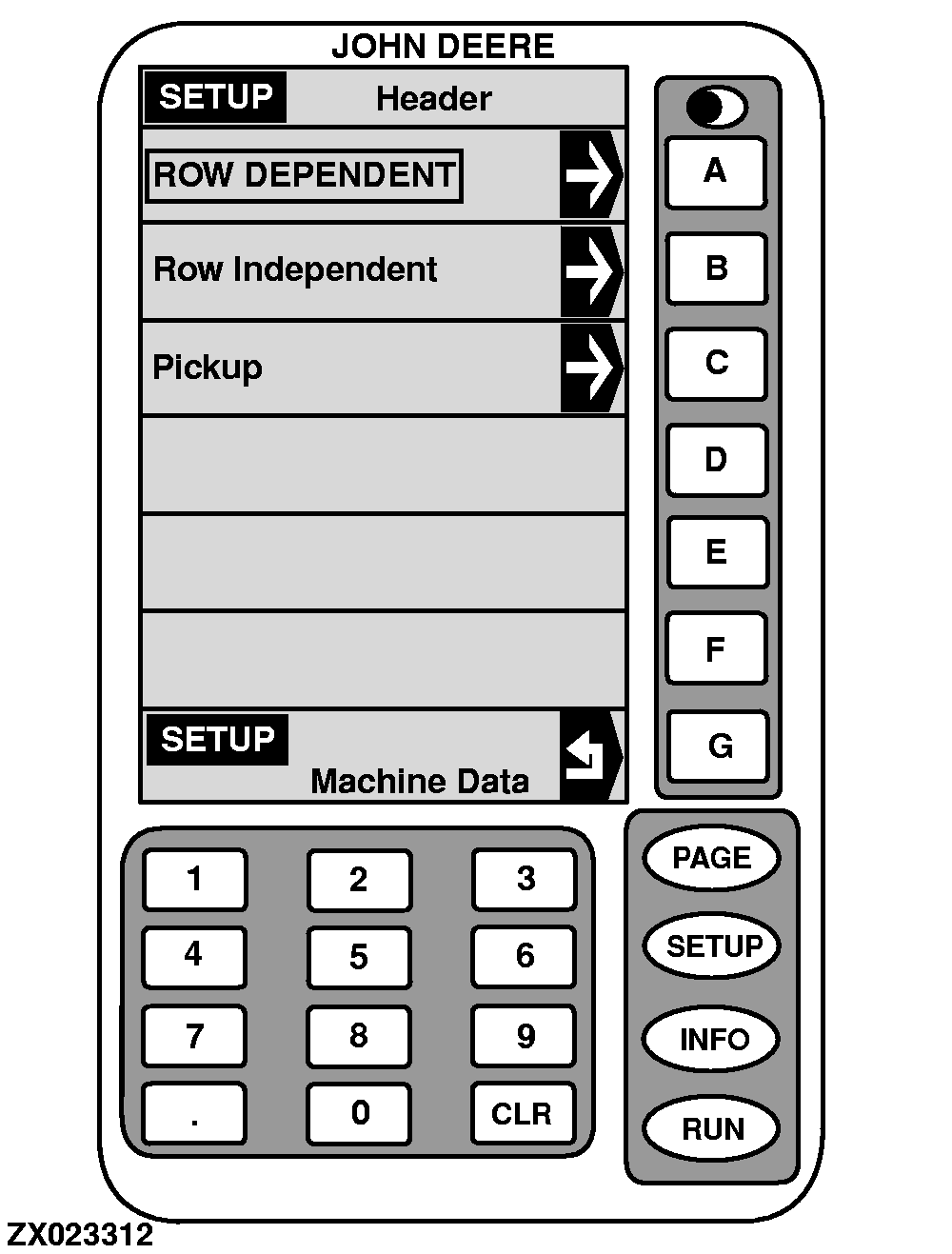
Press key B on "SETUP - Machine Data". SETUP -Headers screen will appear. Active header type is shown in a box as illustrated. Press letter key next to type desired. NOTE: 664 and 666 Row Crop Headers are "Row Dependent" type. 676, 684, 686, 688 and 710 Rotary Harvesting Units are "Row Independent" type. 630, 640 and 645 Pickups are "Pickup" type. To return to "SETUP - Machine Data", press key G . |
|
OUZXMAG,000184A -19-25SEP02-2/6 |
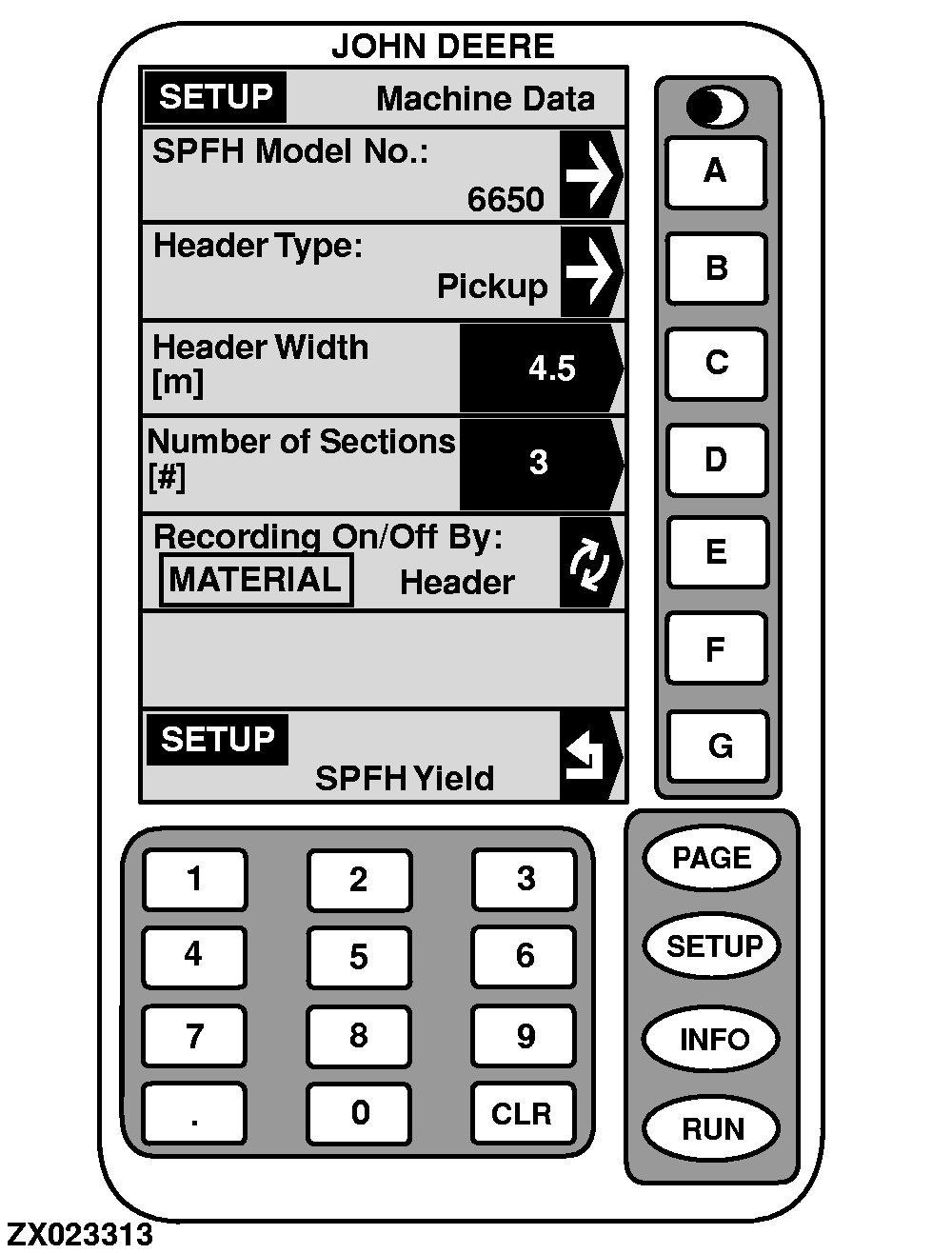
Press key C . Using numeric keypad, input correct header width, in rows or width, depending on header type selected then press C again to ENTER the value. NOTE: 664 and 666 Row Row Crop Headers = Number of rows. 676, 684, 686, 688 and 710 Rotary Harvesting Units = Cutting width in METERS. 630, 640 and 645 Pickups = Actual width of windrower (swather, grouper) to produce windrow in METERS. To return to "SETUP - SPFH Yield", press key G . |
|
OUZXMAG,000184A -19-25SEP02-3/6 |
To select step size (rows) or number of sections (#) of header being used: Press key D . Using numeric keypad, input correct step size or number of sections. Press key D again to ENTER this value. |
|
OUZXMAG,000184A -19-25SEP02-4/6 |
To select row spacing of crop being harvested: Press key E . Using numeric keypad, input correct row spacing. Press key E again to ENTER this value. |
|
OUZXMAG,000184A -19-25SEP02-5/6 |
To select how recording of data is activated, press key F to toggle between "MATERIAL" and "HEADER". - MATERIAL means that recording of data will be activated once material flows through feed rolls. Should be selected when header is not raised for turning and driving in the field without harvesting (e.g. pickup) - HEADER means that recording of data will be activated once header is lowered. NOTE: Header is set as factory default. |
|
OUZXMAG,000184A -19-25SEP02-6/6 |