Moisture Correction
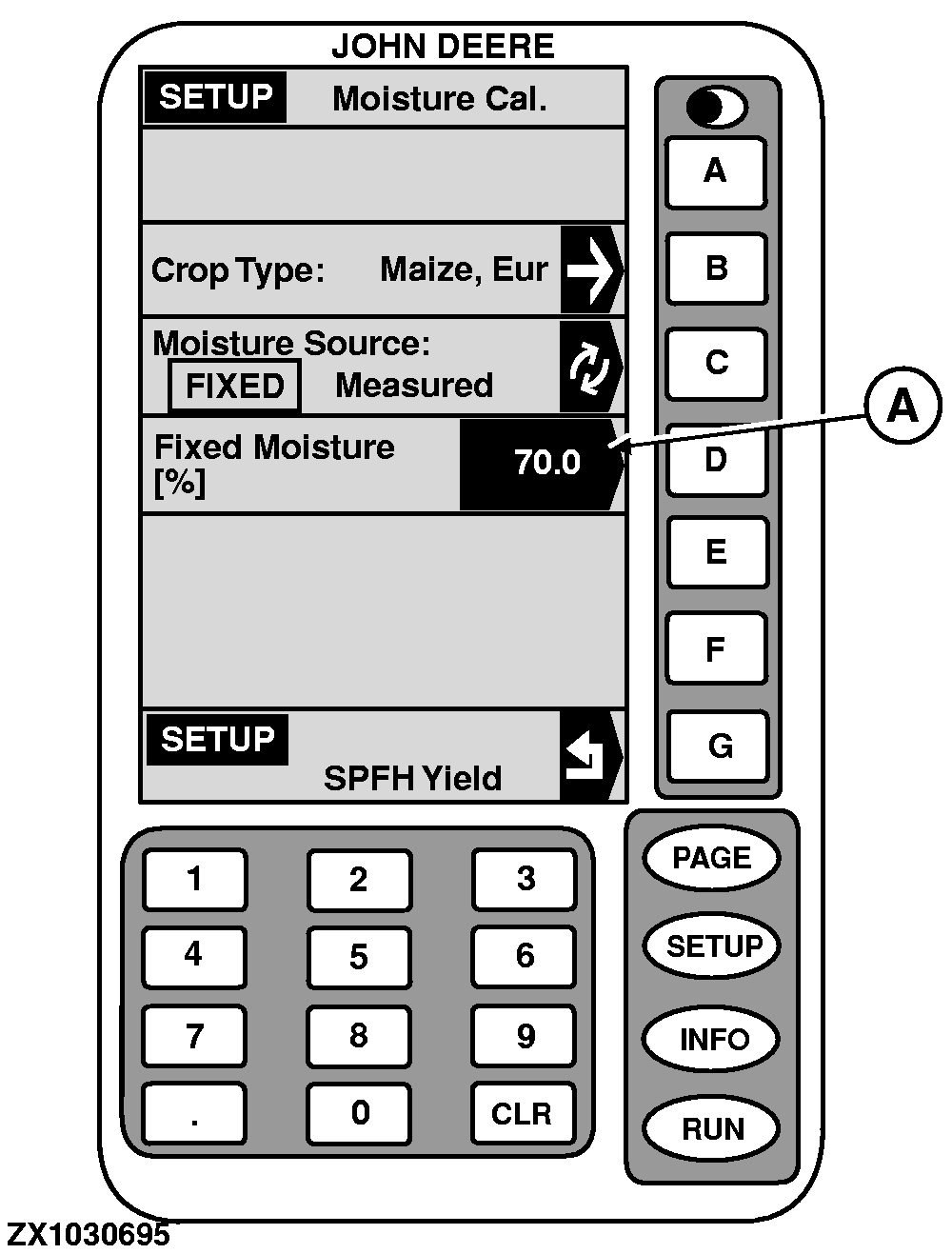
2. Press key D on "SETUP - Moisture Cal.". 3. Using numeric keypad, input a value from 10 to 90 (A) to change the reading on "SETUP-Moisture Cal." screen. 4. Press key D again to ENTER this value. 5. Press key G to return to "SETUP - SPFH Yield.". |
|
OUZXMAG,000184C -19-25SEP02-1/2 |
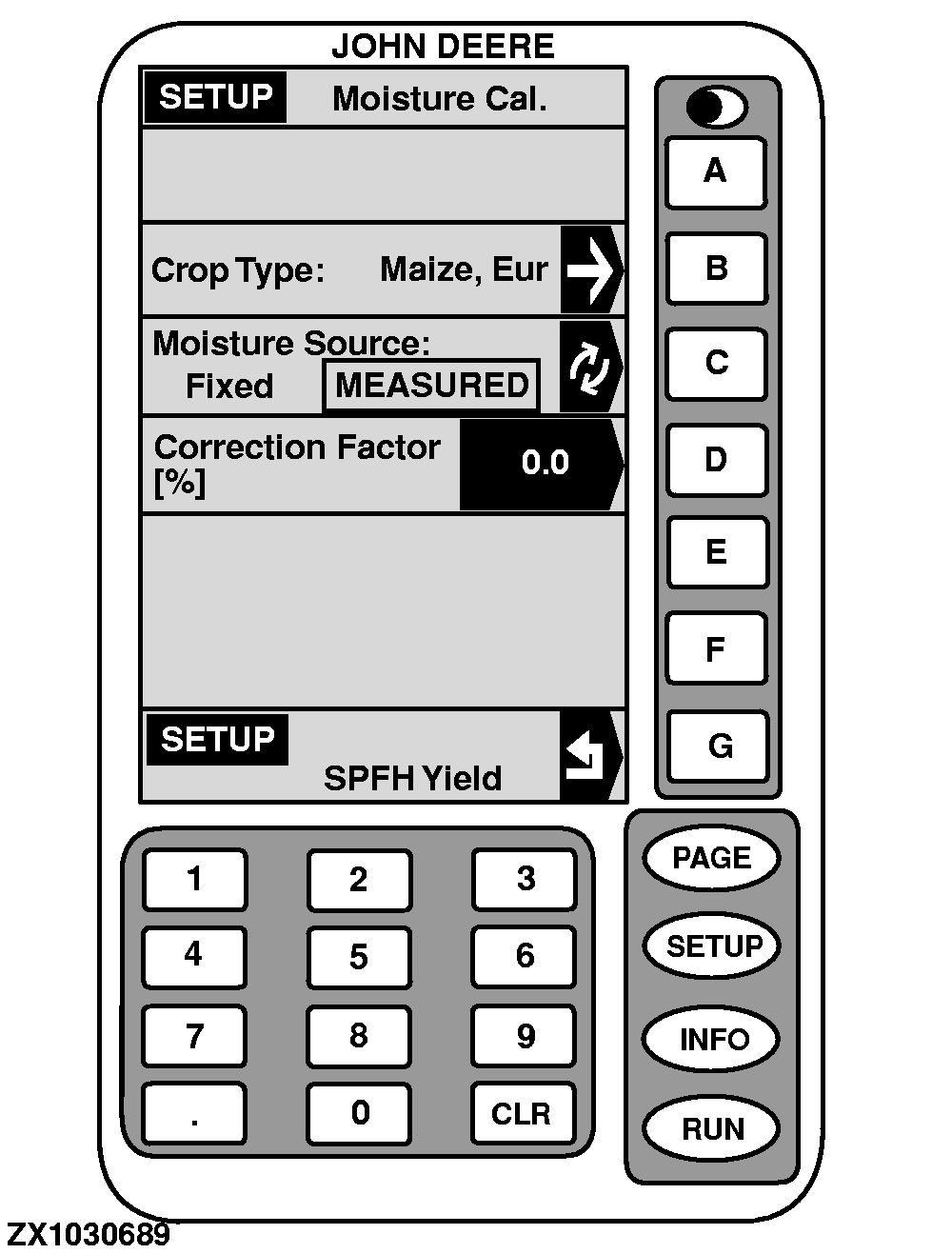
Press key D on "SETUP - Moisture Cal.". Using numeric keypad, input a value from -25 to +25 to be added to reading displayed on "RUN - PAGE 1" screen. Press key E to set value positive or negative. Press key D again to ENTER this value. |
|
OUZXMAG,000184C -19-25SEP02-2/2 |