Info-Crop Totals (Without Printer Option)
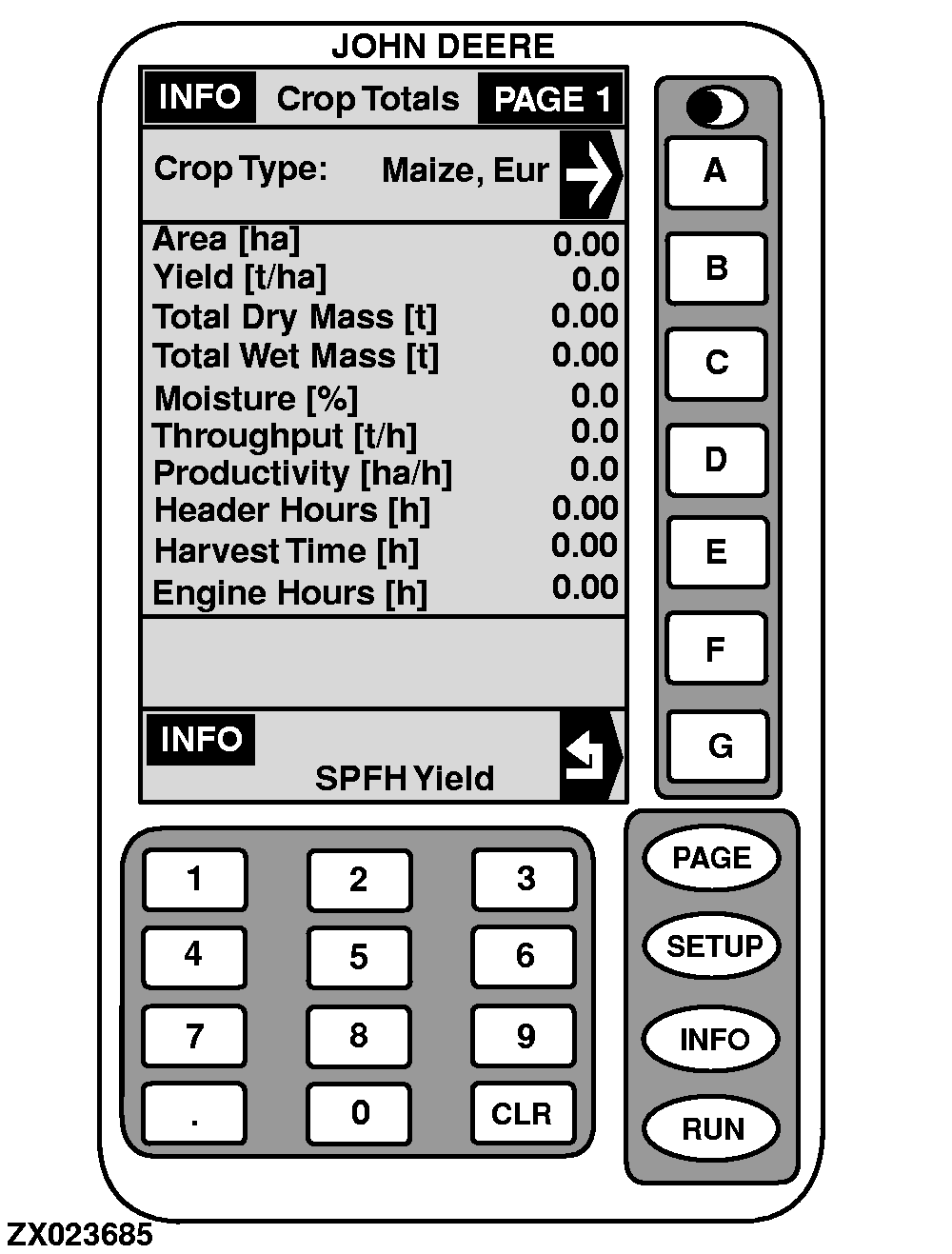
This screen displays data acquired for a particular crop.
The crop selected in "SETUP - Operation Data" is displayed along with all of its harvest information as shown in the sample display.
1.
On "INFO - SPFH Yield", press key
C
.
INFO - Crop Totals - PAGE 1
will appear.
2.
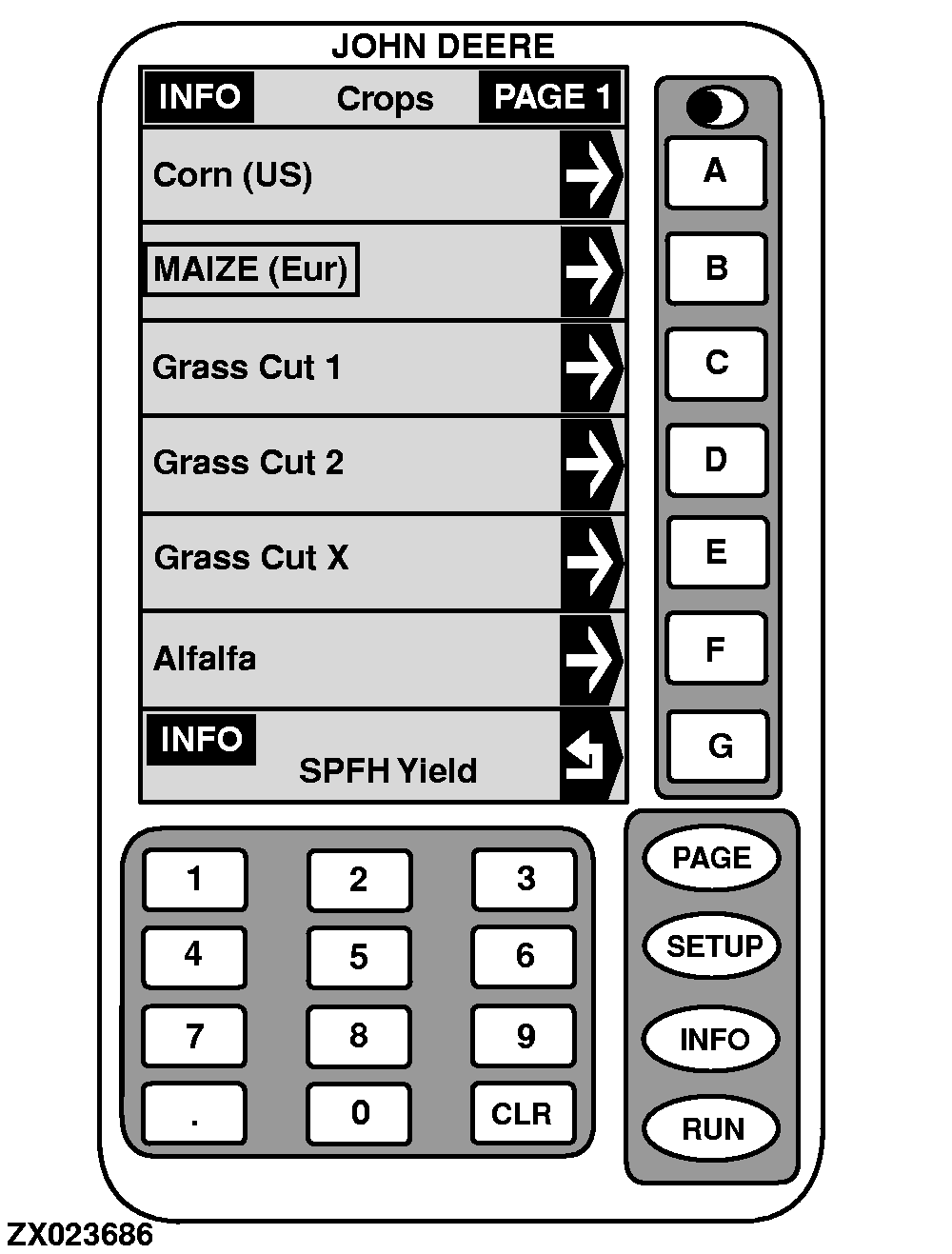
Press key
A
to select crop.
INFO - Crops - PAGE 1
will appear.
3.
Press key next to the desired crop (active crop is is shown in a box as illustrated) to display.
4.
Press key
G
to return to "INFO - SPFH Yield". All information is displayed.
|