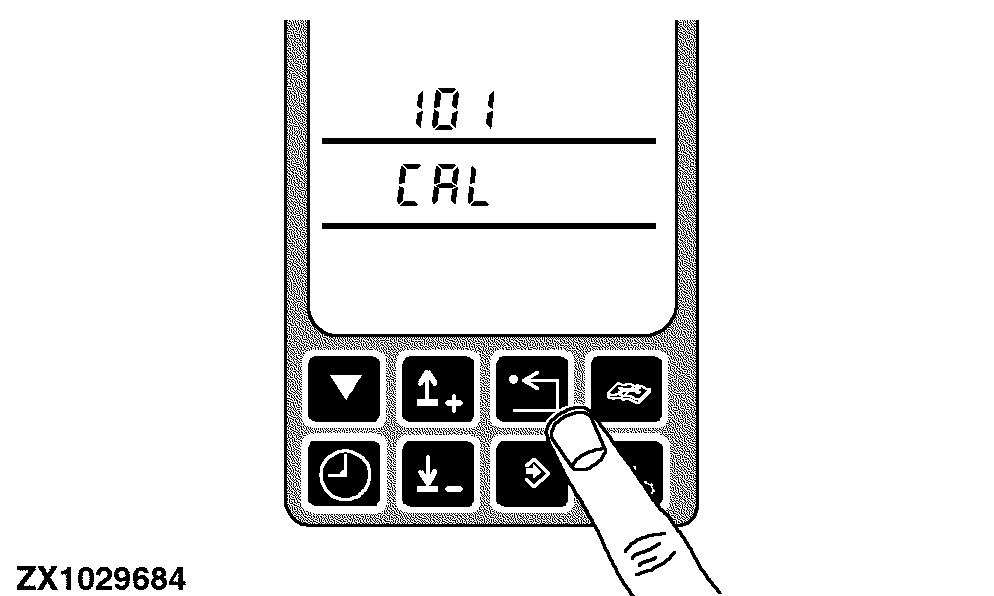
On-Board Diagnostic - Entering Addresses
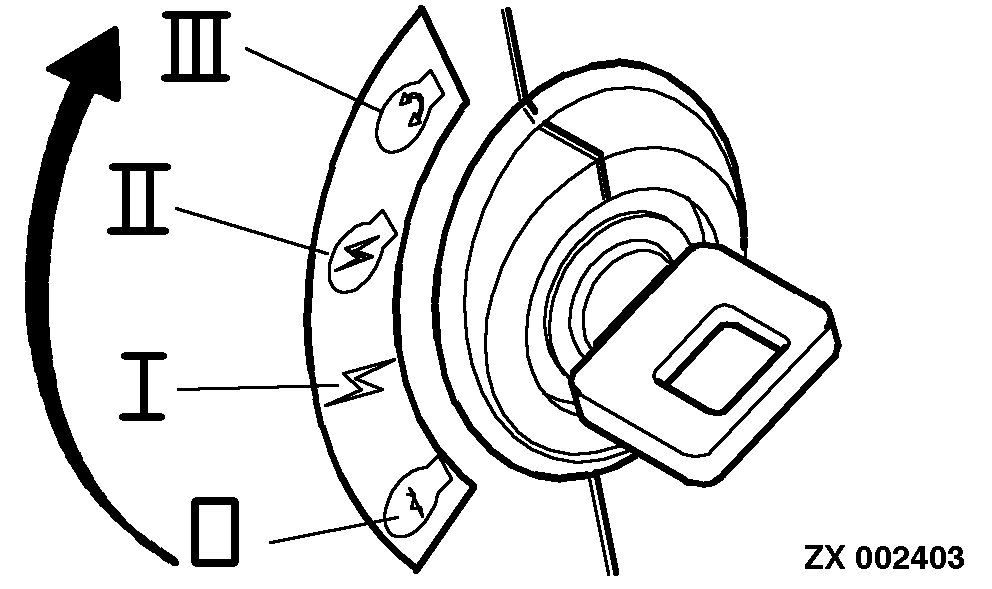
Turn the key switch to the run position.
|
|
|
|
OUZXMAY,00003AD -19-03MAR02-1/9
|
|
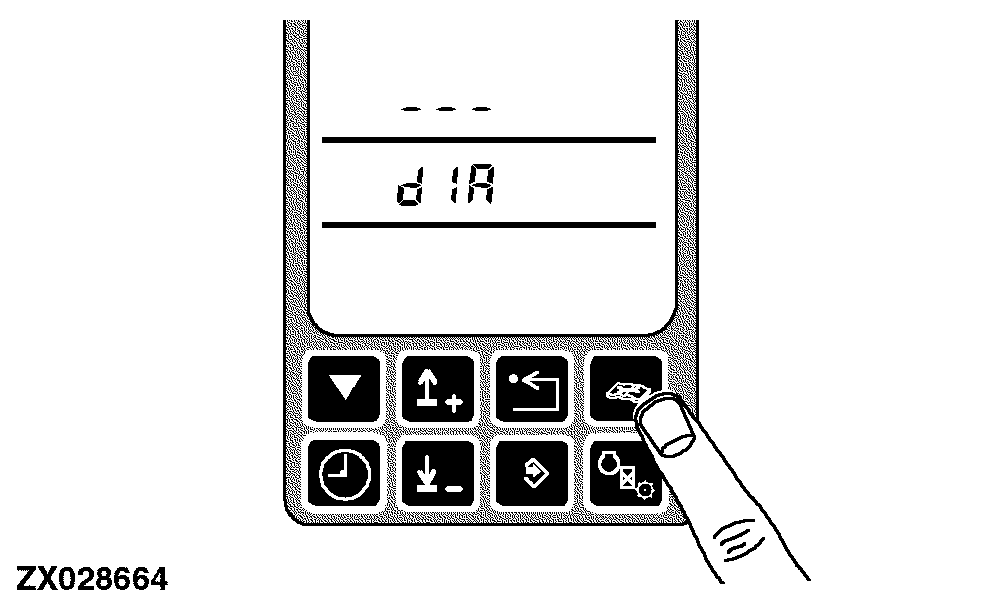
Press the diagnostic switch at any time. dIA will appear on the display.
|
|
|
|
OUZXMAY,00003AD -19-03MAR02-2/9
|
|
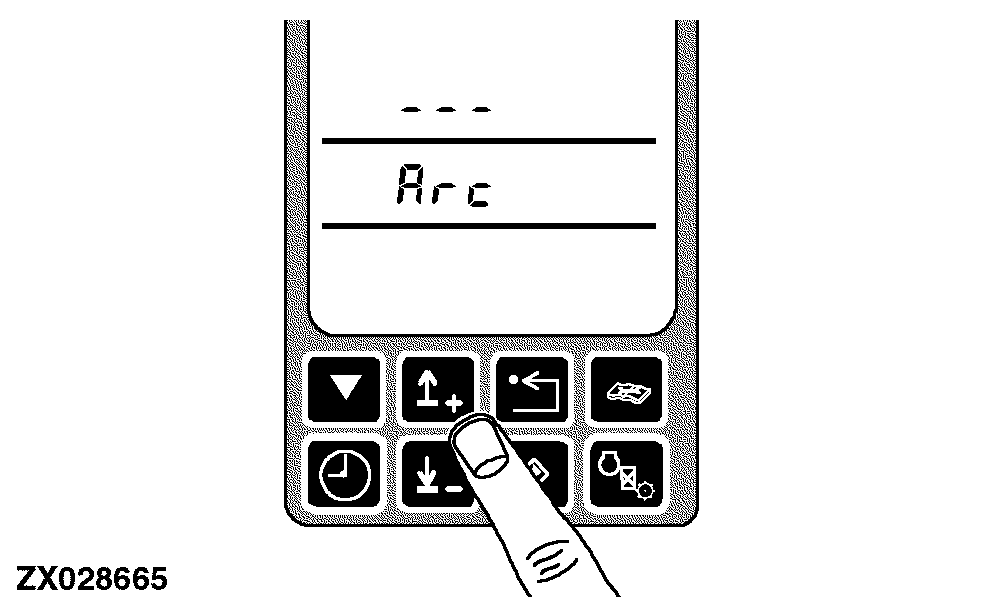
Press the up or down arrow switch to obtain the desired address (control unit identifier). Each control unit will have a unique alphabetic display identifier presented when accessed.
|
|
|
|
OUZXMAY,00003AD -19-03MAR02-3/9
|
|
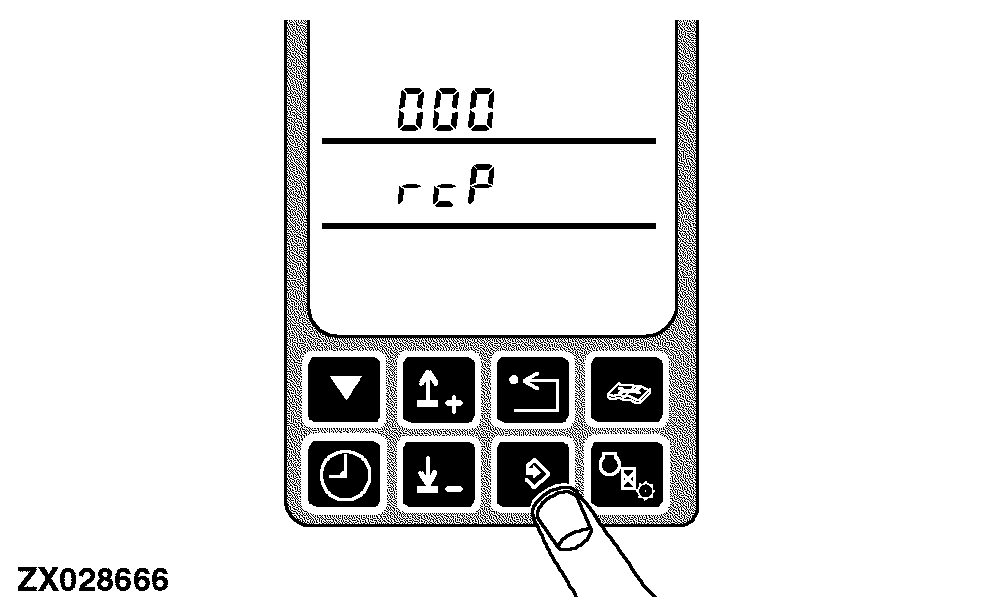
Press the enter switch to select the control unit. The display shows the control unit identifier and the initial diagnostic address 000.
|
|
|
|
OUZXMAY,00003AD -19-03MAR02-4/9
|
|
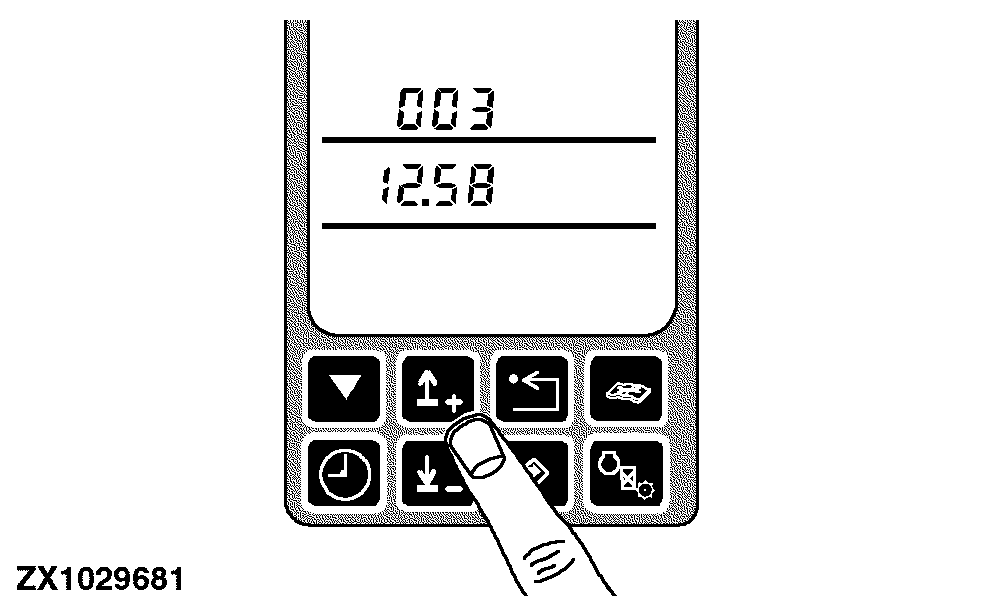
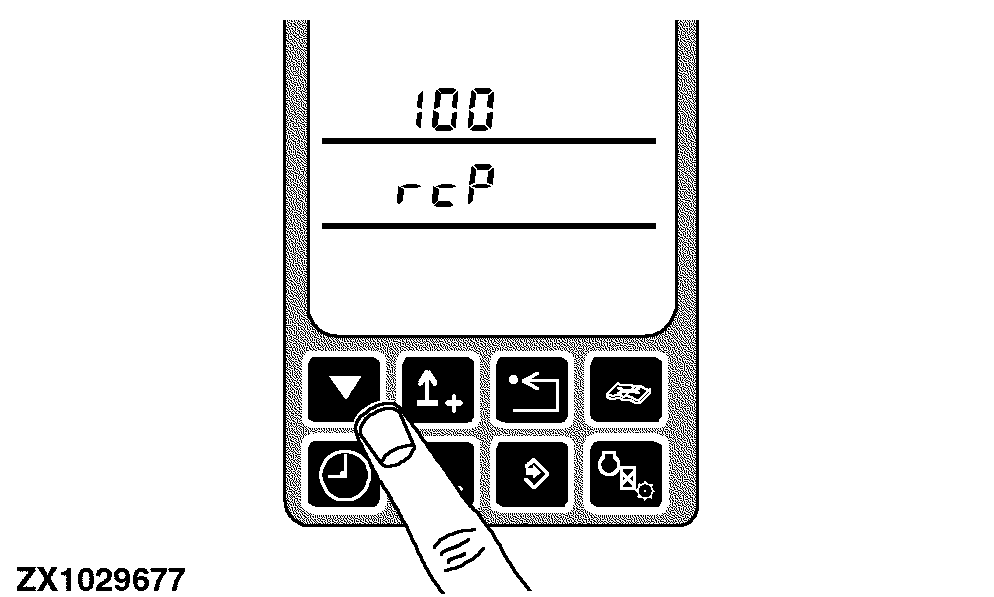
Navigate through the device addresses by use of the up and down switches.
Push and hold will skip through the addresses by tens.
|
|
|
|
OUZXMAY,00003AD -19-03MAR02-5/9
|
|
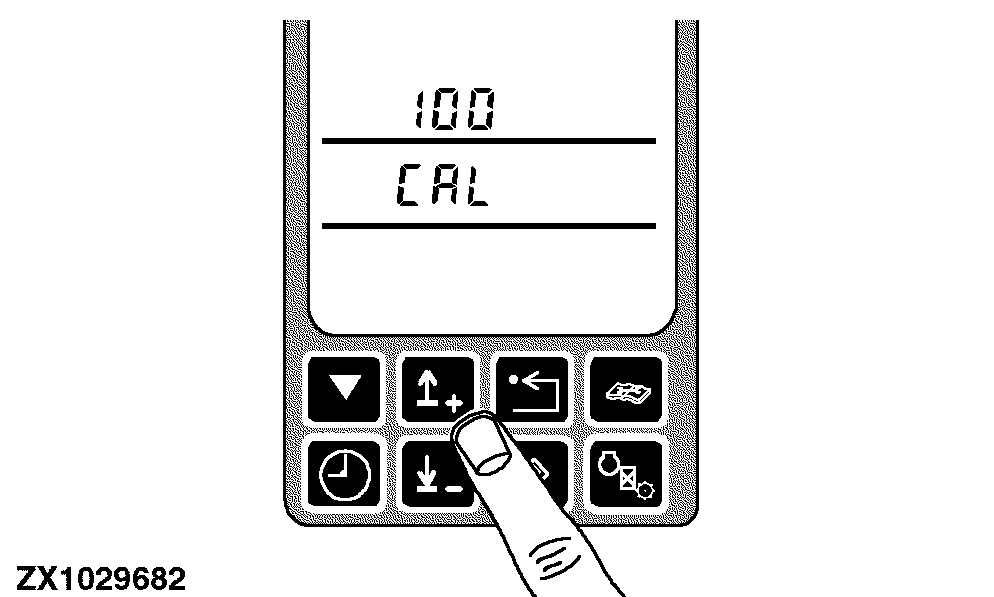
Press the calibration switch to obtain the first on-board diagnostic address.
|
|
|
|
OUZXMAY,00003AD -19-03MAR02-6/9
|
|
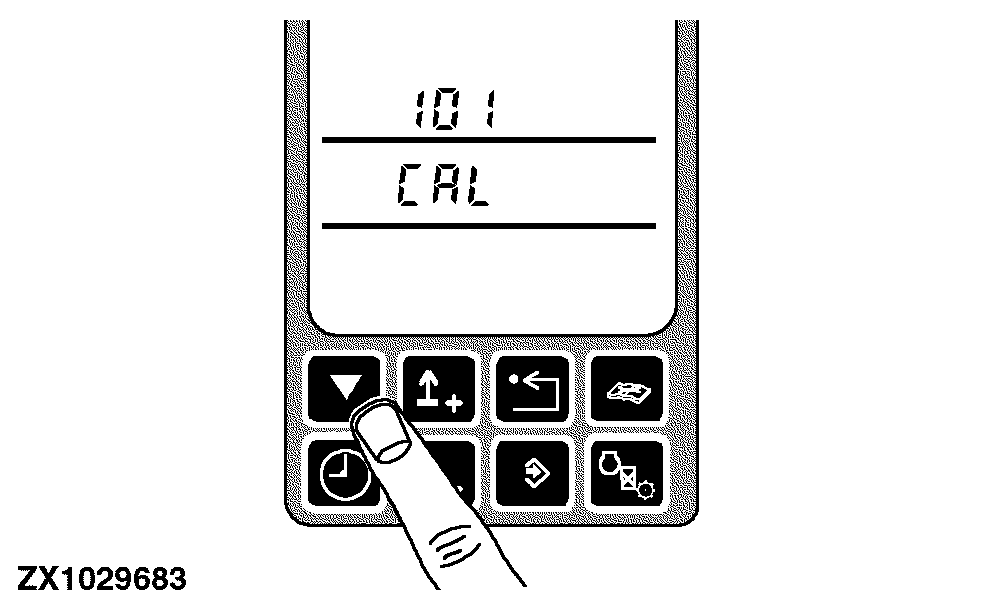
Once a calibration address is accessed, navigate through the diagnostic addresses by use of the up or down arrows.
|
|
|
|
OUZXMAY,00003AD -19-03MAR02-7/9
|
|
Skip to the next calibration address with the calibration switch.
|
|
|
|
OUZXMAY,00003AD -19-03MAR02-8/9
|
|
Use the back switch to back out to the previous mode.
|
|
|
|
OUZXMAY,00003AD -19-03MAR02-9/9
|
|