Data Input Calibration
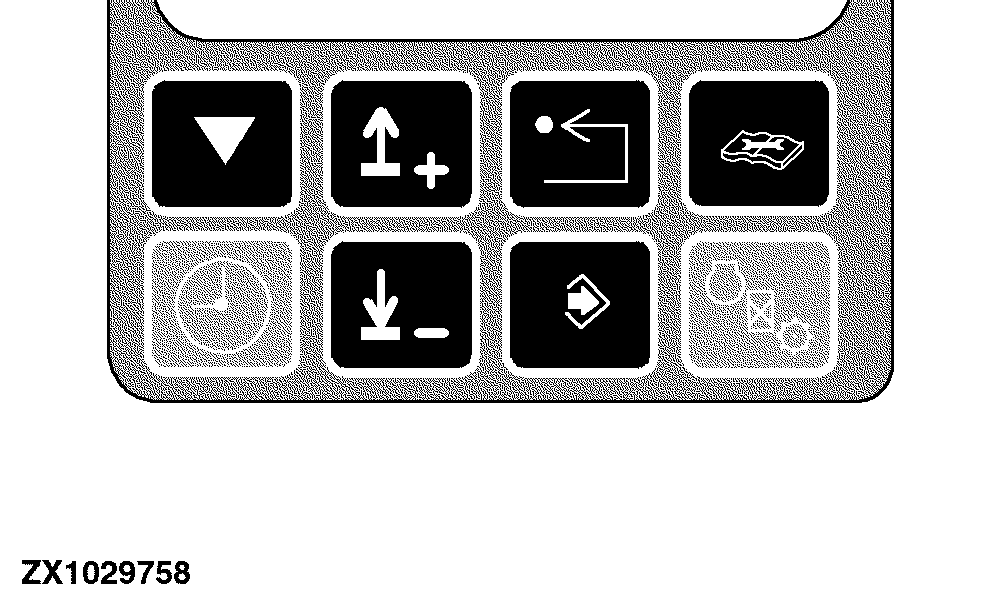
If a data input calibration address is displayed it is possible to change a value with:
|
|
|
|
OUZXMAY,0000431 -19-26JUN02-1/9
|
|
1.
Switches of the digital info-trak monitor
|
|
|
|
OUZXMAY,0000431 -19-26JUN02-2/9
|
|
2.
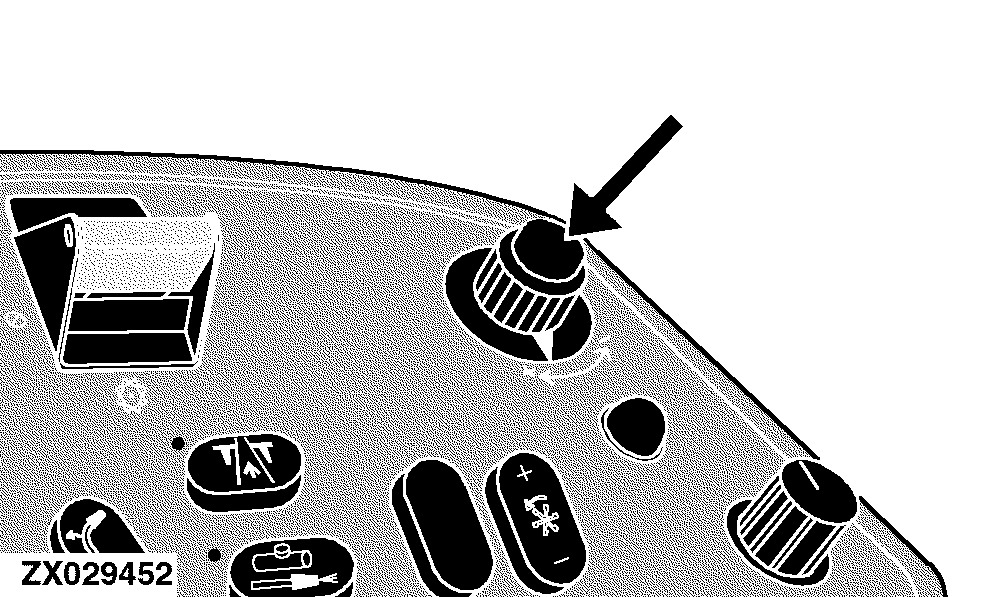
Input control knob (if address was accessed with any of the quick calibration switches)
|
|
|
|
OUZXMAY,0000431 -19-26JUN02-3/9
|
|
Change a value with the input control knob
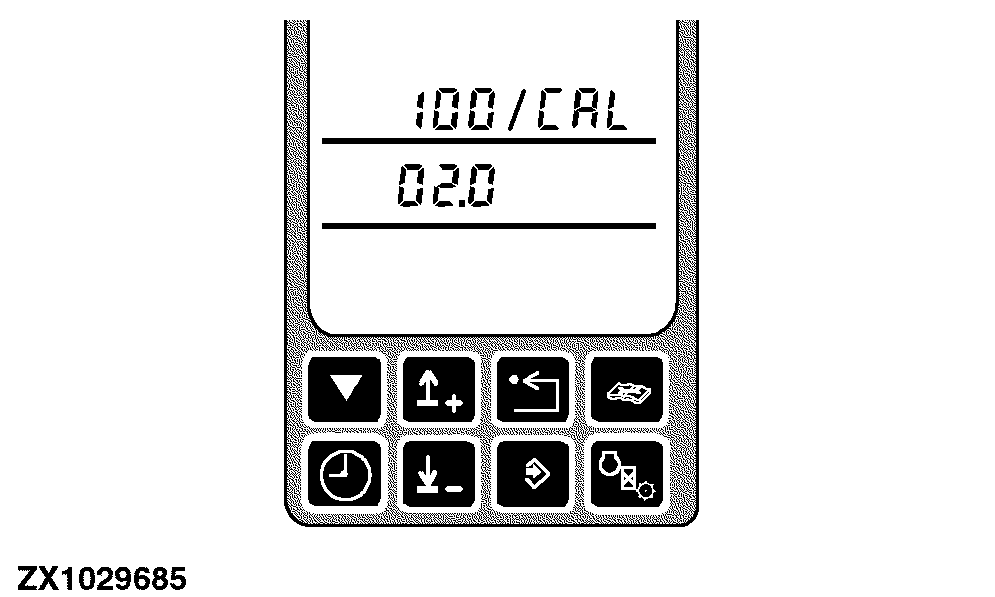
Example: ARC 100
Press the enter switch to activate the calibration address.
|
|
|
|
OUZXMAY,0000431 -19-26JUN02-4/9
|
|
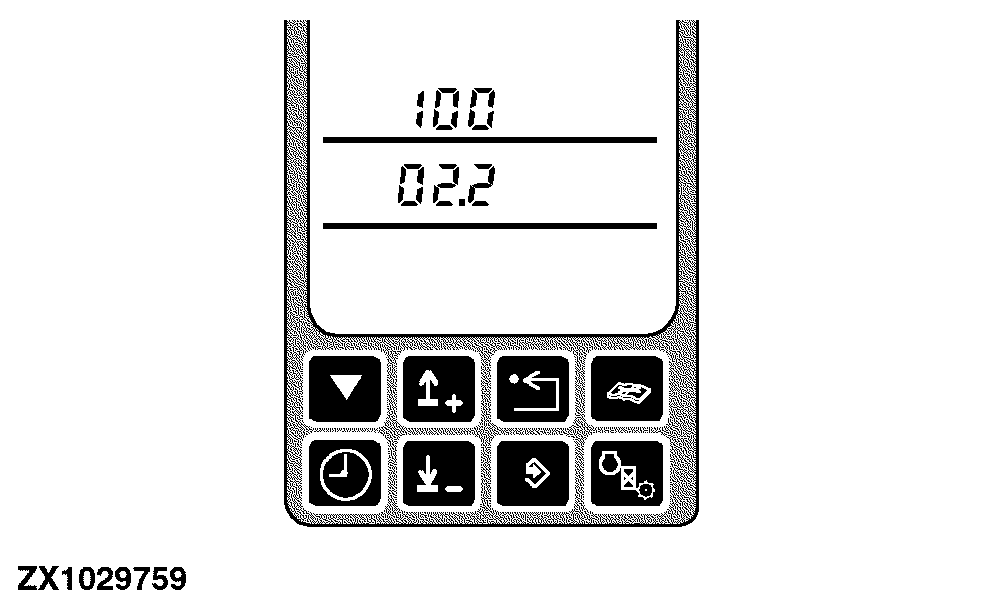
Use the input control knob to change the value.
Press the enter switch to store the changed value.
|
|
|
|
OUZXMAY,0000431 -19-26JUN02-5/9
|
|
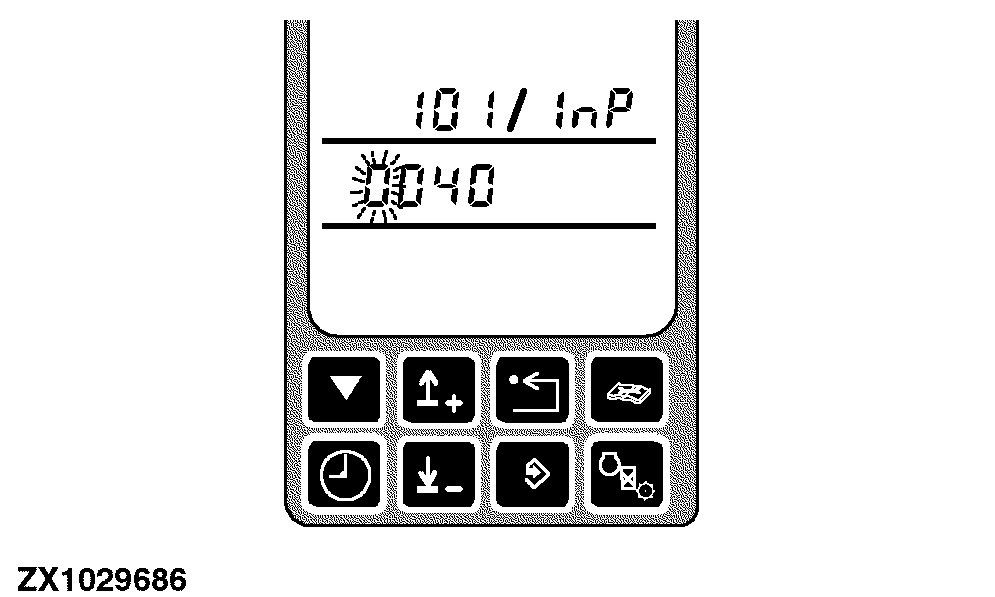
Change a value with the switches of the digital info-trak monitor
Example: ARC 101
After entering the address press the calibration switch to reach the first digit.
|
|
|
|
OUZXMAY,0000431 -19-26JUN02-6/9
|
|
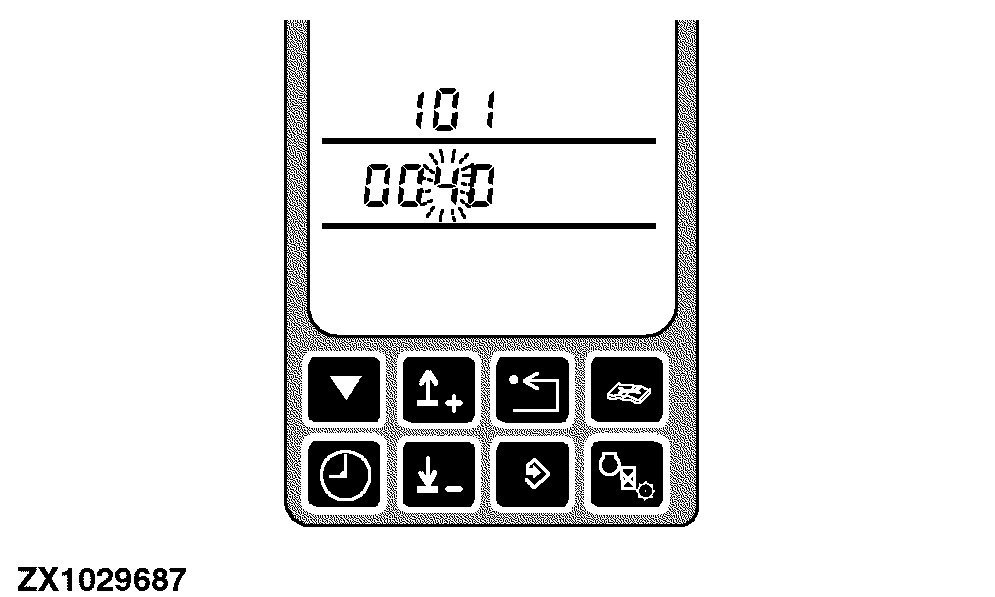
Press the calibration switch again to obtain the next digit.
|
|
|
|
OUZXMAY,0000431 -19-26JUN02-7/9
|
|
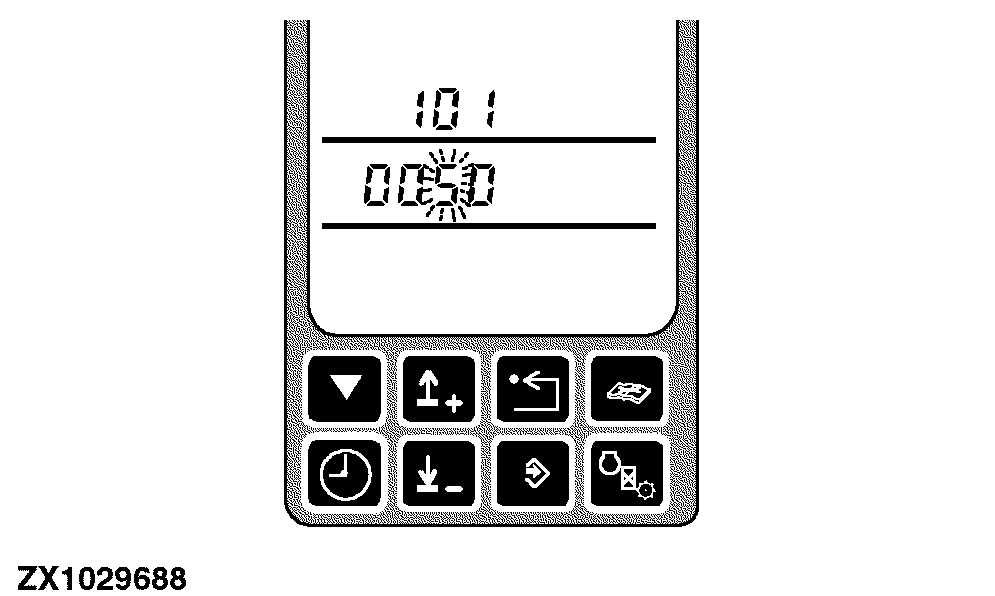
Use the up or down arrow switches to change the value.
|
|
|
|
OUZXMAY,0000431 -19-26JUN02-8/9
|
|
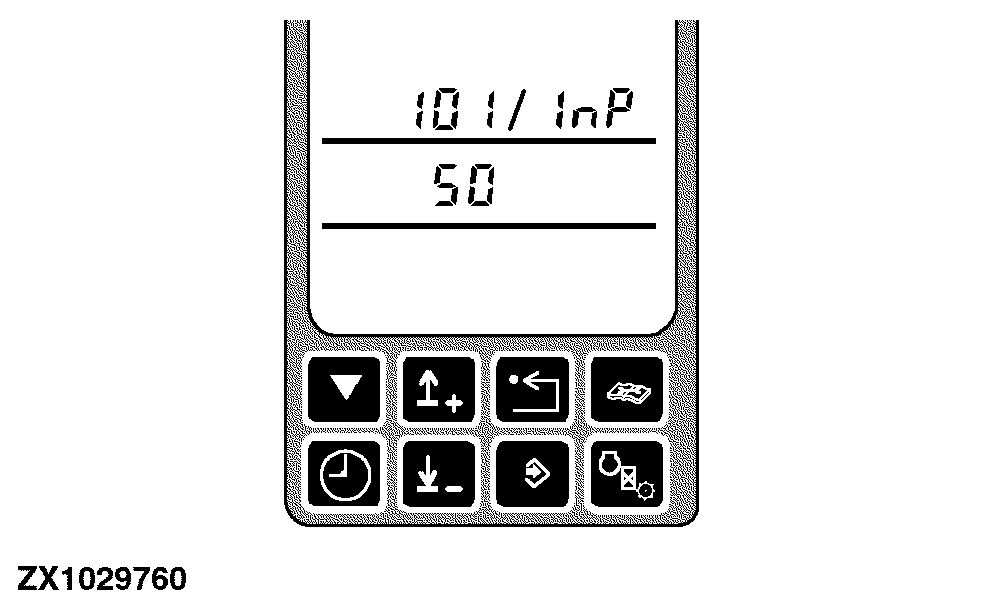
Press the enter switch to store the changed value.
|
|
|
|
OUZXMAY,0000431 -19-26JUN02-9/9
|
|