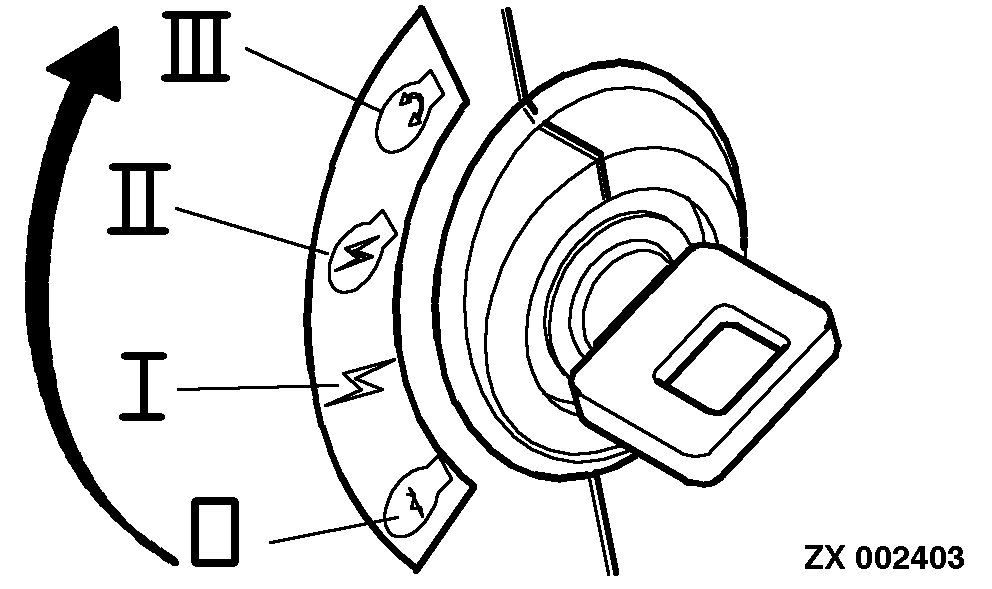
On-Board Diagnostics - Recall Codes / Recall All CodesTurn the key switch to the run position. |
|
OUZXMAY,0000432 -19-26JUN02-1/9 |
|
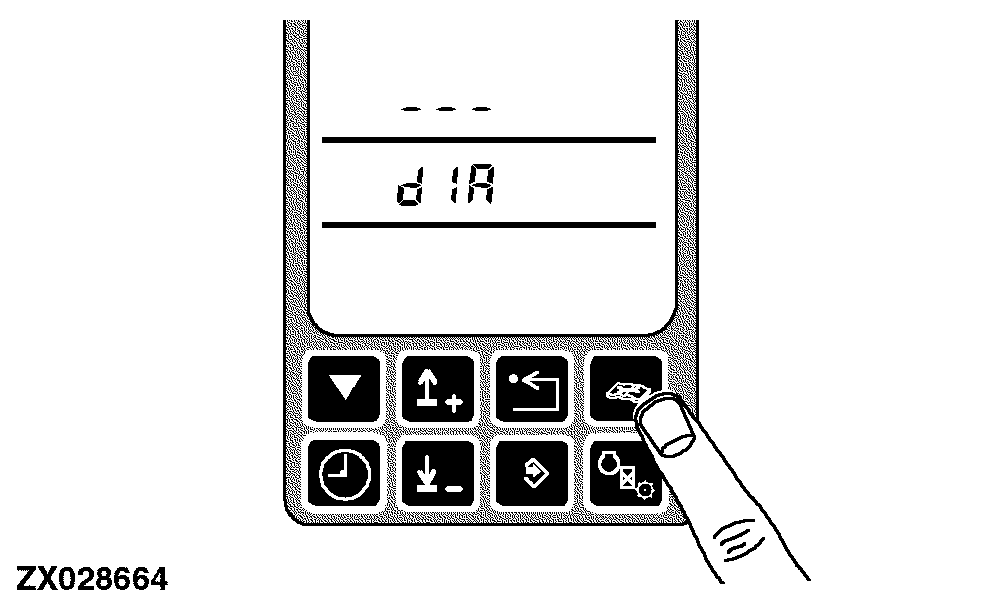
Press the diagnostic switch at any time. dIA will appear on the display. |
|
OUZXMAY,0000432 -19-26JUN02-2/9 |
|
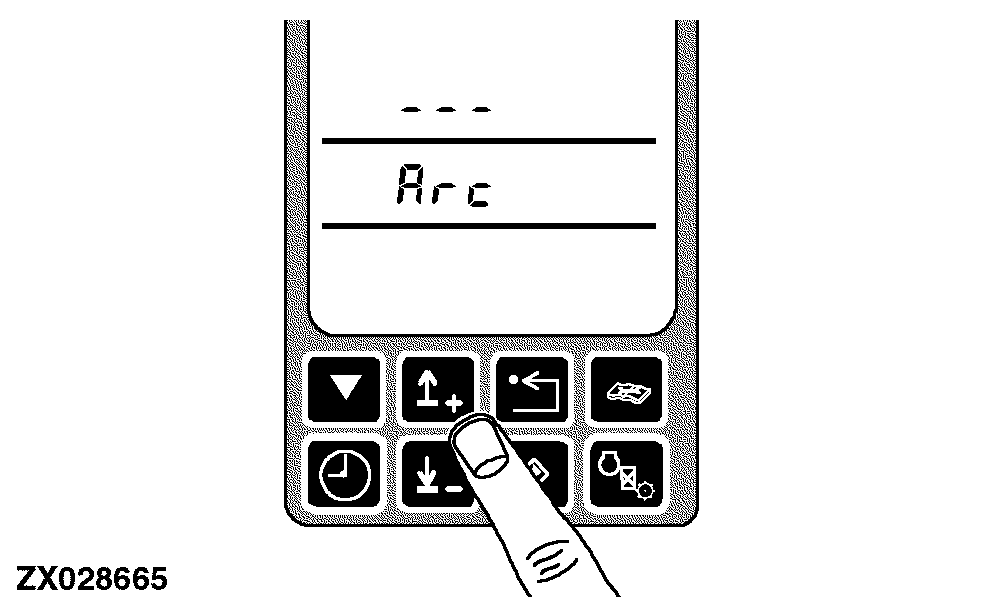
Press the up or down arrow switch to obtain the desired address (control unit identifier). Each control unit will have a unique alphabetic display identifier presented when accessed. There is a special device called ALL which will represent the recall all codes function. |
|
OUZXMAY,0000432 -19-26JUN02-3/9 |
|
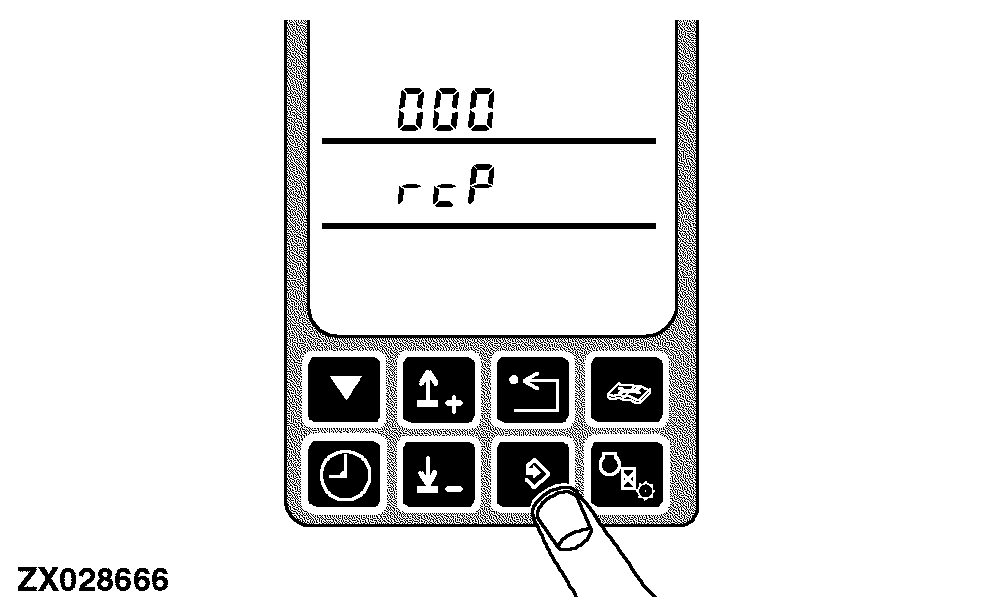
Press the enter switch to select the control unit or special device ALL. The display shows the control unit identifier and the initial diagnostic address 000. |
|
OUZXMAY,0000432 -19-26JUN02-4/9 |
|
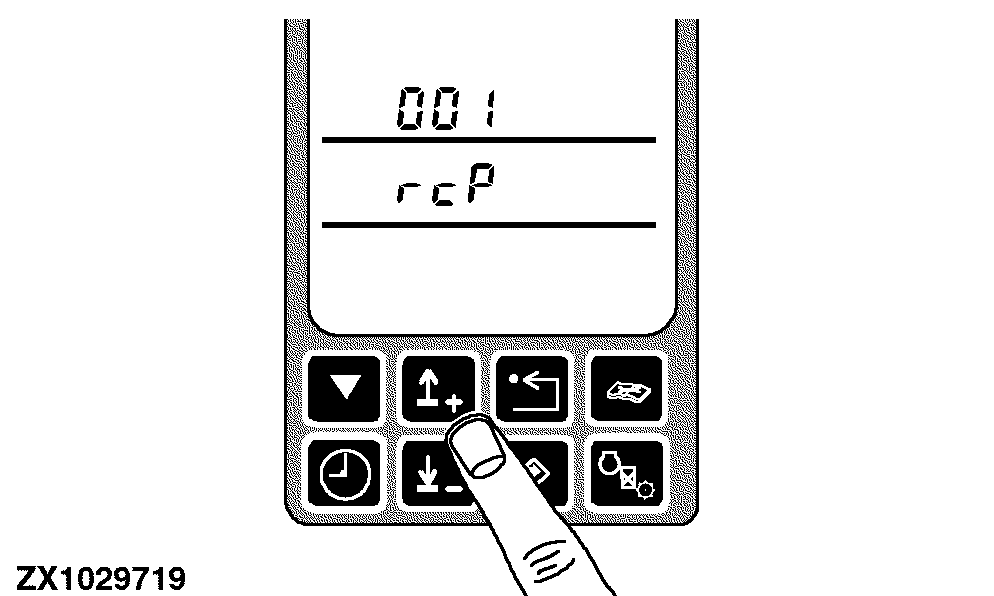
Navigate to the device addresses 001 by use of the up switch. The recall codes function is provided on all control units and on special device ALL as fixed address 001. |
|
OUZXMAY,0000432 -19-26JUN02-5/9 |
|
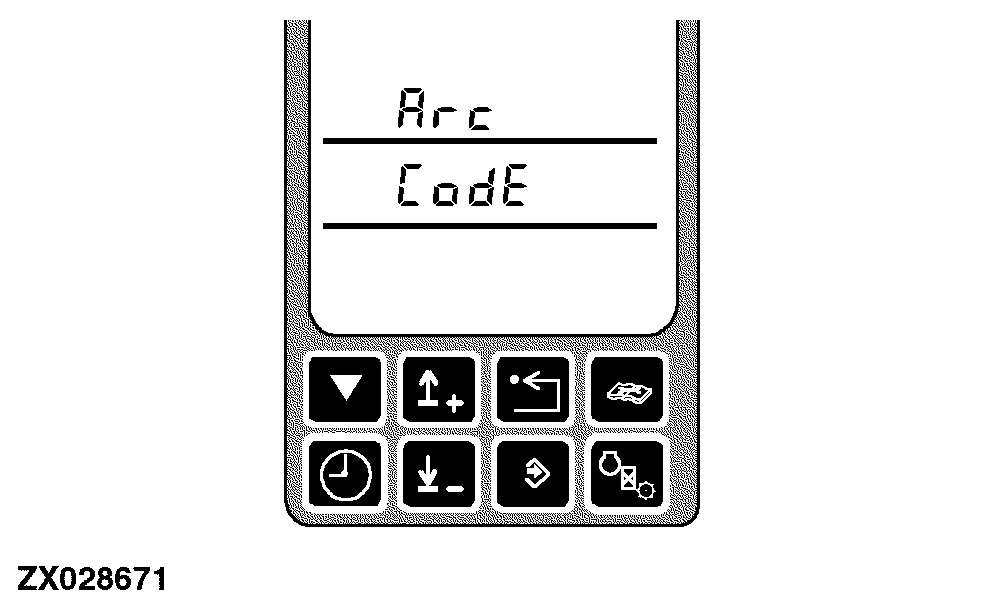
The display will show the control unit and CodE if either active or previously active diagnostic trouble codes are present. |
|
OUZXMAY,0000432 -19-26JUN02-6/9 |
|
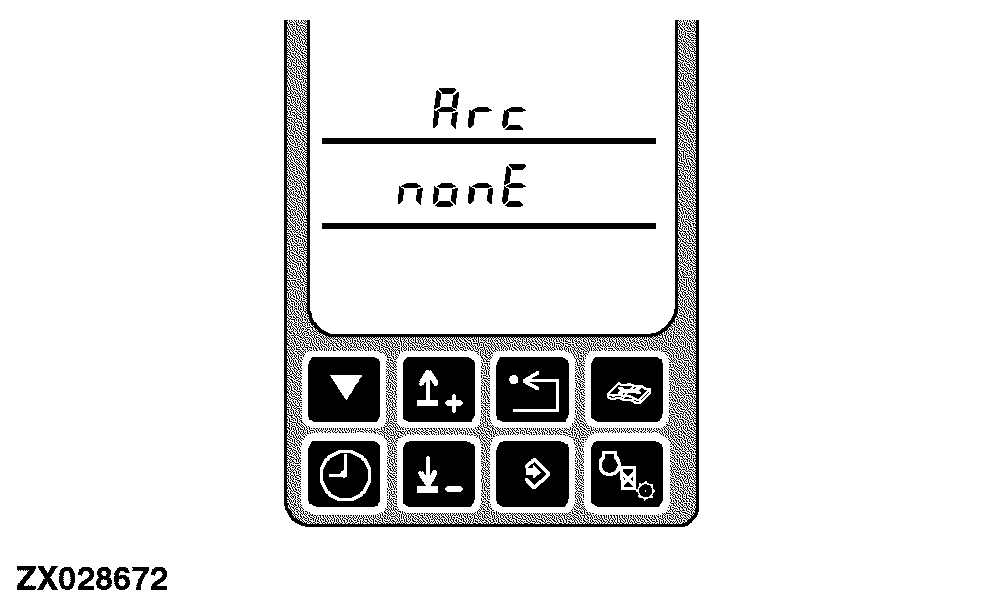
If no codes are present, the display will show nonE along with the control unit. If codes are present, press the enter switch to display the first code. There will be no distinction between previously active and active codes. If no codes are present, this action will be ignored. Press either the up or down switch to navigate through the diagnostic trouble codes. |
|
OUZXMAY,0000432 -19-26JUN02-7/9 |
|
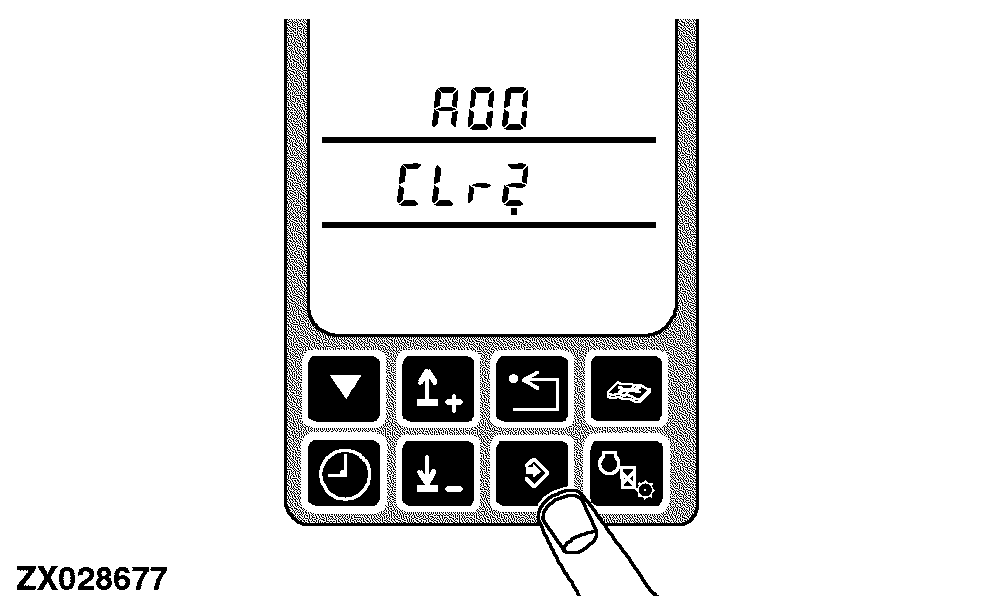
When the last diagnostic trouble code is displayed the display will ask to clear the codes. |
|
OUZXMAY,0000432 -19-26JUN02-8/9 |
|
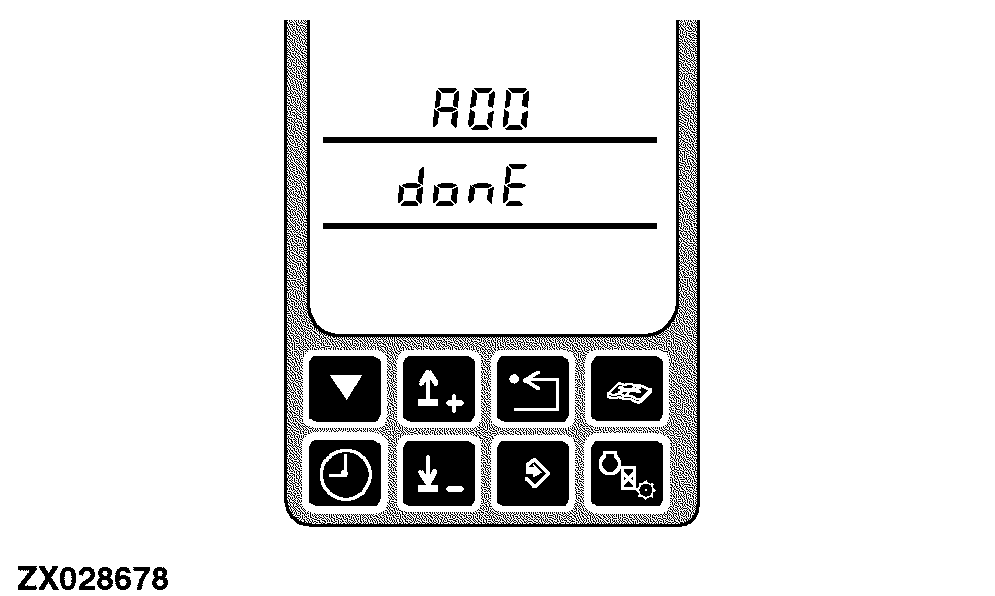
When the display shows a request to clear, respond by pressing the enter switch. This will clear all active and previously active codes and shows that clear has been done. NOTE: Active codes may reappear if the cause of the code has not been corrected. When the enter switch was pressed to go to display codes, press the back switch to allow access to the next diagnostic address. This will return the display to display either CODE or NONE depending upon the current presence of active or previously active diagnostic trouble codes. If all codes were cleared, go to the next address by pressing the up or down arrow without pressing the back switch. |
|
OUZXMAY,0000432 -19-26JUN02-9/9 |