Address SPF 112 Calibration - Sharpening Stone Left Cutterhead Position
Ignition and field mode are switched on.
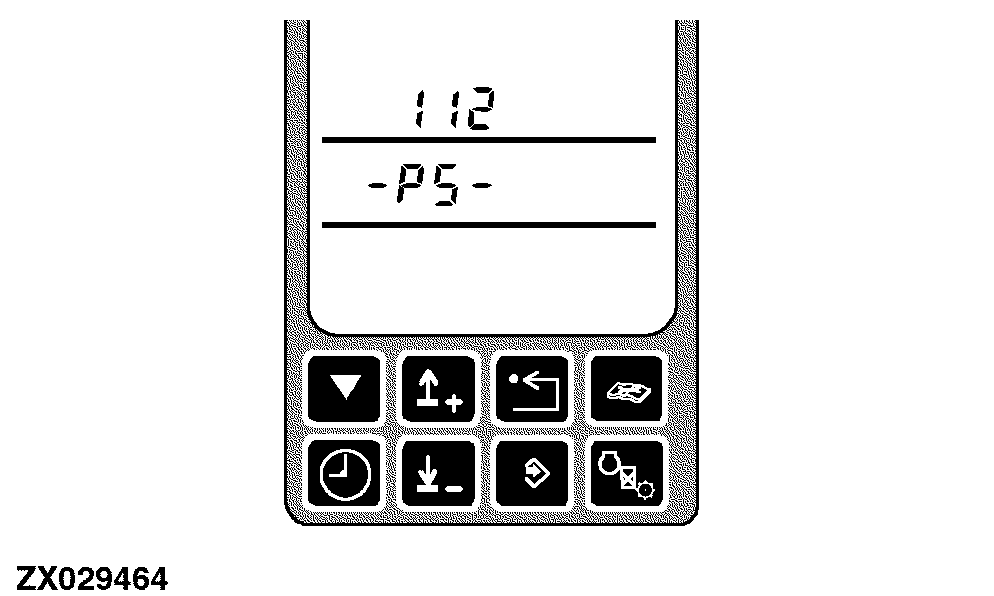
After entering this diagnostic address the display will show the address and PS (Powr-Savr).
|
|
|
|
OUZXMAY,00005F5 -19-26OCT02-1/6
|
|
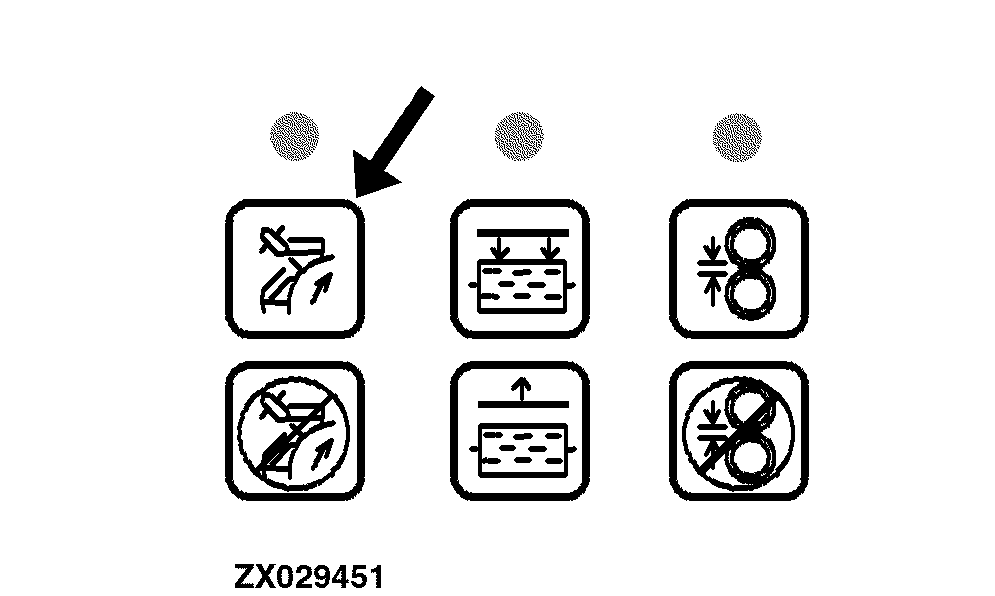
Pushing any Powr-Savr switch for at least 1 second.
The sharpening door will open (indicated by the inner bar graph).
|
|
|
|
OUZXMAY,00005F5 -19-26OCT02-2/6
|
|
NOTE:
From outside the cab a second person should observe the sharpening stone right cutterhead position.
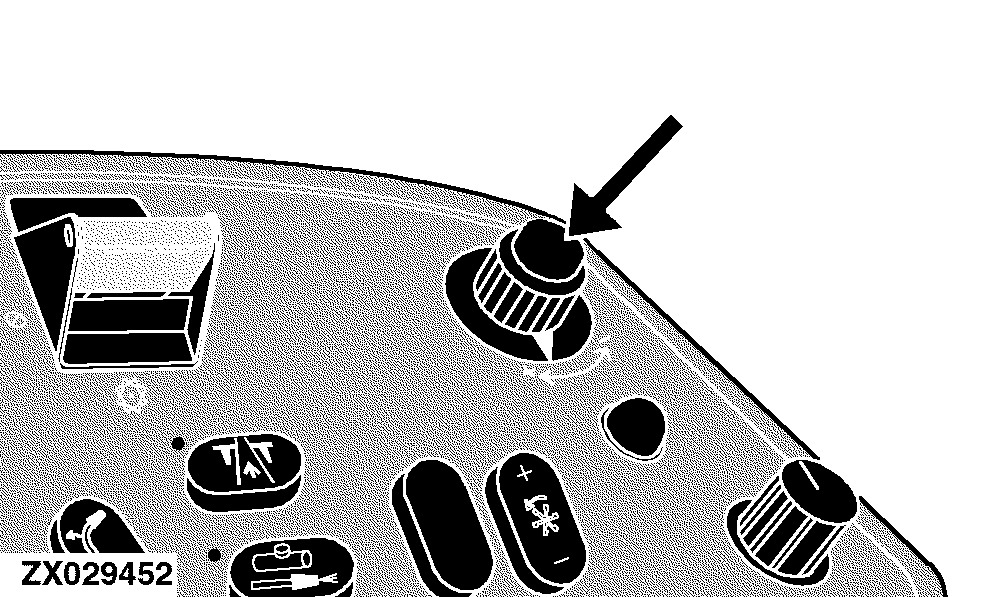
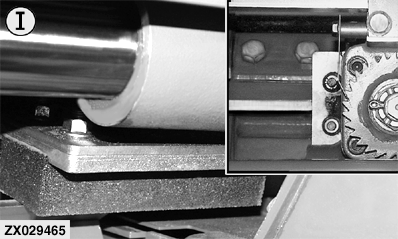
Use the input control knob to move the sharpening stone to the left cutterhead position, as shown (I). The sharpening stone should stand half way above the outside knife (l.h.side).
|
|
|
|
OUZXMAY,00005F5 -19-26OCT02-3/6
|
|
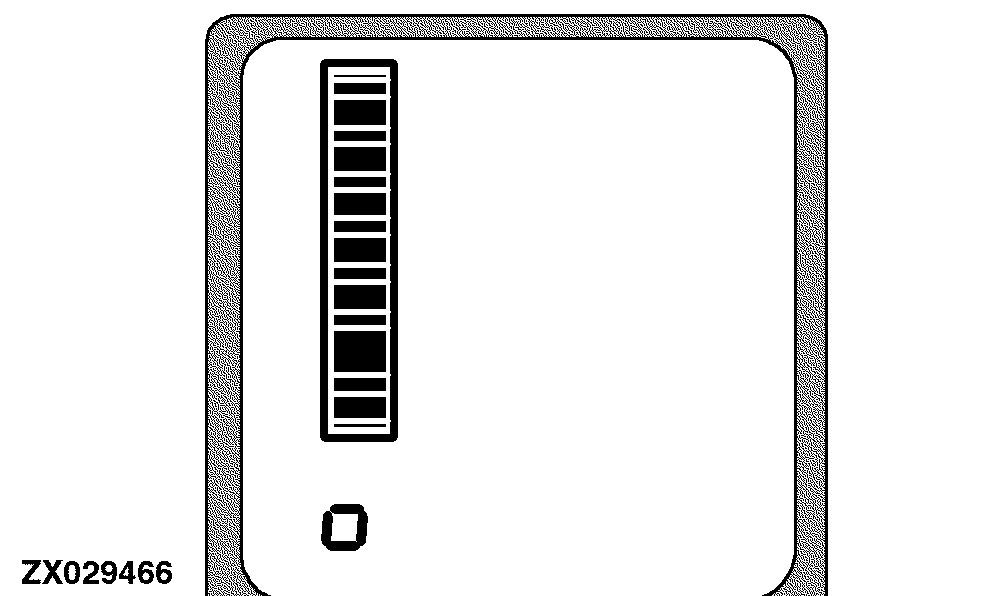
An indicator in the digital display line shows the position of the sharpening stone.
|
|
|
|
OUZXMAY,00005F5 -19-26OCT02-4/6
|
|
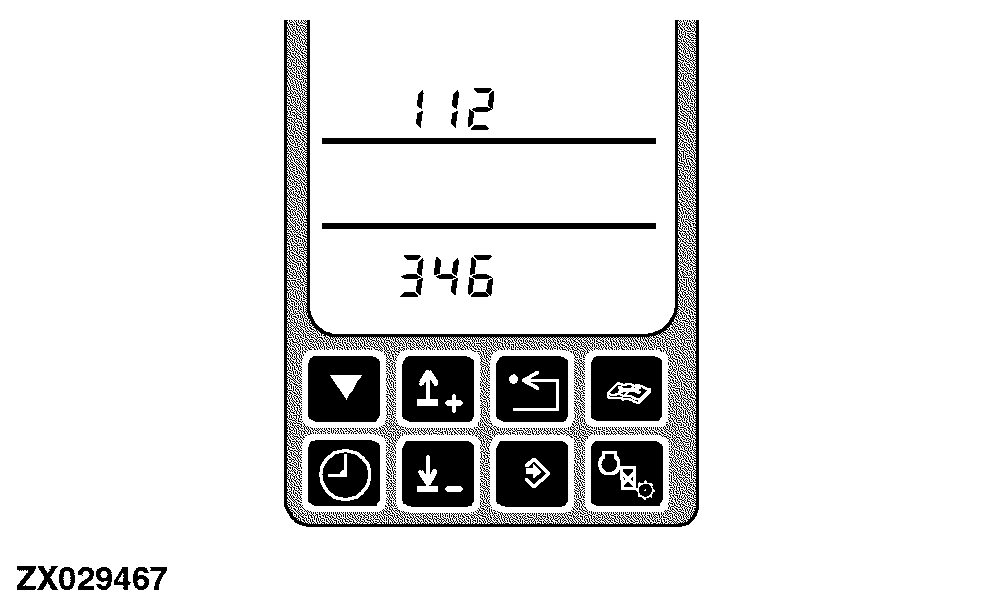
When the left cutterhead position is reached the display will show the corresponding value. Press the enter switch to store this position.
|
|
|
|
OUZXMAY,00005F5 -19-26OCT02-5/6
|
|
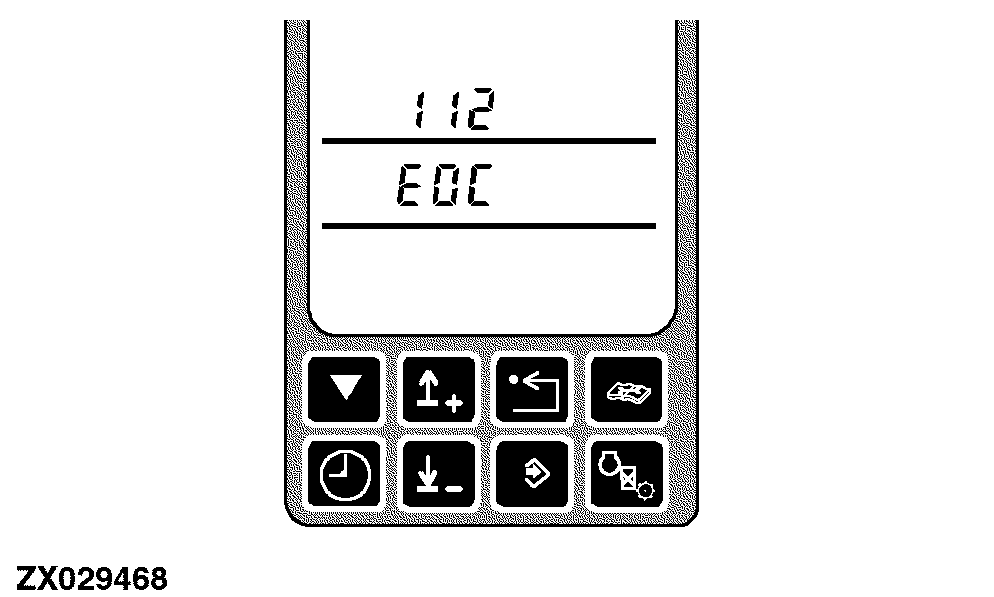
EOC will display the end of calibration mode.
|
|
|
|
OUZXMAY,00005F5 -19-26OCT02-6/6
|
|