Address SPF 113 Calibration - Sharpening Stone Right Cutterhead Position
Ignition and field mode are switched on.
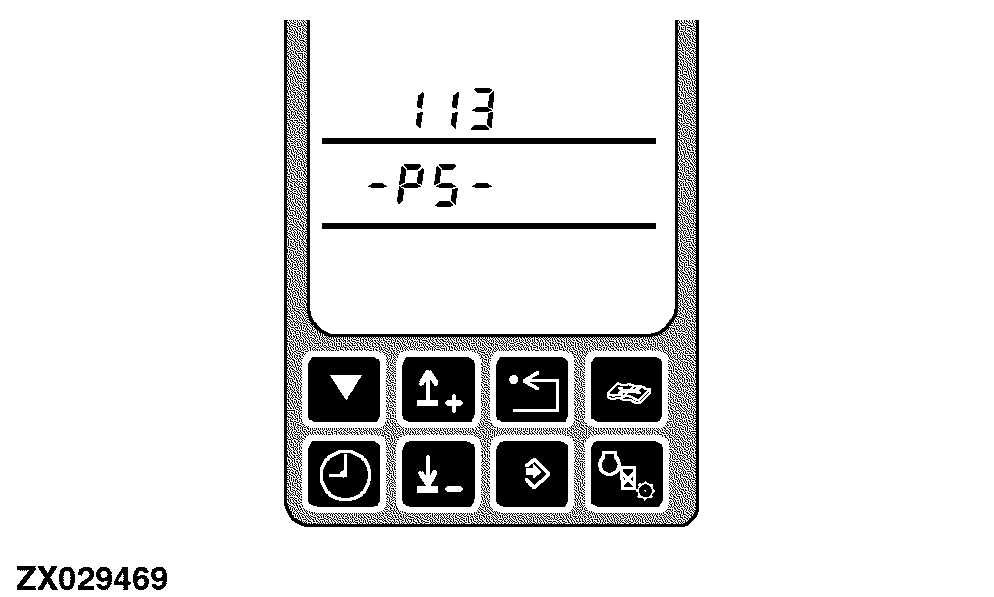
After entering this diagnostic address the display will show the address and PS (Powr-Savr).
|
|
|
|
OUZXMAY,00005F6 -19-26OCT02-1/6
|
|
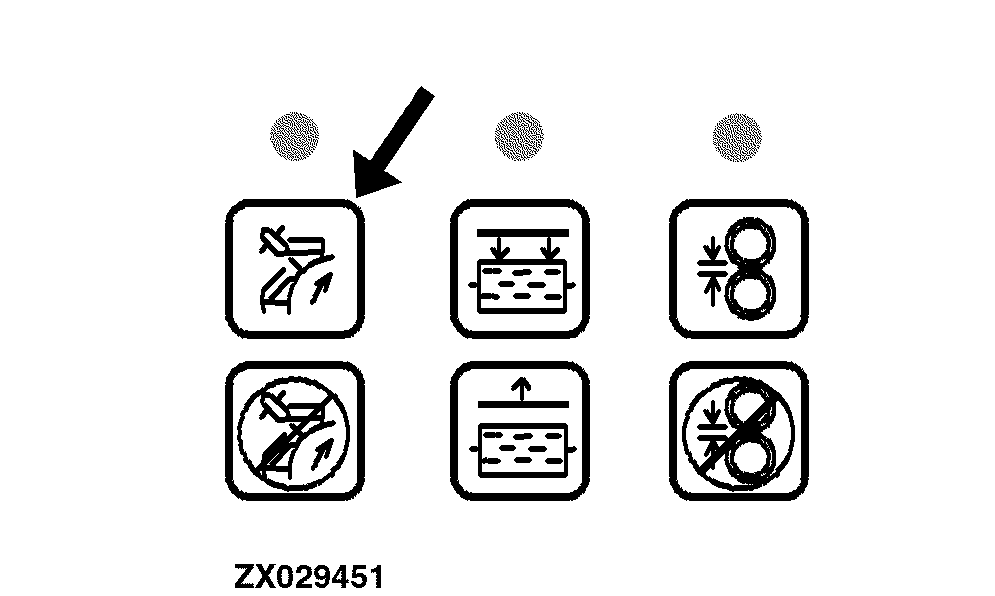
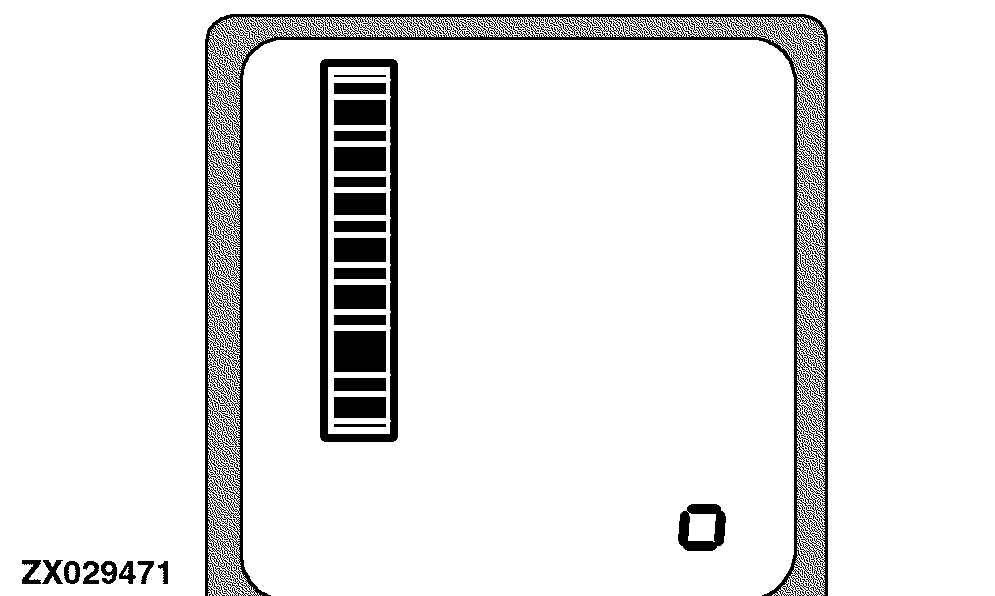
Pushing any Powr-Savr switch for at least 1 second.
The sharpening door will open (indicated by the inner bar graph).
|
|
|
|
OUZXMAY,00005F6 -19-26OCT02-2/6
|
|
NOTE:
From outside the cab a second person should observe the sharpening stone right cutterhead position.
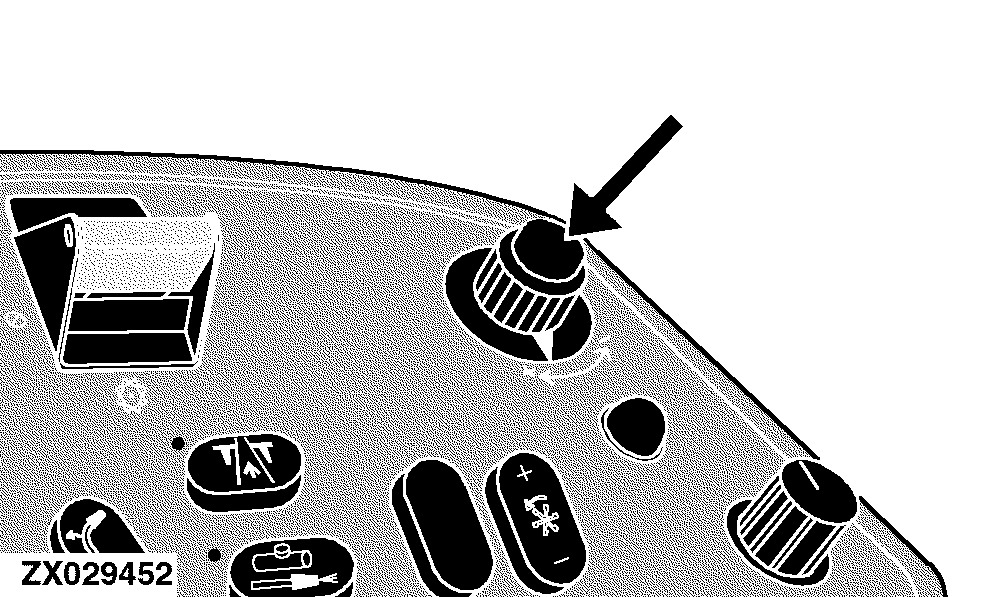
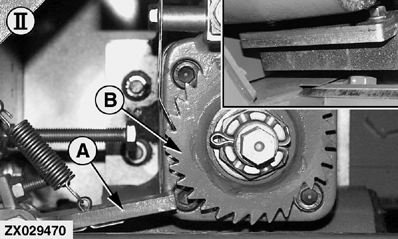
Use the input control knob to move the sharpening stone to the right cutterhead position, as shown (II).
|
|
|
|
OUZXMAY,00005F6 -19-26OCT02-3/6
|
|
NOTE:
Latch (A) should not touch ratchet (B).
An indicator in the digital display line shows the position of the sharpening stone.
|
|
|
|
OUZXMAY,00005F6 -19-26OCT02-4/6
|
|
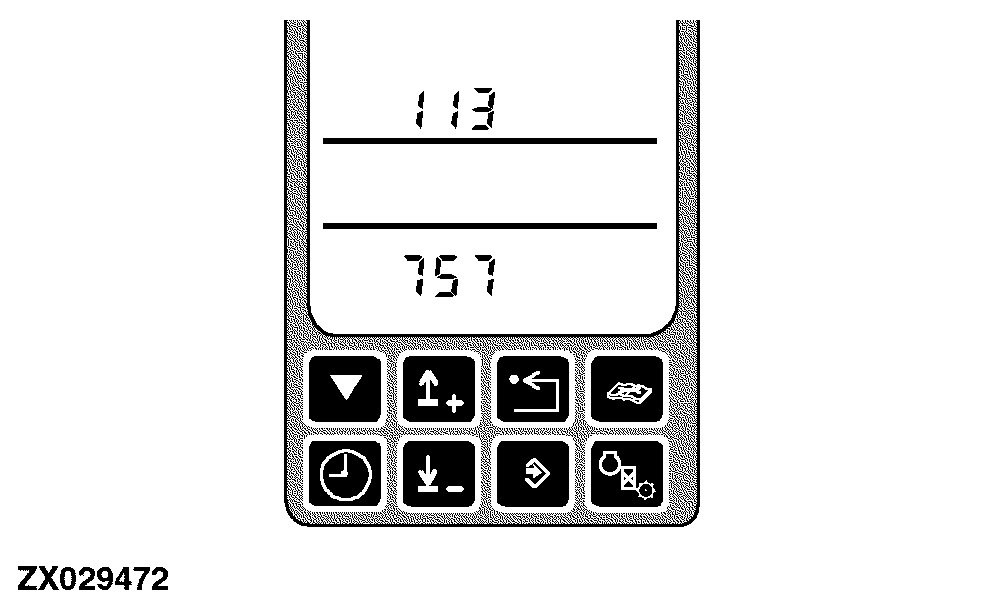
When the right cutterhead position is reached the display will show the corresponding value.
IMPORTANT:
Ensure the latch will not operate the rachet.
Press the enter switch to store this position.
|
|
|
|
OUZXMAY,00005F6 -19-26OCT02-5/6
|
|
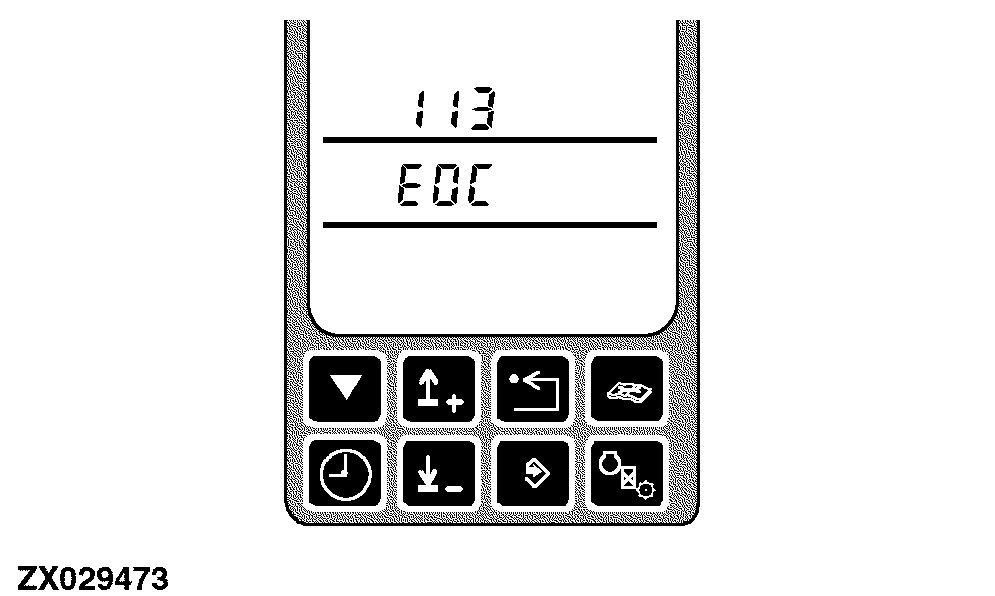
EOC will display the end of calibration mode.
|
|
|
|
OUZXMAY,00005F6 -19-26OCT02-6/6
|
|